Free stop sign SVG files
Free stop sign SVG files: the octagon on a post, the blank face on its own, a silhouette with street blades, a yield sign, a caution diamond, a pedestrian crossing, a railroad crossing sign, blank street signs, a traffic light, a stoplight and a street corner. Every sign is blank, so the words are yours to add.
15 designs. Free for personal and commercial use, no sign-up. What you can do with them.
Or choose one below for its PNG, DXF and cutting sizes.
-
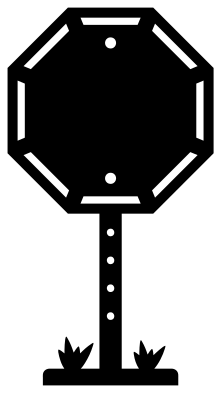 Stop sign on a post Solid · one piece
 -
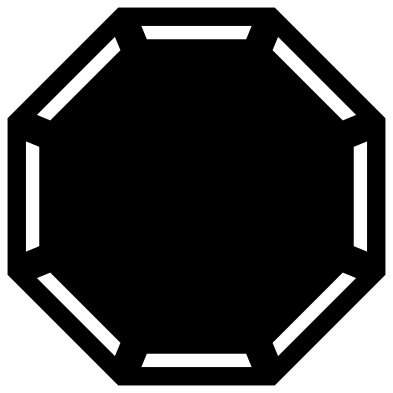 Stop sign octagon, blank Solid · one piece
 -
 Stop sign silhouette with street blades Solid · one piece
 -
 Traffic light signal on a pole Solid · one piece
 -
 Stoplight hanging from a bracket Solid · one piece
 -
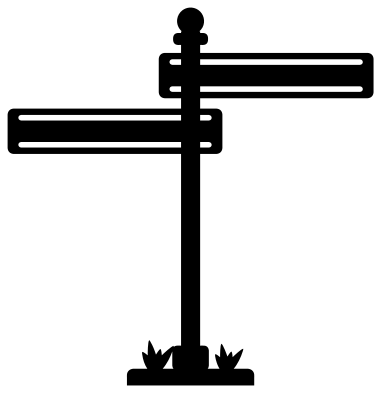 Street sign with two blank blades Solid · one piece
 -
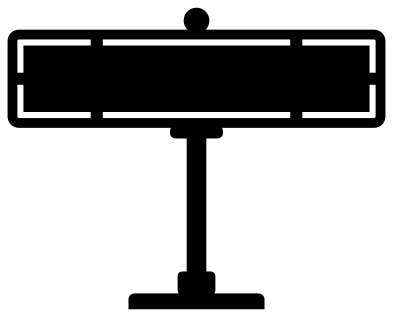 Blank street sign for a name Solid · one piece
 -
 Yield sign on a post Solid · one piece
 -
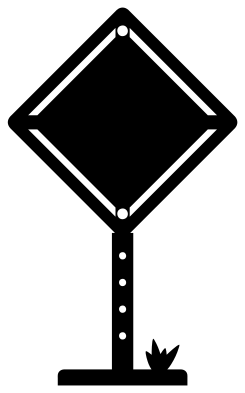 Caution sign, blank diamond Solid · one piece
 -
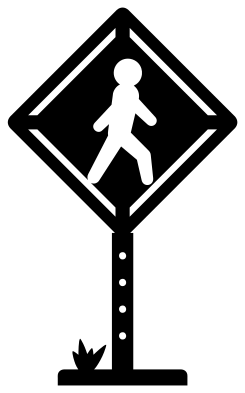 Pedestrian crossing sign Solid · one piece
 -
 Railroad crossing sign with two lamps Solid · one piece
 -
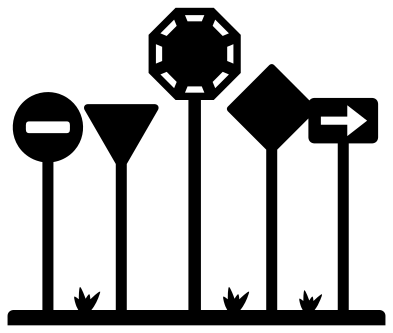 Road signs in a row Solid · one piece
 -
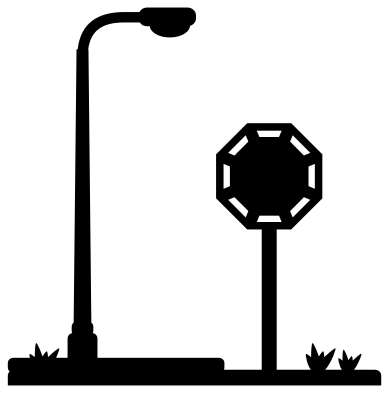 Stop sign and street lamp on a kerb Solid · one piece
 -
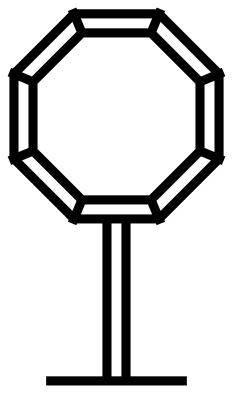 Stop sign outline Outline · one piece
 -
 Layered traffic light signal in five colours Layered · 5 pieces
Blank on purpose
None of these signs carries a word. The octagon is recognised by its shape alone, and a blank face is the more useful file: type the word in your own cutting software, in whatever language and lettering you need, or put a name on it for a bedroom door. On the blank octagon the clear middle is about 83 mm across at 100 mm, and on the blank street sign it is about 91 by 17 mm.
The white border that runs round a real sign is a cut band here, a little under 2 mm wide on the larger signs. A band that ran all the way round would let the middle drop out, so a bridge about 4 mm wide is left at every corner. Cut the sign from red, lay it on white and the border shows through.
Lights and posts
The lamps of the traffic light and the stoplight are open holes, three in a column, so one cut in black over red, amber and green card gives a working-looking light. The posts are drawn 5 to 6 mm wide at 100 mm tall, with a row of bolt holes about 2 mm across: at small sizes weed the holes with a pin or leave them in. Every post stands on a flat strip of ground, which makes these easy to stand up in a town scene or glue along the bottom edge of a card.
How to open the files
- Cricut Design Space: choose Upload, pick the SVG, and add it to the canvas. Set the width you want; the shape is already welded.
- Silhouette Studio: Designer Edition and above open the SVG. The free Basic Edition does not, so open the DXF instead.
- LightBurn, xTool Creative Space and Glowforge: import the SVG, then set the layer to cut, score or engrave.
- Inkscape, Illustrator and Affinity: open the SVG. It is a plain filled path, so you can recolour it, add a stroke or combine it with your own work.
- Printing or sublimation: use the PNG, which has a transparent background.
Each design page lists the file’s narrowest part at seven sizes, so you can tell whether it will survive at the size you plan to cut.
Questions
Why is there no word on the stop sign?
So that you can add exactly what you want. Type the word in your cutting software, centre it on the blank octagon and cut it out of the face, or cut it in white and lay it on top. A blank face also works for a name, a joke or another language.
How do I make the traffic light show three colours?
Cut the traffic light from black. Cut three small squares of red, amber and green card or vinyl and stick them behind the three holes, red at the top. The layered traffic light has the three lamps as separate discs if you would sooner stack them on the front.
Which design works as a street name sign for a bedroom?
The blank street sign for a name. Cut it at 300 mm wide from green or blue card and the clear part of the blade is about 275 by 52 mm, which takes a first name in capitals. The street sign with two blades takes two shorter names.
 Cross SVG
  Paw print SVG
  Shamrock SVG
  Anchor SVG
  Compass SVG
  Gear SVG