Free polka dot SVG patterns
Free polka dot patterns as vector files: staggered and straight grids at four scales, random scatters and confetti, a seamless tile, and dots in a heart, a circle, a star and a frame. Every dot is a true circle and every grid is spaced to the hundredth of a millimetre.
17 designs. Free for personal and commercial use, no sign-up. What you can do with them.
-
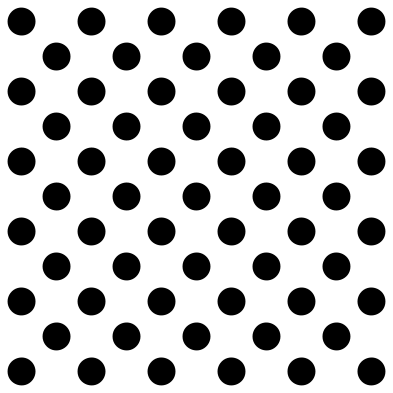 Polka dot pattern Solid · 61 pieces
 -
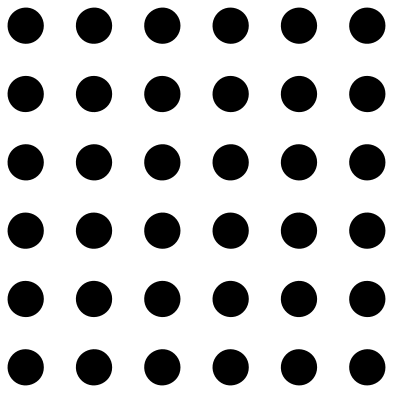 Polka dots in straight rows Solid · 36 pieces
 -
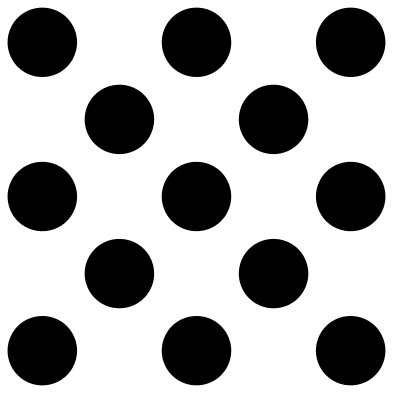 Large polka dots Solid · 13 pieces
 -
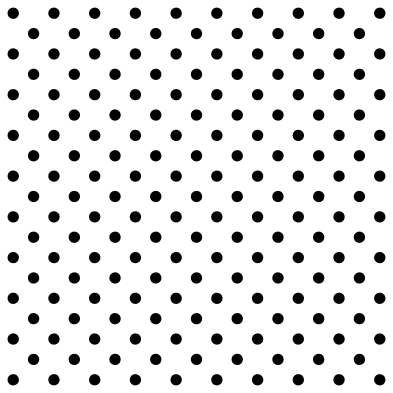 Small polka dot pattern Solid · 181 pieces
 -
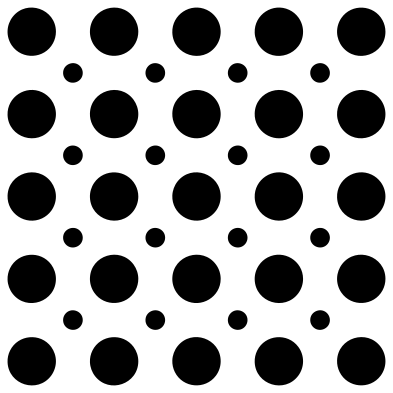 Polka dots in two sizes Solid · 41 pieces
 -
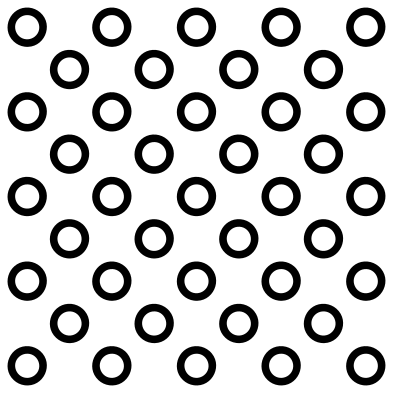 Polka dot rings Outline · 41 pieces
 -
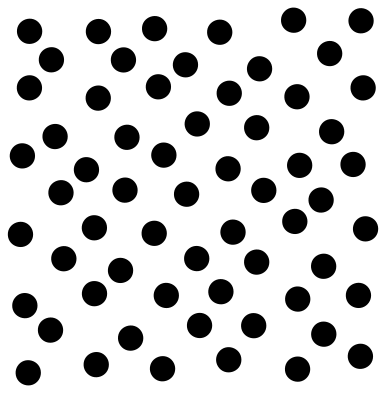 Scattered polka dots Solid · 61 pieces
 -
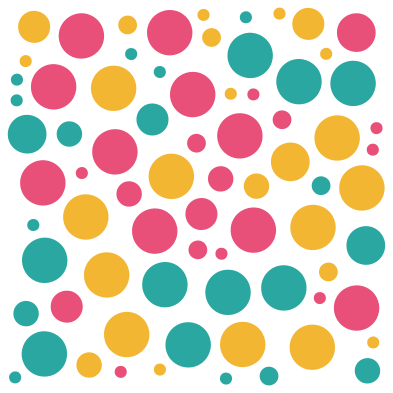 Confetti polka dots Layered · 75 pieces
 -
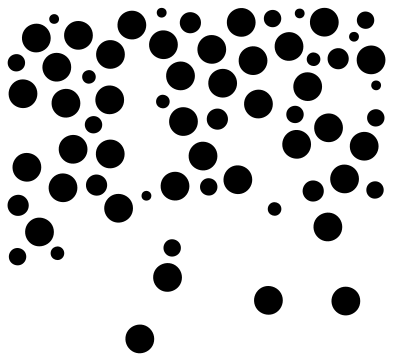 Falling confetti dots Solid · 65 pieces
 -
 Polka dot heart Solid · one piece
 -
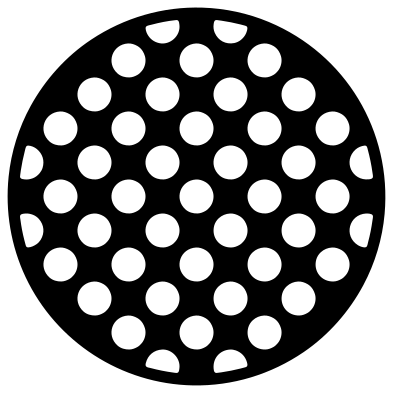 Circle with polka dots Solid · one piece
 -
 Polka dot star Solid · 38 pieces
 -
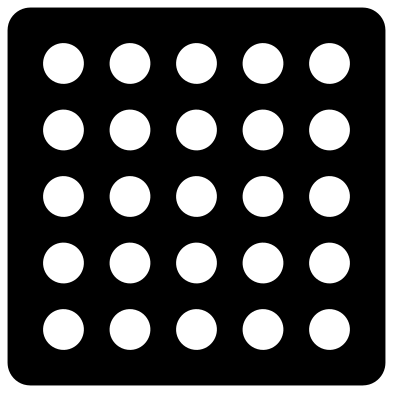 Polka dot stencil panel Solid · one piece
 -
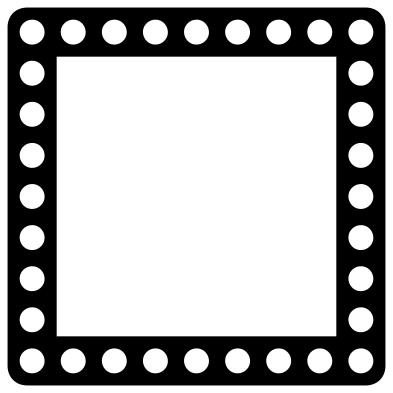 Polka dot frame Solid · one piece
 -
 Polka dot border Solid · 19 pieces
 -
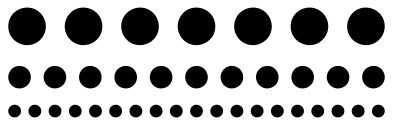 Lines of dots Solid · 37 pieces
 -
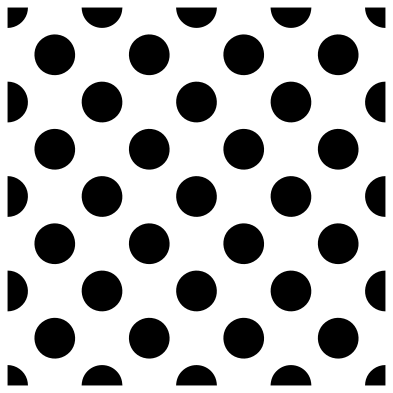 Seamless polka dot tile Solid · 41 pieces
Dots on, or dots out
There are two ways to make a polka dot surface, and this set has files for both. The loose patterns are the dots themselves: cut them in vinyl, weed away the sheet around them, and carry the whole grid over on transfer tape so the spacing stays true. Small dots lift off the backing easily, so burnish the tape well and peel it back flat.
The heart, the circle, the panel and the frame are the other way round: one solid piece with round holes. Use those for card, felt, wood and acrylic, or as stencils. Punching holes also wastes no time on weeding, because the dots simply fall out.
Picking a scale and filling a shape
Dot size changes the mood more than anything else. The small 3 mm pin dots read as a texture, the 9 mm classic as a pattern, and the large 19 mm dots as a bold graphic. Each design page lists its smallest dot at seven sizes, so you can check it before scaling down: under about 2 mm a dot is hard to weed and hard to keep stuck.
To fill a word or a shape, lay a loose pattern over it and use Slice in Cricut Design Space or Intersect in Silhouette Studio or Inkscape. The edge of the shape will cut through some dots. If you would sooner keep every dot whole, delete the dots that cross the edge before you slice.
How to open the files
- Cricut Design Space: choose Upload, pick the SVG, and add it to the canvas. Set the width you want; the shape is already welded.
- Silhouette Studio: Designer Edition and above open the SVG. The free Basic Edition does not, so open the DXF instead.
- LightBurn, xTool Creative Space and Glowforge: import the SVG, then set the layer to cut, score or engrave.
- Inkscape, Illustrator and Affinity: open the SVG. It is a plain filled path, so you can recolour it, add a stroke or combine it with your own work.
- Printing or sublimation: use the PNG, which has a transparent background.
Each design page lists the file’s narrowest part at seven sizes, so you can tell whether it will survive at the size you plan to cut.
Questions
What is the difference between a polka dot pattern and a dot grid?
In a polka dot pattern every other row is shifted by half a step, so each dot sits in the middle of the four around it and the dots line up along diagonals. In a dot grid the rows and columns are straight. Both are here: the classic pattern is staggered and the straight rows are a grid.
How do I keep small dots in place when I transfer them?
Use a transfer tape with a firm tack, burnish over every dot from the front and again from the back, and peel the backing away from the tape rather than the tape from the backing. If a dot stays behind, lay the tape back down and rub that spot again.
How does the seamless tile line up?
The tile is exactly 100 mm square at its original size and its edge dots are cut exactly in half. Place copies edge to edge with no gap and weld them: the halves and quarters join into whole dots and the grid runs on in every direction.
 Halftone patterns
  Spiral vectors
  Leopard print
  Cow print
  Zebra print
  Mermaid scales