Free photographer SVG files
Free photographer SVG files with no lettering to work around: a photographer with the camera up, a silhouette in the studio, a head and shoulders behind the camera, a camera on a tripod, a softbox, a film strip, prints pegged on a line, an instant print frame, an aperture, a viewfinder frame and a lens ring for initials.
13 designs. Free for personal and commercial use, no sign-up. What you can do with them.
Or choose one below for its PNG, DXF and cutting sizes.
-
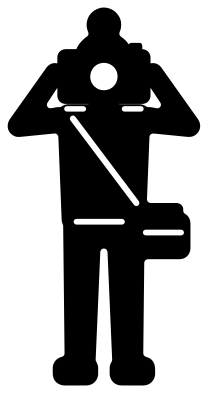 Photographer with the camera up Solid · one piece
 -
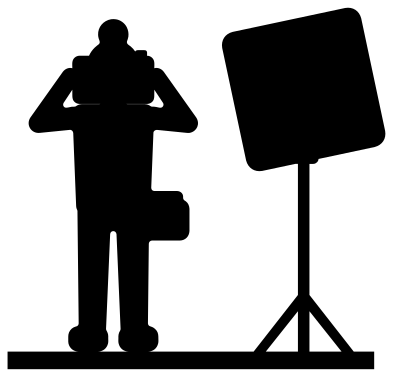 Photographer silhouette in the studio Solid · one piece
 -
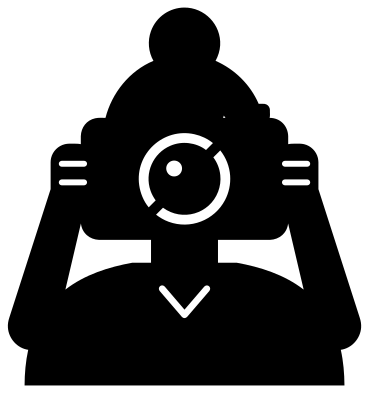 Photographer behind the camera Solid · one piece
 -
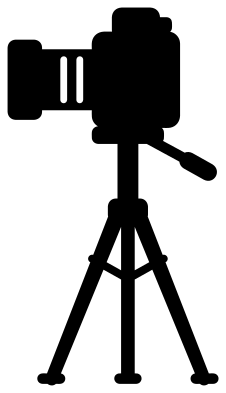 Photographer camera on a tripod Solid · one piece
 -
 Photographer softbox studio light Solid · one piece
 -
 Photographer film strip with three frames Solid · one piece
 -
 Photographer prints pegged on a line Solid · one piece
 -
 Photographer instant print frame Solid · one piece
 -
 Photographer aperture Solid · one piece
 -
 Photographer viewfinder name frame Solid · one piece
 -
 Photographer lens ring monogram frame Solid · one piece
 -
 Photographer outline Outline · one piece
 -
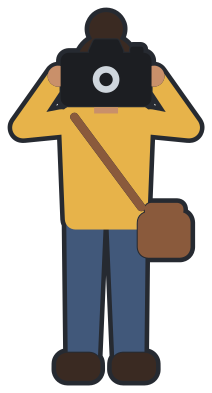 Layered photographer in eight colours Layered · 13 pieces
Sizes, thin parts and materials
The photographer with the camera up is built from heavy parts and cuts well in vinyl and iron-on from about 80 mm tall: the strap across the chest is a cut line a little under 2 mm wide at 100 mm. The head and shoulders behind the camera is bolder still and reads from across a room on a tote bag or a studio door.
The camera on a tripod and the softbox stand on legs about 3 mm wide at 100 mm tall, so they want 120 mm or more in vinyl and are happier in card, plywood or acrylic. The film strip has twenty-six sprocket holes about 4 mm wide at 100 mm: weed them with the point of the hook, one edge at a time.
Frames for a studio name
Three of the designs are frames. The viewfinder frame is a wide rectangle for a name or the name of a studio, the lens ring takes one to three initials, and the instant print has a square window for a photo and a margin for a date. None of them carries wording, and the camera in them is a plain one that copies no maker.
How to open the files
- Cricut Design Space: choose Upload, pick the SVG, and add it to the canvas. Set the width you want; the shape is already welded.
- Silhouette Studio: Designer Edition and above open the SVG. The free Basic Edition does not, so open the DXF instead.
- LightBurn, xTool Creative Space and Glowforge: import the SVG, then set the layer to cut, score or engrave.
- Inkscape, Illustrator and Affinity: open the SVG. It is a plain filled path, so you can recolour it, add a stroke or combine it with your own work.
- Printing or sublimation: use the PNG, which has a transparent background.
Each design page lists the file’s narrowest part at seven sizes, so you can tell whether it will survive at the size you plan to cut.
Questions
Can I put a real photo behind the instant print frame?
Yes. Cut the frame from card and fix a photo behind the square window. When the design is 100 mm tall the window is about 62 mm square, so at 150 mm tall it takes a photo trimmed to a little over 90 mm square.
Is the camera a copy of a real model?
No. It is a plain camera with a body, a finder hump, a shutter button and a lens, drawn without the outline, badge or markings of any maker, so it can go on work you sell.
How do I keep the middle of the lens from falling out?
On the head and shoulders behind the camera, the ring round the lens is cut in two arcs with a small bridge between them at two points, which holds the middle in place. The aperture is one piece for the same reason: the blades are joined to the rim.
 Camera SVG
  Guitar SVG
  Music note SVG
  Stethoscope SVG
  Tooth SVG
  Light bulb SVG