Free peach SVG files
Free peach SVG files: whole peaches with a crease and a long leaf, a peach cut in half with its stone, a wedge, peaches on a branch, a cluster of three and frames for a name. The fruit is the same on both sides. Download as SVG, PNG or DXF.
15 designs. Free for personal and commercial use, no sign-up. What you can do with them.
-
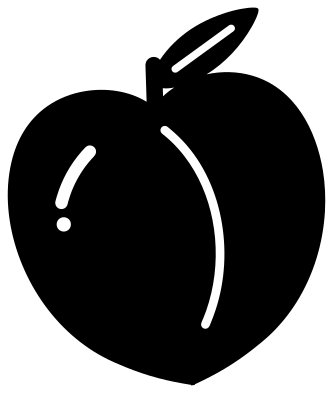 Peach with a leaf Solid · one piece
 -
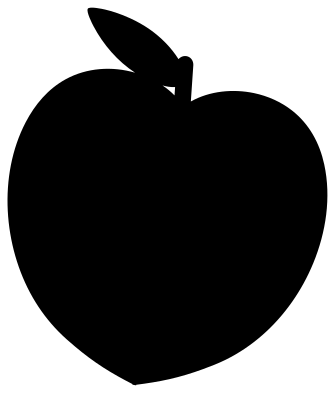 Peach silhouette Solid · one piece
 -
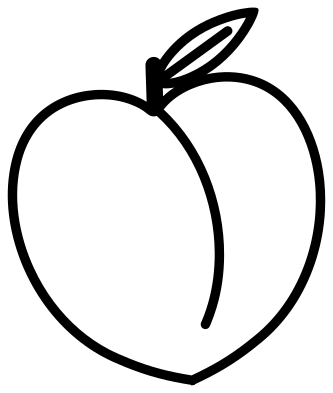 Peach outline Outline · one piece
 -
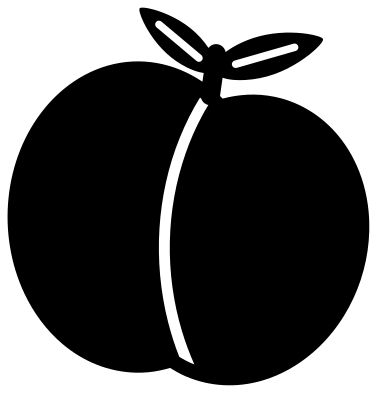 Plump peach in emoji style Solid · one piece
 -
 Peach cut in half with its stone Solid · one piece
 -
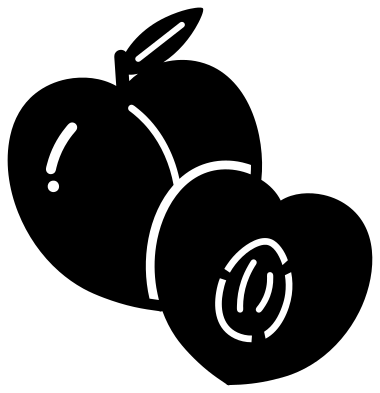 Whole peach with a half Solid · one piece
 -
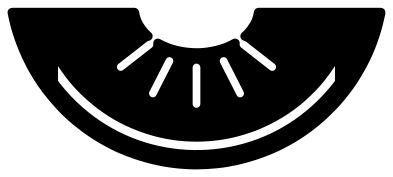 Peach wedge Solid · one piece
 -
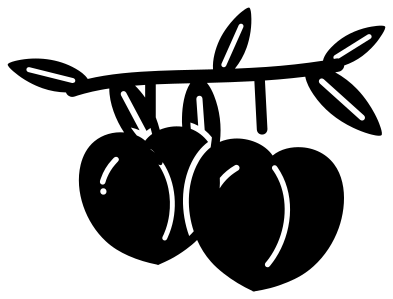 Georgia peaches on a branch Solid · one piece
 -
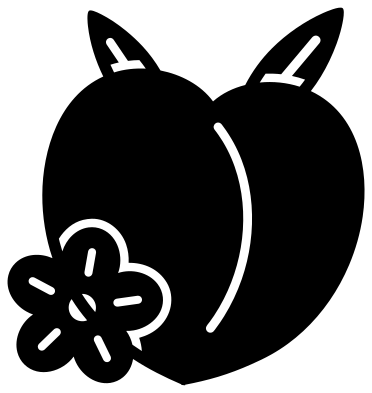 Peach with a blossom Solid · one piece
 -
 Cute peach with a face Solid · one piece
 -
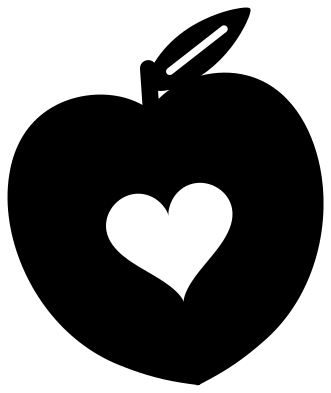 Peach with a heart Solid · one piece
 -
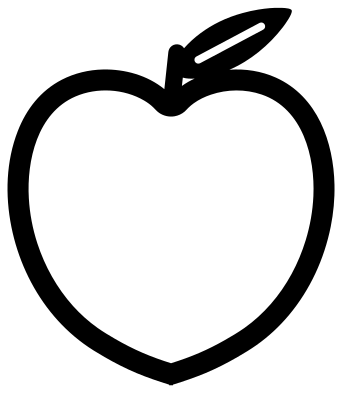 Peach monogram frame Solid · one piece
 -
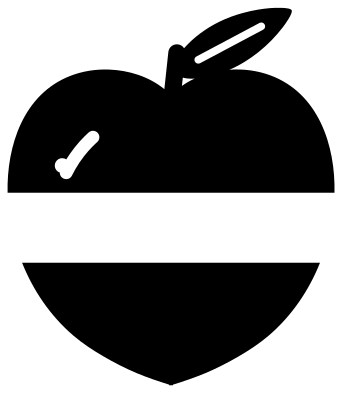 Split peach for a name Solid · 2 pieces
 -
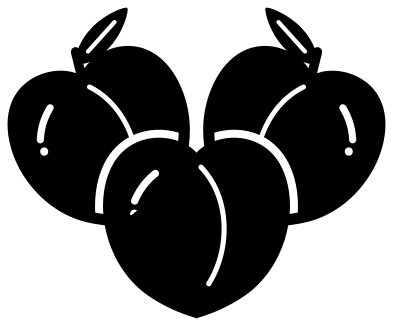 Three peaches Solid · one piece
 -
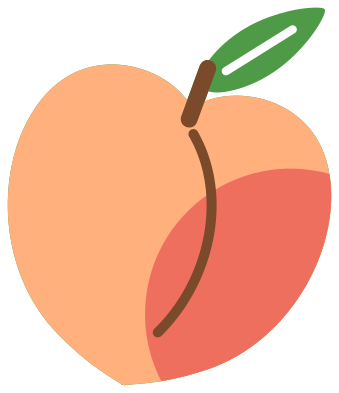 Layered peach in four colours Layered · 5 pieces
What makes it a peach
In one colour a peach is easily mistaken for an apple or a plum, so these files lean on the three things that set it apart: the crease that runs down one cheek, the soft point at the bottom and the long, narrow leaf. The crease is a cut line about 2.3 mm wide when the peach is 100 mm across. It is a single curved sliver to weed, and it is worth keeping even at small sizes, because without it the fruit reads as a plain ball.
The body is a broad, solid shape with no thin parts, so it cuts cleanly in vinyl, card, felt and wood. The weakest point is the stalk, about 4.5 mm wide, which carries the leaf. In plywood or acrylic below about 60 mm, pick the peach cut in half, which has no stalk at all.
Getting the colour right
Peach skin is two colours, a warm orange with a red blush on the side that faced the sun. The layered peach gives you both, with the blush as its own piece. With a single-colour design, cut the fruit from a coral or orange vinyl and the leaf from green, trimming each at the stalk. On paper, a little chalk or ink sponged onto one cheek does the same job as the blush.
How to open the files
- Cricut Design Space: choose Upload, pick the SVG, and add it to the canvas. Set the width you want; the shape is already welded.
- Silhouette Studio: Designer Edition and above open the SVG. The free Basic Edition does not, so open the DXF instead.
- LightBurn, xTool Creative Space and Glowforge: import the SVG, then set the layer to cut, score or engrave.
- Inkscape, Illustrator and Affinity: open the SVG. It is a plain filled path, so you can recolour it, add a stroke or combine it with your own work.
- Printing or sublimation: use the PNG, which has a transparent background.
Each design page lists the file’s narrowest part at seven sizes, so you can tell whether it will survive at the size you plan to cut.
Questions
How is the peach different from the apple designs?
A peach is wider than it is tall, has a crease down one side and ends in a slight point, and its leaf is long and thin like a willow leaf. An apple has a deeper dip, a flat base with bumps and a rounder leaf.
Can I add a name to a peach?
Yes. The split peach leaves a clear band across the fruit for a name, and the monogram peach is an open outline with room for an initial. Size your lettering to the band, weld nothing, and cut all the parts in one go so the spacing holds.
What is the stone in the halved peach?
It is the hard pit in the middle of the fruit, drawn as an almond shape with two grooves. The cut line round it is broken by three bridges so the stone stays in place. Back it with brown card for a realistic half.
 Pineapple SVG
  Coffee cup SVG
  Wine glass SVG
  Beer mug SVG
  Cupcake SVG
  Donut SVG