Free pantry labels SVG files
Free pantry labels SVG files: flour, sugar, coffee and tea for canisters, eight staples, sixteen spices, the baking shelf, the fridge and the snack shelf, as loose lettering, inside label outlines and as solid labels with the name cut through. There are blank labels for names of your own.
15 designs. Free for personal and commercial use, no sign-up. What you can do with them.
Or choose one below for its PNG, DXF and cutting sizes.
-
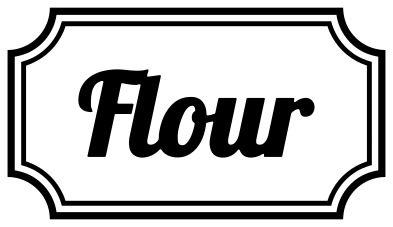 Flour pantry label Solid · 3 pieces
 -
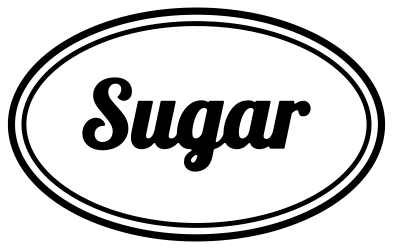 Sugar pantry label in an oval Solid · 4 pieces
 -
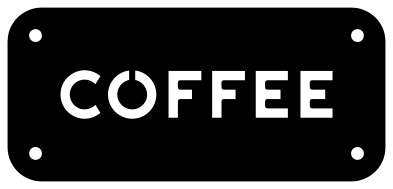 Coffee pantry label in one piece Solid · one piece
 -
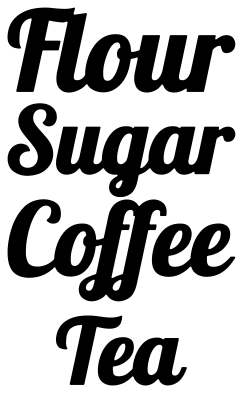 Pantry labels for four canisters Solid · 7 pieces
 -
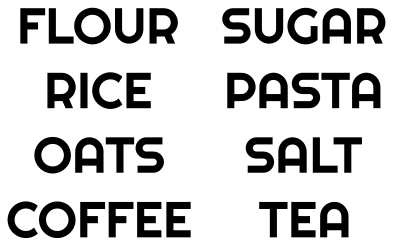 Pantry labels for eight staples Solid · 36 pieces
 -
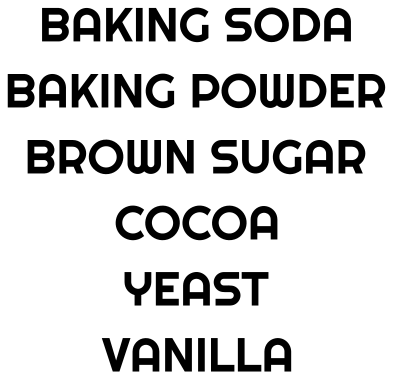 Pantry labels for the baking shelf Solid · 49 pieces
 -
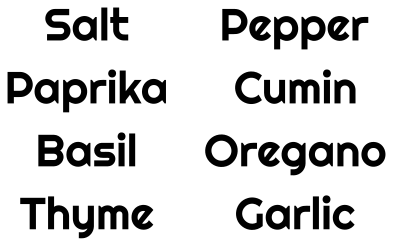 Pantry spice labels: salt to garlic Solid · 49 pieces
 -
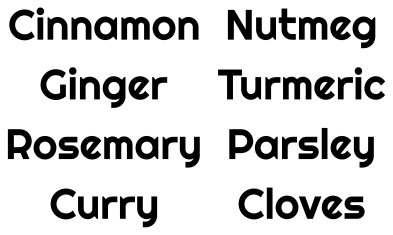 Pantry spice labels: cinnamon to cloves Solid · 57 pieces
 -
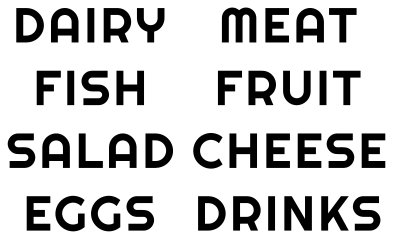 Pantry and fridge labels for eight bins Solid · 39 pieces
 -
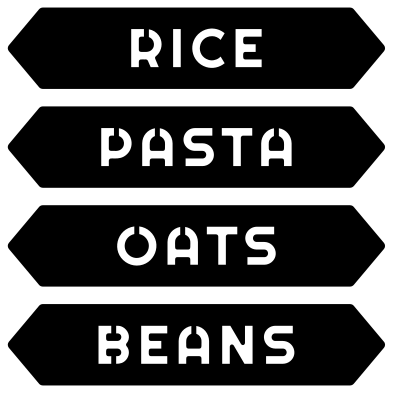 Pantry label plates: rice, pasta, oats, beans Solid · 4 pieces
 -
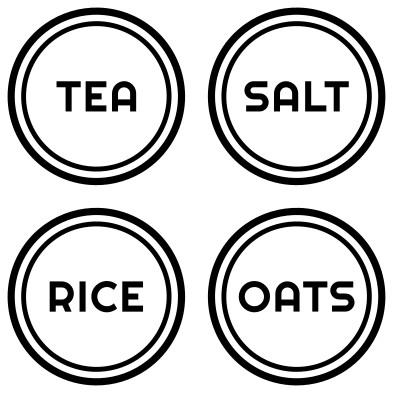 Round pantry labels for jar lids Solid · 23 pieces
 -
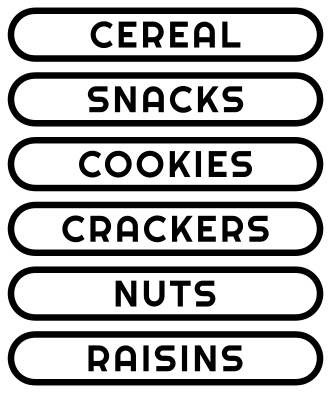 Pantry labels for the snack shelf Solid · 44 pieces
 -
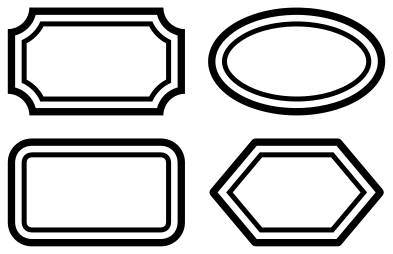 Blank pantry labels in four shapes Outline · 8 pieces
 -
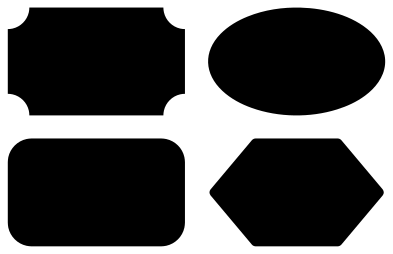 Blank solid pantry labels in four shapes Solid · 4 pieces
 -
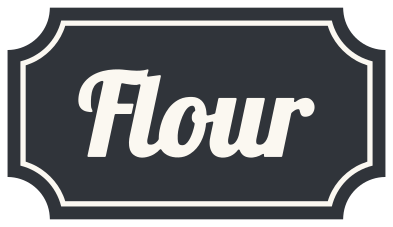 Layered flour pantry label in two colours Layered · 3 pieces
Sizing a label to its jar
Measure the flat part of the jar front, not its full width: on a round jar that is about a third of the way round. A label two thirds as wide as that looks right. For a 1 litre storage jar about 100 mm across, cut the single labels 80 to 90 mm wide; for a spice jar 45 mm across, cut a name about 30 mm wide, which makes the capitals of the spice sheets about 5 mm tall. Script letters get fine below 40 mm wide, so keep the script labels for the larger jars.
The sheets of names are meant to be cut whole and then separated, so that every label in a set is the same height. The two spice sheets are drawn in one face at one size, and their notes give the two widths that make all sixteen names the same height.
Vinyl, and what lasts in a kitchen
Use permanent vinyl on anything that will be washed, and wash by hand: a dishwasher lifts the edges of small letters. On glass, clean the surface with rubbing alcohol first, and leave the label a day before it meets water. For jars whose contents change, cut the solid blank labels from chalkboard vinyl and write on them.
The lists use names that are the same in British and American kitchens where they can. Baking soda is the American name for bicarbonate of soda. If your shelf needs a name that is not here, the blank labels take any word you set in your cutting software.
How to open the files
- Cricut Design Space: choose Upload, pick the SVG, and add it to the canvas. Set the width you want; the shape is already welded.
- Silhouette Studio: Designer Edition and above open the SVG. The free Basic Edition does not, so open the DXF instead.
- LightBurn, xTool Creative Space and Glowforge: import the SVG, then set the layer to cut, score or engrave.
- Inkscape, Illustrator and Affinity: open the SVG. It is a plain filled path, so you can recolour it, add a stroke or combine it with your own work.
- Printing or sublimation: use the PNG, which has a transparent background.
Each design page lists the file’s narrowest part at seven sizes, so you can tell whether it will survive at the size you plan to cut.
Questions
Which names are in the set?
Canisters: Flour, Sugar, Coffee, Tea. Staples: Flour, Sugar, Rice, Pasta, Oats, Salt, Coffee, Tea. Baking: Baking soda, Baking powder, Brown sugar, Cocoa, Yeast, Vanilla. Spices: Salt, Pepper, Paprika, Cumin, Basil, Oregano, Thyme, Garlic, Cinnamon, Nutmeg, Ginger, Turmeric, Rosemary, Parsley, Curry, Cloves. Fridge: Dairy, Meat, Fish, Fruit, Salad, Cheese, Eggs, Drinks. Snacks: Cereal, Snacks, Cookies, Crackers, Nuts, Raisins.
How do I put loose letters on a round jar straight?
Keep each name on its backing with transfer tape over it, and run a strip of masking tape round the jar as a guide line, level with where the foot of the letters should sit. Stick the middle of the name first and smooth outwards both ways, so the curve does not pull the ends up or down.
Can I add a name that is not in the lists?
Yes. Download a blank label, type the name in your cutting software and centre it inside. The lettering here is Lobster for the script and Righteous for everything else, both free typefaces, so a name you add can match.
 Pineapple SVG
  Coffee cup SVG
  Wine glass SVG
  Beer mug SVG
  Cupcake SVG
  Donut SVG