Free mountain SVG files
Free mountain SVG files: single peaks, ranges, badges, scenes and outlines. Snow caps are cut out with a rim of rock left round them, so every design holds together as one piece. Download as SVG, PNG or DXF.
16 designs. Free for personal and commercial use, no sign-up. What you can do with them.
-
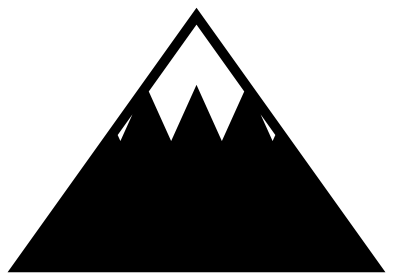 Mountain with a snow cap Solid · one piece
 -
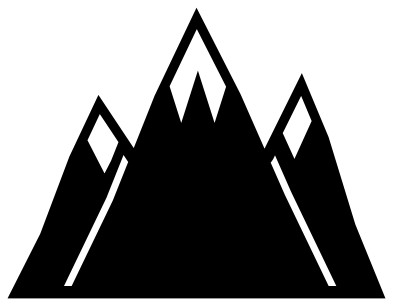 Mountain range with three peaks Solid · one piece
 -
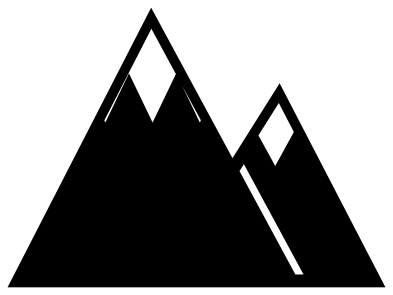 Two mountains Solid · one piece
 -
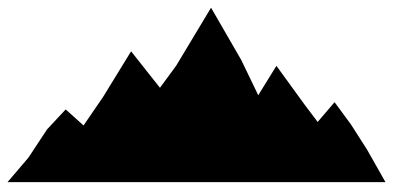 Mountain range silhouette Solid · one piece
 -
 Geometric mountains Solid · one piece
 -
 Mountains with a rising sun Solid · one piece
 -
 Mountain in a circle Solid · one piece
 -
 Mountain night badge Solid · one piece
 -
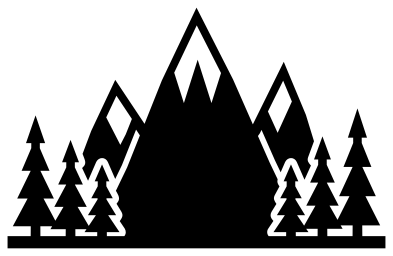 Mountains with pine trees Solid · one piece
 -
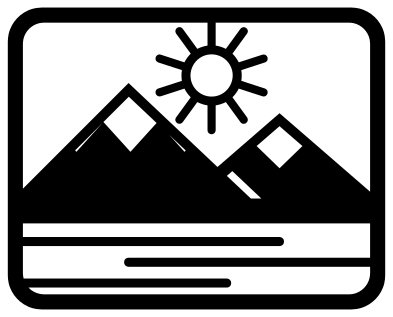 Mountain scene with lake Solid · one piece
 -
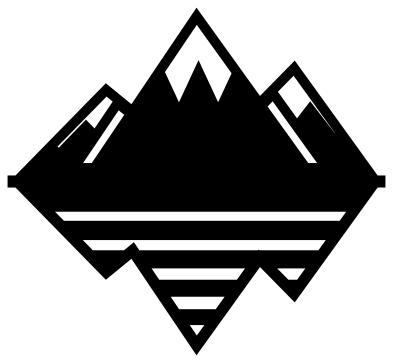 Mountain with its reflection Solid · one piece
 -
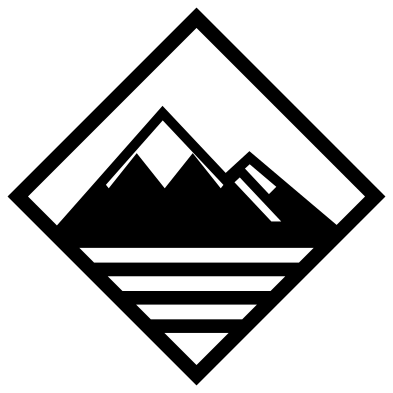 Mountains in a diamond Solid · one piece
 -
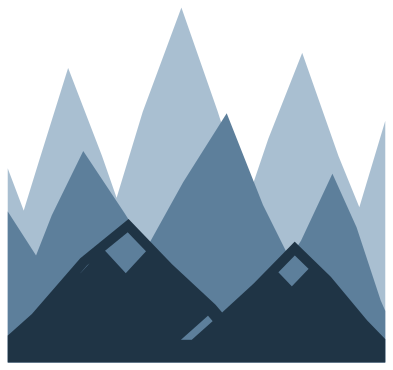 Layered mountain landscape in three colours Layered · 3 pieces
 -
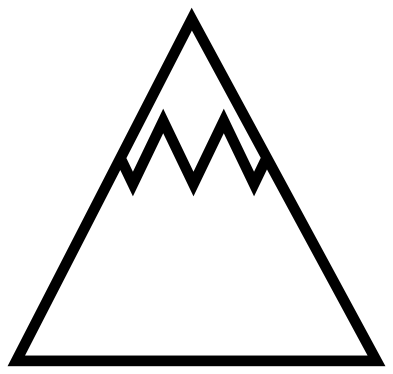 Mountain outline Outline · one piece
 -
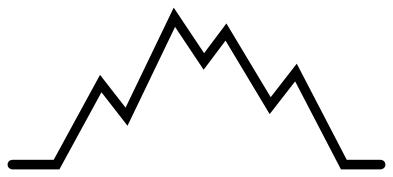 Mountain line drawing Outline · one piece
 -
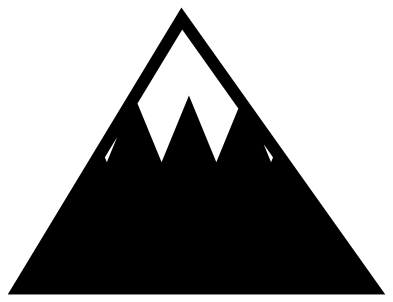 Snowy mountain Solid · one piece
How the snow caps are made
In a one-colour cut file, snow has to be a hole: the white is whatever shows through. Each cap here is cut out below a zigzag snow line, with a rim of rock about 2.6 mm wide left round it at the 100 mm size of the file. That rim is the narrowest part of most of these designs. It cuts well in vinyl and card down to about 50 mm wide; in 3 mm wood, keep to 100 mm or more.
For solid white snow, cut the design twice. Use the whole mountain in a dark colour, and from a white sheet keep only the cap shapes that fall out, then press them back into the holes. They fit exactly because they come from the same cut.
Ranges, gaps and layers
Where one peak stands in front of another, a slim gap follows the edge of the near peak and stops just short of the outline. It lets the eye separate the mountains without cutting them apart. If you want real depth, use the layered landscape: three ranges in three colours, each cut from its own sheet and stacked from back to front.
How to open the files
- Cricut Design Space: choose Upload, pick the SVG, and add it to the canvas. Set the width you want; the shape is already welded.
- Silhouette Studio: Designer Edition and above open the SVG. The free Basic Edition does not, so open the DXF instead.
- LightBurn, xTool Creative Space and Glowforge: import the SVG, then set the layer to cut, score or engrave.
- Inkscape, Illustrator and Affinity: open the SVG. It is a plain filled path, so you can recolour it, add a stroke or combine it with your own work.
- Printing or sublimation: use the PNG, which has a transparent background.
Each design page lists the file’s narrowest part at seven sizes, so you can tell whether it will survive at the size you plan to cut.
Questions
Which mountain is best for a small logo or stamp?
The two mountains design or the single mountain with a snow cap. Both have straight slopes and only one or two inside cuts. For something with no inside cuts at all, use the mountain range silhouette.
How do I assemble the layered mountain landscape?
Cut each of the three layers from its own colour. Glue the middle range onto the far range and the near range on top, lining up the bottom edges and sides, which are the same on all three. Foam pads between layers give a shadow-box effect.
Can I put text under the mountains?
Yes. The range, the two mountains and the silhouette all end in a flat base line, so a line of lettering sits neatly underneath. In the mountain in a circle there is no room: use the plain range and add your own frame instead.
 Flower SVG
  Sunflower SVG
  Butterfly SVG
  Rose SVG
  Daisy SVG
  Leaf SVG