Free marshmallow SVG files
Free marshmallow SVG files for cocoa season and campfire nights: a single marshmallow, a pile and a tower, marshmallows on sticks and over a fire, a s’more from the side, a mug of cocoa, and a layered s’more in four colours. Each is one welded shape unless its note says otherwise.
14 designs. Free for personal and commercial use, no sign-up. What you can do with them.
Or choose one below for its PNG, DXF and cutting sizes.
-
 Single marshmallow Solid · one piece
 -
 Marshmallow s’more, side view Solid · one piece
 -
 Marshmallow on a stick Solid · one piece
 -
 Crossed marshmallow roasting sticks Solid · one piece
 -
 Marshmallow roasting over a campfire Solid · one piece
 -
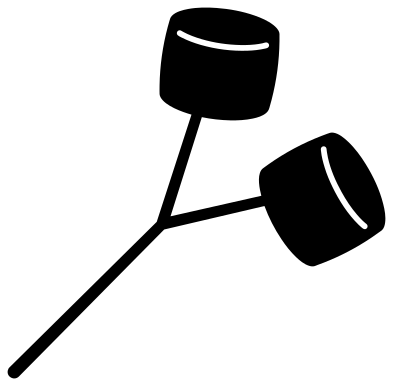 Two marshmallows on a forked twig Solid · one piece
 -
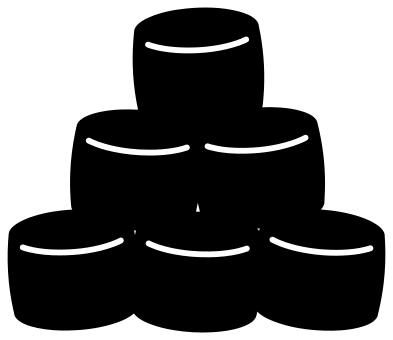 Pile of six marshmallows Solid · one piece
 -
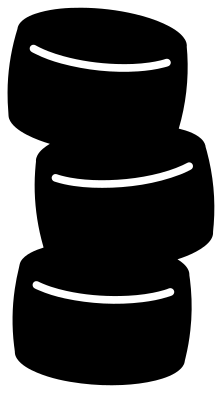 Tower of three marshmallows Solid · one piece
 -
 Mug of cocoa with marshmallows Solid · one piece
 -
 Smiling marshmallow with a face Solid · one piece
 -
 Marshmallow on fire on a stick Solid · one piece
 -
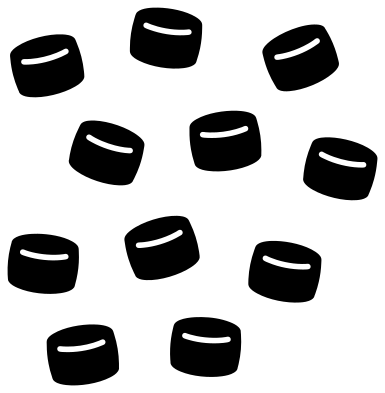 Eleven mini marshmallows Solid · 11 pieces
 -
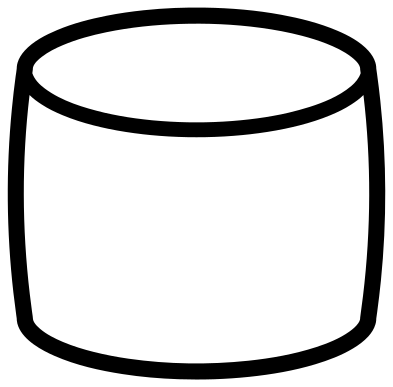 Marshmallow outline Outline · one piece
 -
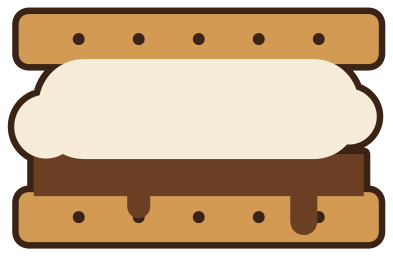 S’more with marshmallow in four colours Layered · 5 pieces
What to make with them
Marshmallows turn up in two seasons. In winter they sit on hot cocoa: on mugs, on the sign for a cocoa bar, on tags for cocoa bombs and on jars of cocoa mix given as presents. In summer they go on sticks: on camping shirts, on the sign for a s’mores station and on the box that holds the crackers and chocolate. For a mug, cut the single marshmallow, the smiling one or the mug of cocoa about 70 mm wide in permanent vinyl. For a s’mores station sign, the side view of the s’more or the crossed sticks reads best from across a garden at 200 mm or more.
Cutting notes
A marshmallow is white, so on a white mug or a pale shirt cut it as an outline, or put it on a dark backing as the layered s’more does. The slit along the top of each marshmallow is what makes it look round, and it gets narrow on the small ones: about 4 mm on the single marshmallow at 100 mm, but only about 1.5 mm on each marshmallow in the pile. Keep the pile and the mug of cocoa at 80 mm or more so the slits weed cleanly. The sticks are about 3 mm thick at 100 mm, which is fine in vinyl but fragile in thin card.
How to open the files
- Cricut Design Space: choose Upload, pick the SVG, and add it to the canvas. Set the width you want; the shape is already welded.
- Silhouette Studio: Designer Edition and above open the SVG. The free Basic Edition does not, so open the DXF instead.
- LightBurn, xTool Creative Space and Glowforge: import the SVG, then set the layer to cut, score or engrave.
- Inkscape, Illustrator and Affinity: open the SVG. It is a plain filled path, so you can recolour it, add a stroke or combine it with your own work.
- Printing or sublimation: use the PNG, which has a transparent background.
Each design page lists the file’s narrowest part at seven sizes, so you can tell whether it will survive at the size you plan to cut.
Questions
How do I make a white marshmallow show up on a white mug?
Use the outline design, or cut the solid marshmallow in a pastel pink or blue. Another way is to cut the layered s’more, whose dark backing gives the cream marshmallow an edge all round.
Which design works for a s’mores station sign?
The side view of the s’more is the one people recognise first, and the crossed roasting sticks make a good emblem above the words. Both are single pieces, so they cut from vinyl for a painted board or from plywood on a laser.
Can I cut the mini marshmallows one at a time?
Yes. They are separate pieces in the file, so ungroup them in your cutting software and keep as many as you need. Each is about 18 mm across when the whole file is cut at 100 mm.
 Pineapple SVG
  Coffee cup SVG
  Wine glass SVG
  Beer mug SVG
  Cupcake SVG
  Donut SVG