Free lipstick SVG files
Free lipstick SVG files: an open lipstick with a slanted tip, a silhouette and an outline, a tube with its cap, lipstick with lips, with a kiss print and drawing a heart, a row of three, a leopard print case and a make-up set with mascara, nail polish and a brush. Download as SVG, PNG or DXF.
13 designs. Free for personal and commercial use, no sign-up. What you can do with them.
-
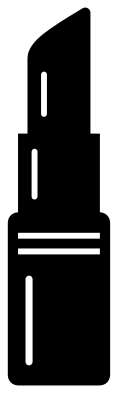 Classic lipstick Solid · one piece
 -
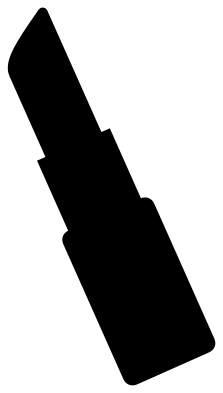 Lipstick silhouette Solid · one piece
 -
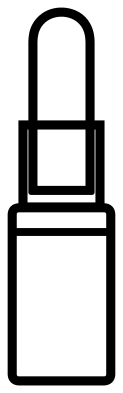 Lipstick outline Outline · one piece
 -
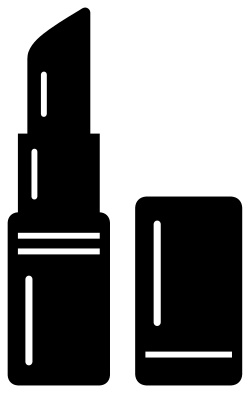 Lipstick tube with its cap Solid · 2 pieces
 -
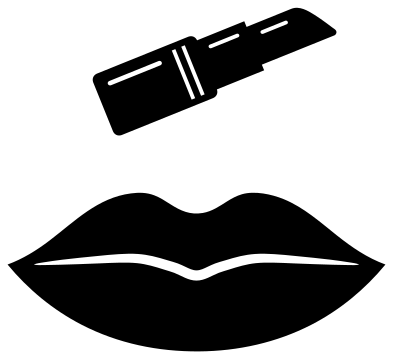 Lips and lipstick Solid · 2 pieces
 -
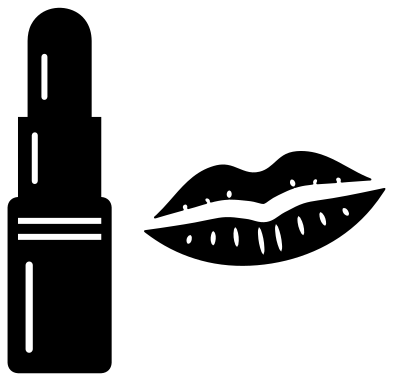 Lipstick with a kiss print Solid · 3 pieces
 -
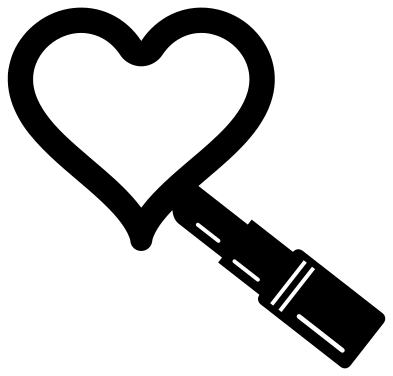 Lipstick drawing a heart Solid · one piece
 -
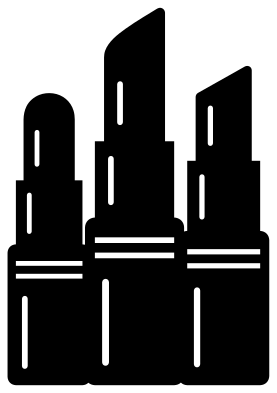 Three lipsticks Solid · one piece
 -
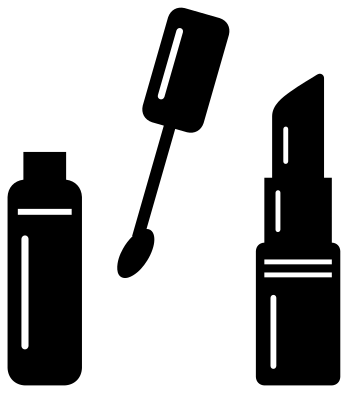 Lipstick and lip gloss Solid · 3 pieces
 -
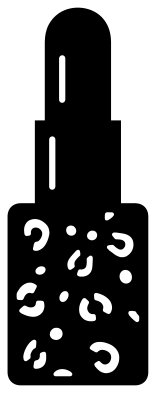 Leopard print lipstick Solid · one piece
 -
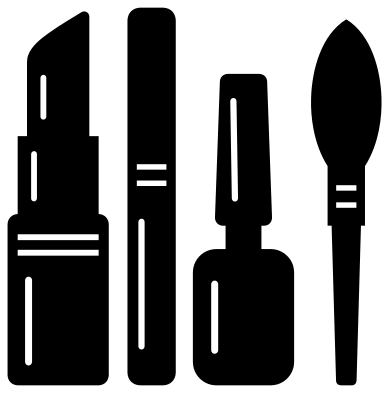 Lipstick and make-up set Solid · 4 pieces
 -
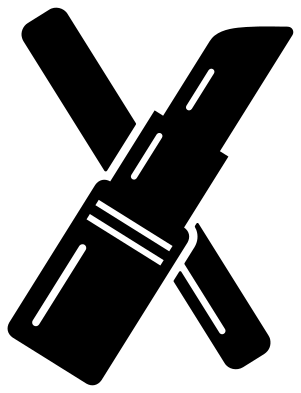 Lipstick and mascara crossed Solid · 3 pieces
 -
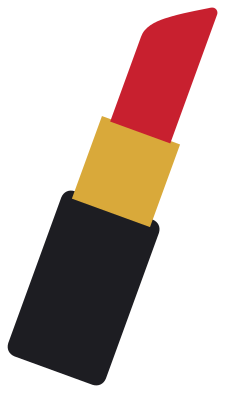 Layered lipstick in three colours Layered · 3 pieces
Three steps make a lipstick
A lipstick reads from its outline because each part is narrower than the one below: the case, the inner tube that twists up out of it, and the bullet of colour with its slanted tip. These files keep those steps crisp, so even the plain silhouette is unmistakable at 20 mm tall. The detailed versions add two bands round the top of the case and a gleam down each part, cut as slots about 1.5 mm wide when the lipstick is 100 mm tall.
An upright lipstick is a tall, narrow shape, roughly a quarter as wide as it is high, which suits the side of a tumbler or the spine of a make-up bag. For a squarer design, use the lipstick with lips, the row of three or the make-up set.
Colour
For a lipstick in its real colours, the layered design has the case, the tube and the bullet as three separate pieces: black, gold and red are the classic choice, and the bullet can be any shade. In a single colour, the gleams and bands are holes, so the surface behind them shows through as the highlights. The leopard print case is the one to back with gold or glitter.
How to open the files
- Cricut Design Space: choose Upload, pick the SVG, and add it to the canvas. Set the width you want; the shape is already welded.
- Silhouette Studio: Designer Edition and above open the SVG. The free Basic Edition does not, so open the DXF instead.
- LightBurn, xTool Creative Space and Glowforge: import the SVG, then set the layer to cut, score or engrave.
- Inkscape, Illustrator and Affinity: open the SVG. It is a plain filled path, so you can recolour it, add a stroke or combine it with your own work.
- Printing or sublimation: use the PNG, which has a transparent background.
Each design page lists the file’s narrowest part at seven sizes, so you can tell whether it will survive at the size you plan to cut.
Questions
How do I make the lipstick two or three colours?
Use the layered lipstick. Cut the case, the inner tube and the bullet from three vinyls and lay them edge to edge; the parts are drawn to meet exactly, with a small overlap hidden under the tube.
Which design fits a make-up bag best?
The lips and lipstick or the make-up set, both of which are close to square. Cut them 100 to 120 mm wide for a standard zip pouch and press iron-on vinyl through a cloth so the zip does not mark it.
Is the kiss print one piece?
No. A lipstick print has a gap between the upper and lower lip, so it cuts as two pieces, and the lipstick beside it is a third. Keep them together on transfer tape.
 Camera SVG
  Guitar SVG
  Music note SVG
  Stethoscope SVG
  Tooth SVG
  Light bulb SVG