Free helicopter SVG files
Free helicopter SVG files: a light helicopter from the side, a silhouette on the ground, an outline, views from the front and from above, a twin rotor transport, an army machine, a toy for children, a rescue winch, a water bucket, a blank banner, a heart and a rooftop landing. All generic, with no maker’s shape or livery.
14 designs. Free for personal and commercial use, no sign-up. What you can do with them.
-
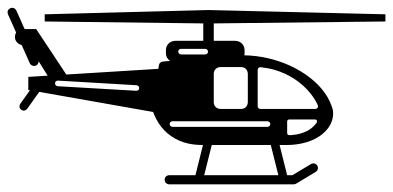 Helicopter from the side Solid · one piece
 -
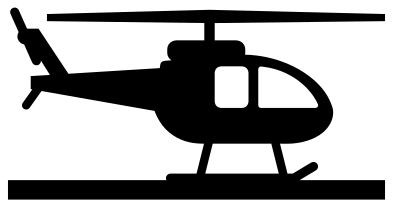 Helicopter silhouette on the ground Solid · one piece
 -
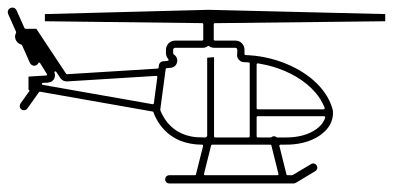 Helicopter outline Outline · one piece
 -
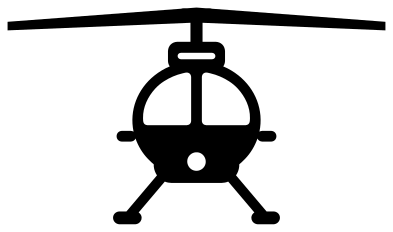 Helicopter from the front Solid · one piece
 -
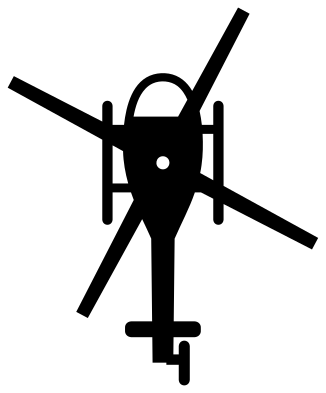 Helicopter from above Solid · one piece
 -
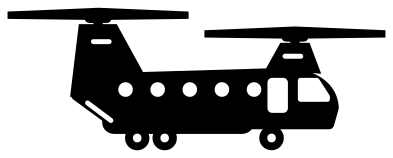 Twin rotor transport helicopter Solid · one piece
 -
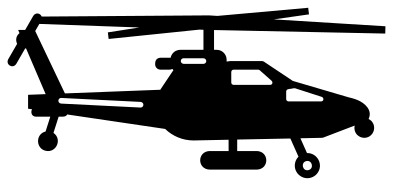 Army helicopter with a stepped cockpit Solid · one piece
 -
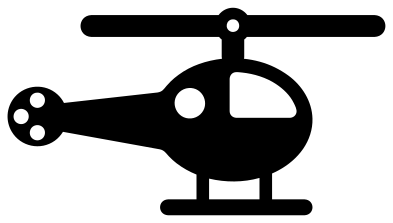 Simple helicopter for children Solid · one piece
 -
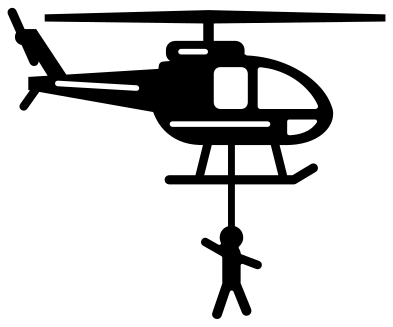 Rescue helicopter with a winchman Solid · one piece
 -
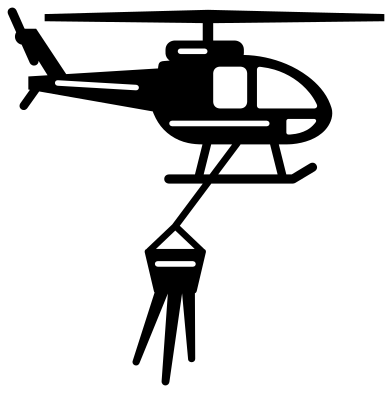 Firefighting helicopter with a water bucket Solid · one piece
 -
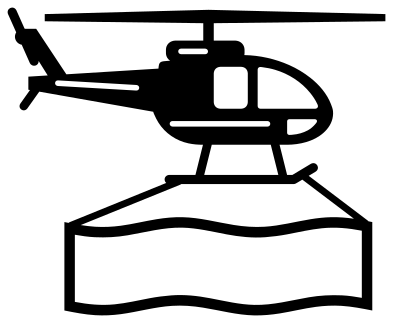 Helicopter carrying a blank banner Solid · one piece
 -
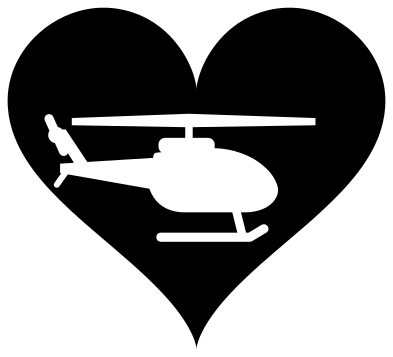 Helicopter in a heart Solid · one piece
 -
 Helicopter landing on a city rooftop Solid · one piece
 -
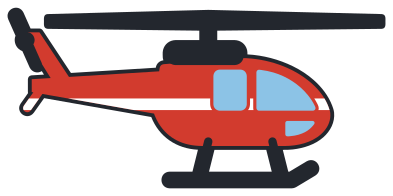 Layered helicopter in four colours Layered · 12 pieces
The rotor is the thin part
What makes a helicopter hard to cut is the main rotor: a blade seen edge on is a long sliver. Here each blade is about 2 mm thick at the tip and twice that at the hub when the design is 100 mm wide, and the skids and their struts are a little over 2 mm. In vinyl that weeds well from about 110 mm wide. Peel the waste away along the blade, from the hub outwards, and never across it. For card and thin wood, 150 mm or more keeps the blades stiff.
When the design has to be small, use the simple helicopter for children, which has a rotor bar about 6 mm thick, or the helicopter in a heart, where the machine is an opening in a solid shape and nothing can snap. The silhouette stands on a straight strip of ground, so it suits a shadow box, a shelf edge or the bottom of a layered scene.
Jobs a helicopter does
Several designs show the machine at work, for the people who fly and crew them: a winchman on the line for search and rescue, a water bucket for wildland fire crews, and a rooftop landing for city pilots. The twin rotor transport and the army machine suit service families. None carries a cross, a roundel or a unit marking, so you can add the lettering of your own crew beside it.
How to open the files
- Cricut Design Space: choose Upload, pick the SVG, and add it to the canvas. Set the width you want; the shape is already welded.
- Silhouette Studio: Designer Edition and above open the SVG. The free Basic Edition does not, so open the DXF instead.
- LightBurn, xTool Creative Space and Glowforge: import the SVG, then set the layer to cut, score or engrave.
- Inkscape, Illustrator and Affinity: open the SVG. It is a plain filled path, so you can recolour it, add a stroke or combine it with your own work.
- Printing or sublimation: use the PNG, which has a transparent background.
Each design page lists the file’s narrowest part at seven sizes, so you can tell whether it will survive at the size you plan to cut.
Questions
Is the helicopter a real model?
No. The light helicopter is a generic bubble cabin on skids, and the twin rotor transport and the army machine are plain types drawn for this library. None copies the cabin lines of a real maker, and there are no service markings, so the files are safe to use on things you sell.
How do I put a name on the helicopter banner?
The banner is an open frame about 76 mm long and 18 mm tall inside when the design is 100 mm wide. Type the name in your cutting software, size it to sit inside the frame and cut it in a second colour, or weld it to the frame so that it lifts in one piece.
Which helicopter is best for a child’s birthday shirt?
The simple helicopter for children. Every part of it is thick, with one big window to weed, so it cuts cleanly in iron-on at 150 to 200 mm wide. The helicopter carrying a blank banner is the one to use if you want the name and age under it.
 Camera SVG
  Guitar SVG
  Music note SVG
  Stethoscope SVG
  Tooth SVG
  Light bulb SVG