Free earring card SVG files
Free earring card SVG files: display cards for studs, hoops, dangles and sets of three, with cards for necklaces, keyrings, hair bows and headbands. Each has its holes or slits in place and a hang hole for a shop peg.
15 designs. Free for personal and commercial use, no sign-up. What you can do with them.
-
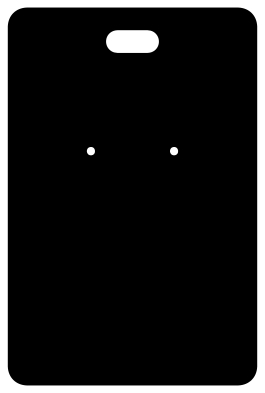 Earring card for studs Solid · one piece
 -
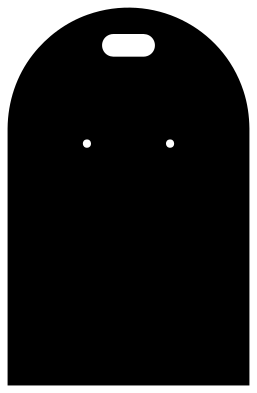 Earring card with an arched top Solid · one piece
 -
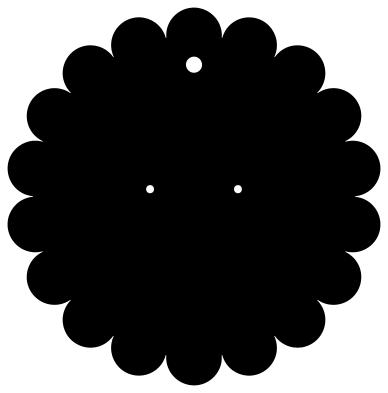 Earring card with a scalloped edge Solid · one piece
 -
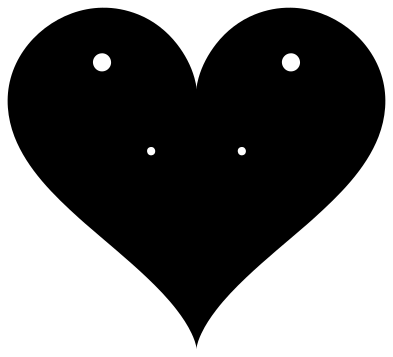 Heart earring card Solid · one piece
 -
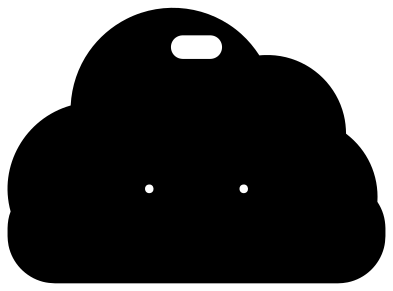 Cloud earring card Solid · one piece
 -
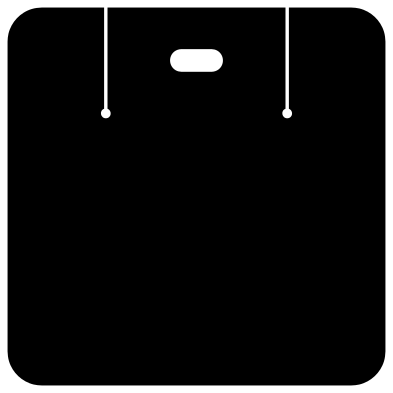 Earring card for hoops and hooks Solid · one piece
 -
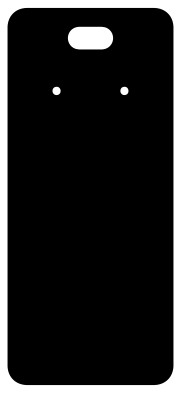 Tall earring card for dangles Solid · one piece
 -
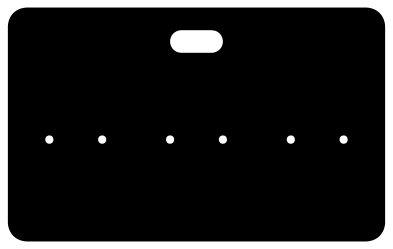 Earring card for three pairs Solid · one piece
 -
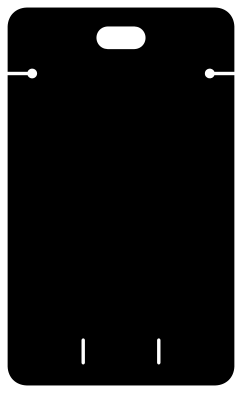 Necklace display card Solid · one piece
 -
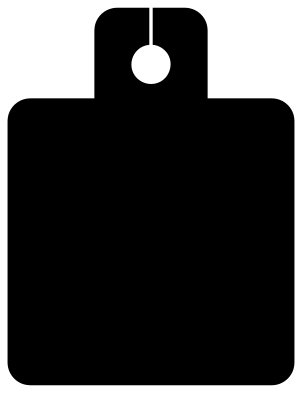 Keychain display card Solid · one piece
 -
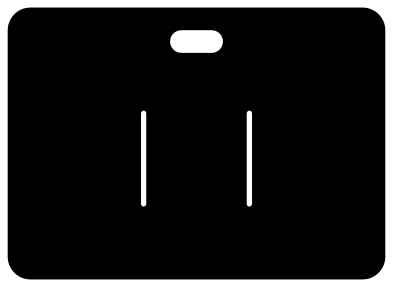 Hair bow display card Solid · one piece
 -
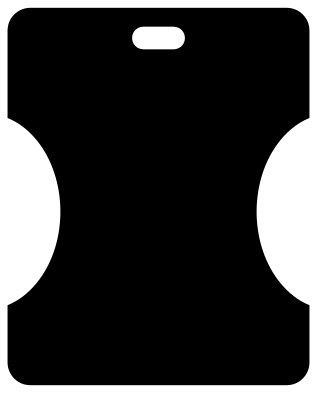 Headband display card Solid · one piece
 -
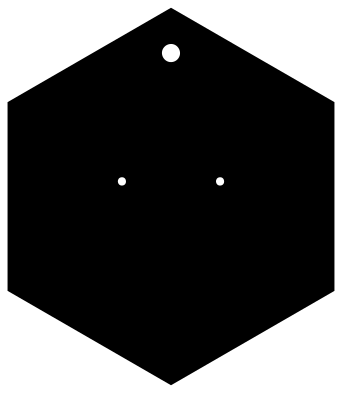 Hexagon earring card Solid · one piece
 -
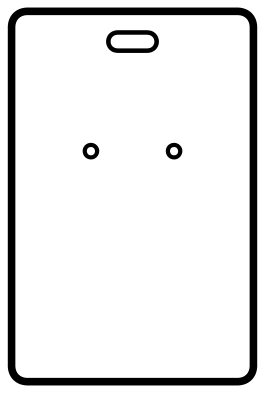 Earring card outline to print and cut Outline · 4 pieces
 -
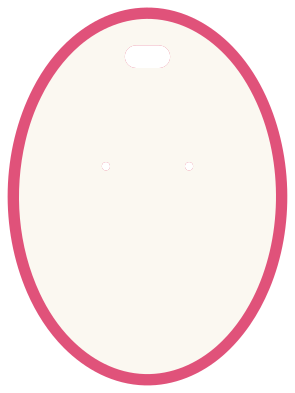 Oval earring card with a coloured backing Layered · 2 pieces
Sizes that fit the bags and the pegs
The files are 100 mm on their longer side so that they match the rest of the library; scale each to the size its note gives. The common earring card is 51 × 76 mm (2 × 3 inches), which fits a 60 × 90 mm clear bag. A hoop card wants to be about twice as wide as the hoop. Check the stud holes after scaling: at 51 mm wide they are about 1.7 mm across, which takes a standard post with room to spare and still hides behind a butterfly back.
The hang slot is a plain slot that scales with the card: at 51 mm wide it is about 11 mm long and 4.6 mm high. If your display pegs are thicker, add a round hole of the size you need in your cutting software.
Card, and adding your name
Use card of 250 to 300 gsm, or kraft card of the same weight, so the card does not bend under the weight of the earrings. For thin card, cut the card twice and glue the two together.
There is no lettering in these files. Put your shop name on with a rubber stamp or a sticker, or use the outline version with print-then-cut: place your printed design inside the line and let the machine cut the edge and the holes.
How to open the files
- Cricut Design Space: choose Upload, pick the SVG, and add it to the canvas. Set the width you want; the shape is already welded.
- Silhouette Studio: Designer Edition and above open the SVG. The free Basic Edition does not, so open the DXF instead.
- LightBurn, xTool Creative Space and Glowforge: import the SVG, then set the layer to cut, score or engrave.
- Inkscape, Illustrator and Affinity: open the SVG. It is a plain filled path, so you can recolour it, add a stroke or combine it with your own work.
- Printing or sublimation: use the PNG, which has a transparent background.
Each design page lists the file’s narrowest part at seven sizes, so you can tell whether it will survive at the size you plan to cut.
Questions
Will the holes fit my earring posts?
At 51 mm wide the stud holes are about 1.7 mm across, which fits a standard post. If yours are thicker, enlarge the holes in your cutting software before cutting.
Can I sell earrings on these cards?
Yes. Things you make, including cards cut from these files, are yours to sell. The files themselves may not be sold or shared; see the licence.
Are there earrings to go on them?
Yes. The earring set has shapes for faux leather and acrylic earrings.
 Camera SVG
  Guitar SVG
  Music note SVG
  Stethoscope SVG
  Tooth SVG
  Light bulb SVG