Free desert SVG files
Free desert SVG files: a desert scene with a rising sun, a skyline of mesa, butte and spire, sand dunes, a rock arch, a canyon, a camel caravan, a desert highway, a row of desert plants, a sunset badge, a monogram frame and a layered sunset. The side views stand on a flat base.
14 designs. Free for personal and commercial use, no sign-up. What you can do with them.
Or choose one below for its PNG, DXF and cutting sizes.
-
 Desert scene with a rising sun Solid · one piece
 -
 Desert silhouette of mesa, butte and spire Solid · one piece
 -
 Desert buttes side by side Solid · one piece
 -
 Desert mesa with rock layers Solid · one piece
 -
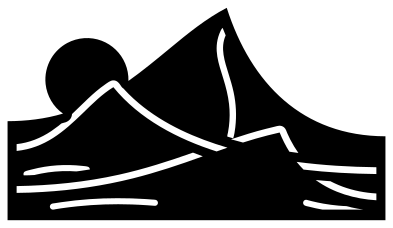 Desert sand dunes with a setting sun Solid · one piece
 -
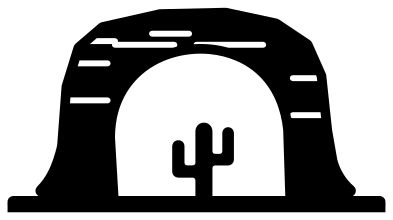 Desert rock arch Solid · one piece
 -
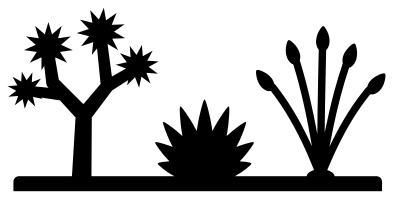 Desert plants: Joshua tree, agave and ocotillo Solid · one piece
 -
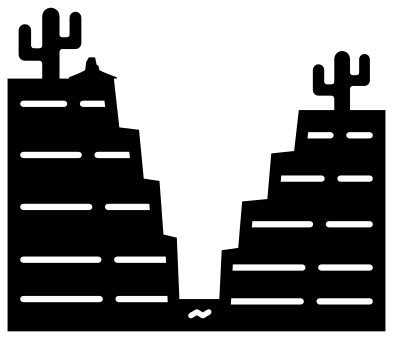 Desert canyon with stepped walls Solid · one piece
 -
 Desert caravan of three camels Solid · one piece
 -
 Desert highway at sunset Solid · one piece
 -
 Desert sunset in a ring Solid · one piece
 -
 Desert sun frame for a monogram Solid · one piece
 -
 Desert outline with a mesa and a saguaro Outline · one piece
 -
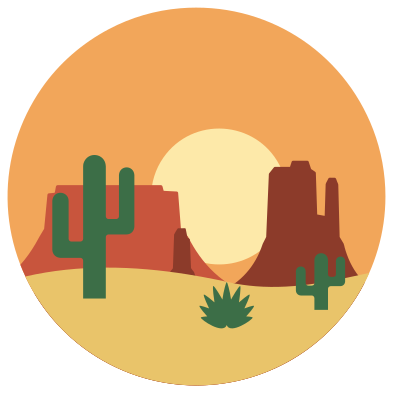 Layered desert sunset in six colours Layered · 8 pieces
Mesas, buttes and what holds them together
A desert skyline is made of a few plain shapes: the mesa, wide and flat on top; the butte, the same thing worn down until it is taller than it is wide; and the spire, which is what is left of a butte. Each one here is a cap of sheer cliff on a hollow skirt of scree, which is what makes a block of black read as rock and not as a building.
The rock layers are cut lines about 1.6 mm wide that stop 3 mm short of the edges, so a mesa never falls into slices. The thinnest solid parts are the thumb of rock beside each butte and the arms of the saguaros, 3 to 4 mm wide when the design is 100 mm across. All of it cuts in vinyl from about 80 mm and in card from 100 mm. The camel caravan is the fine one: cut it larger.
Layers for a shadow box
The desert silhouette, the buttes, the mesa, the dunes and the rock arch each stand on a straight strip of ground, so they can be cut from card or thin wood and stood one behind another. Put the dunes or the mesa at the back, the buttes in the middle and the arch or the row of desert plants at the front, and light it from behind with a warm colour for a sunset.
How to open the files
- Cricut Design Space: choose Upload, pick the SVG, and add it to the canvas. Set the width you want; the shape is already welded.
- Silhouette Studio: Designer Edition and above open the SVG. The free Basic Edition does not, so open the DXF instead.
- LightBurn, xTool Creative Space and Glowforge: import the SVG, then set the layer to cut, score or engrave.
- Inkscape, Illustrator and Affinity: open the SVG. It is a plain filled path, so you can recolour it, add a stroke or combine it with your own work.
- Printing or sublimation: use the PNG, which has a transparent background.
Each design page lists the file’s narrowest part at seven sizes, so you can tell whether it will survive at the size you plan to cut.
Questions
Which desert design suits a shadow box?
The desert silhouette, the buttes, the mesa, the sand dunes and the rock arch. Each is one piece with a straight bottom edge. Cut them at different sizes, the far ones smaller, and space them 5 to 10 mm apart so each casts a shadow on the next.
What is the difference between a mesa and a butte?
Both are flat-topped hills with cliff sides. A mesa is wider than it is tall and a butte is taller than it is wide. The set has both, and a spire, which is a butte worn down to a single column.
How do I colour the desert sunset?
Use the layered desert sunset: it has six layers, from an orange sky and a pale sun to red and brown rock, yellow sand and green cacti. Or cut the desert sunset in a ring from black and lay it over a sheet of orange or pink card.
 Flower SVG
  Sunflower SVG
  Butterfly SVG
  Rose SVG
  Daisy SVG
  Leaf SVG