Free dentist SVG files
Free dentist SVG files with no lettering: the dentist chair with its lamp, a dentist with a mouth mirror, a dental assistant with a tray, a hygienist in a mask, a cassette of tools, a drill, an X-ray film, a chart of both arches, a smile and a monogram frame. Single teeth have their own page.
15 designs. Free for personal and commercial use, no sign-up. What you can do with them.
-
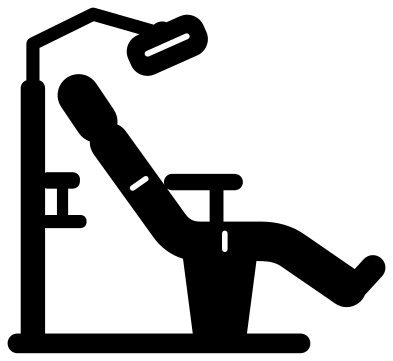 Dentist chair with a lamp Solid · one piece
 -
 Dentist with a mouth mirror Solid · one piece
 -
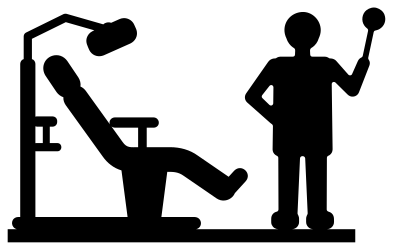 Dentist silhouette beside the chair Solid · one piece
 -
 Dentist’s assistant with a tray Solid · one piece
 -
 Dentist’s hygienist in a mask Solid · one piece
 -
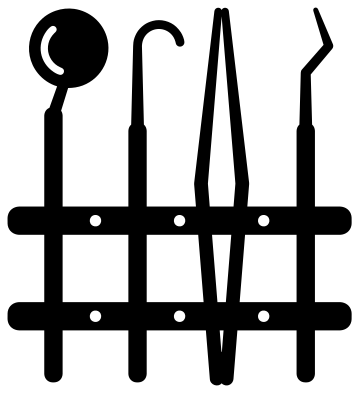 Dentist tools in a cassette Solid · one piece
 -
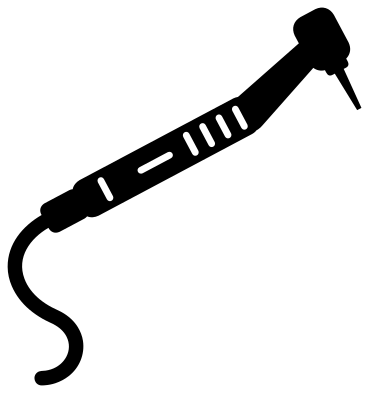 Dentist drill Solid · one piece
 -
 Dentist X-ray film with three teeth Solid · one piece
 -
 Dentist chart of both arches Solid · one piece
 -
 Dentist smile with a sparkle Solid · 2 pieces
 -
 Dentist’s orders: brush, paste and floss Solid · one piece
 -
 Dentist icons, set of six Solid · 6 pieces
 -
 Dentist monogram frame with a mirror and a brush Solid · one piece
 -
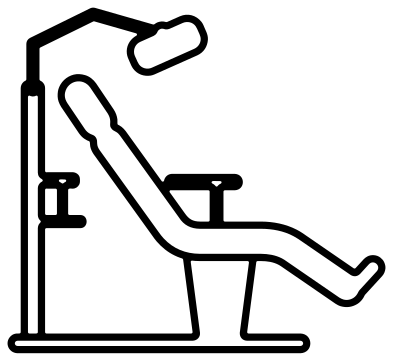 Dentist chair outline Outline · one piece
 -
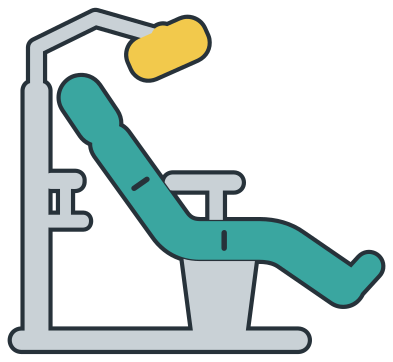 Layered dentist chair in four colours Layered · 5 pieces
What is fine and what is sturdy
The chair is the centrepiece and it is drawn in thick, padded parts: the cushions are about 10 mm deep when the design is 100 mm wide, and the lamp arm, the thinnest part, is about 3.5 mm. It cuts well in vinyl from about 60 mm wide. The cassette of tools is the delicate one. The handles are close to 5 mm wide, but the probe, the tips of the tweezers and the scaler narrow to about 2 mm, so cut it at 100 mm or more and weed from the bars outwards.
The chart of both arches has thirty-two small openings, each 5 to 9 mm across at 100 mm tall. It is quick to cut and slow to weed: use a pin to lift each tooth, or cut it from card and let the pieces fall out. The X-ray film, the smile and the masked hygienist have nothing fine in them and work as small stickers.
For a practice, a student or a thank you
Nothing here carries wording, so the name of a practice, a graduation year or a child’s name can go wherever you like. The monogram frame is a ring with a mouth mirror and a toothbrush crossed behind it. The icons come as six loose pieces for appointment cards and reward charts, and the silhouette stands on a straight strip so that it can be cut from card or thin wood and stood in a shadow box.
How to open the files
- Cricut Design Space: choose Upload, pick the SVG, and add it to the canvas. Set the width you want; the shape is already welded.
- Silhouette Studio: Designer Edition and above open the SVG. The free Basic Edition does not, so open the DXF instead.
- LightBurn, xTool Creative Space and Glowforge: import the SVG, then set the layer to cut, score or engrave.
- Inkscape, Illustrator and Affinity: open the SVG. It is a plain filled path, so you can recolour it, add a stroke or combine it with your own work.
- Printing or sublimation: use the PNG, which has a transparent background.
Each design page lists the file’s narrowest part at seven sizes, so you can tell whether it will survive at the size you plan to cut.
Questions
Where are the single tooth designs?
On the tooth page, which has the classic tooth, a cute tooth with a face, a tooth fairy tooth, a tooth with braces and a tooth monogram. This set covers the rest of the surgery: the chair, the people, the instruments, the X-ray and the chart.
How big is the opening in the monogram frame?
About 57 mm across when the frame is 100 mm tall, which takes two or three bold initials. The ring round it is about 6 mm wide, so letters welded to the ring will hold.
Is the dentist chart a real tooth numbering chart?
It shows the right count, sixteen teeth in each arch with wider molars at the back, but it carries no numbers because none of these files has lettering. Add your own numbers in your cutting software if you need them for teaching.
 Camera SVG
  Guitar SVG
  Music note SVG
  Stethoscope SVG
  Tooth SVG
  Light bulb SVG