Free cloud SVG files
Free cloud SVG files: puffy, fluffy, long and towering clouds, rain and storm clouds, a sun behind a cloud, outlines and doodles. Each is built in code from welded circles, so the curves are smooth, and downloads as SVG, PNG or DXF.
18 designs. Free for personal and commercial use, no sign-up. What you can do with them.
-
 Classic puffy cloud Solid · one piece
 -
 Simple cloud icon Solid · one piece
 -
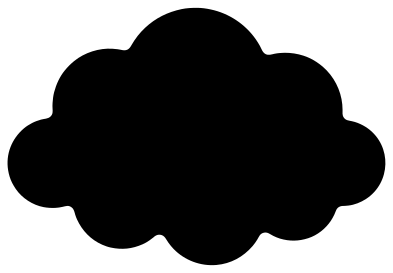 Fluffy cloud Solid · one piece
 -
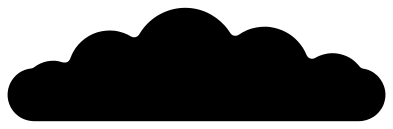 Long flat cloud Solid · one piece
 -
 Towering cloud Solid · one piece
 -
 Cartoon cloud with a highlight Solid · one piece
 -
 Happy cloud with a face Solid · one piece
 -
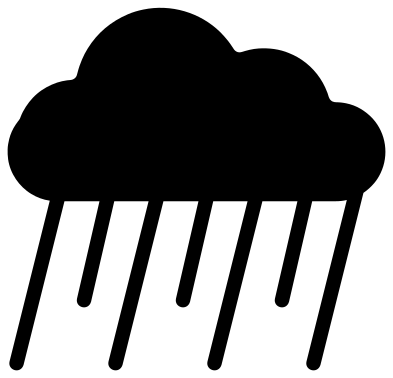 Rain cloud Solid · one piece
 -
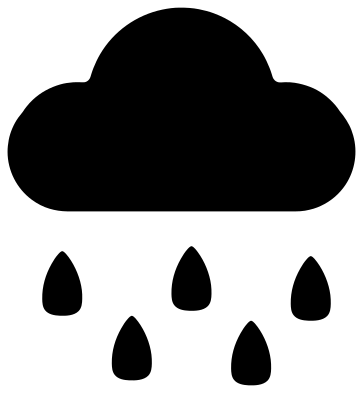 Cloud with raindrops Solid · 6 pieces
 -
 Storm cloud with lightning Solid · one piece
 -
 Sun behind a cloud Solid · one piece
 -
 Cloud with hanging stars Solid · one piece
 -
 Thought cloud Solid · 4 pieces
 -
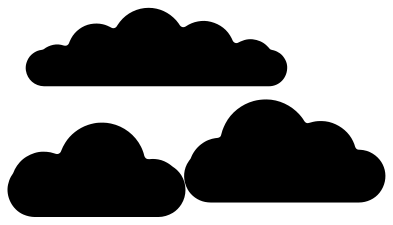 Set of three clouds Solid · 3 pieces
 -
 Bank of three clouds Solid · one piece
 -
 Cloud outline Outline · one piece
 -
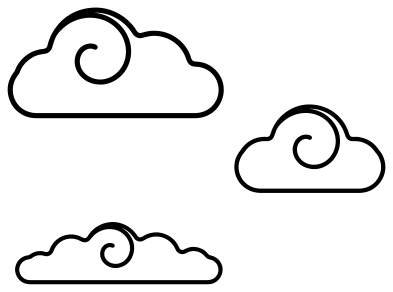 Three doodle clouds Outline · 3 pieces
 -
 Cloud frame Outline · one piece
Cutting clouds
A cloud is all outside curve, which makes it one of the quickest shapes to cut and the easiest to weed. Every file here is 100 mm on its longer side. The plain clouds (classic, icon, fluffy, long and towering) are single outlines with no holes, so they work at any size and in any material, from sticker vinyl to thick plywood.
The dips between the puffs are filled in slightly instead of being left as sharp notches. A blade turns more cleanly in a rounded dip, and there is no sharp inside corner for a tear to start from when you peel vinyl or flex thin card.
Designs with parts below the cloud need a little more care. The lines on the rain cloud are a little under 4 mm wide and the threads on the cloud with hanging stars about 2 mm, at full size. Both cut as one piece in card or thin wood; in vinyl, move them with transfer tape. The raindrops, the thought bubbles, the set of three and the doodles are loose pieces.
How to open the files
- Cricut Design Space: choose Upload, pick the SVG, and add it to the canvas. Set the width you want; the shape is already welded.
- Silhouette Studio: Designer Edition and above open the SVG. The free Basic Edition does not, so open the DXF instead.
- LightBurn, xTool Creative Space and Glowforge: import the SVG, then set the layer to cut, score or engrave.
- Inkscape, Illustrator and Affinity: open the SVG. It is a plain filled path, so you can recolour it, add a stroke or combine it with your own work.
- Printing or sublimation: use the PNG, which has a transparent background.
Each design page lists the file’s narrowest part at seven sizes, so you can tell whether it will survive at the size you plan to cut.
Questions
How do I add a second colour for the sun, the rain or the lightning?
On the cloud with raindrops the drops are already separate, so cut them from blue. For the welded designs, cut the whole file once in the cloud colour, then cut it again in yellow, keep only the sun or the bolt from the second cut and stick it on top of the first.
Which cloud suits a nursery wall or a mobile?
The fluffy cloud, which has puffs all the way round and no flat edge, or the cloud with hanging stars. Stiff felt and 3 mm plywood both work well at 150 to 250 mm wide.
Can I put a name on a cloud?
Yes. The cloud frame has an open middle made for a name, and the long flat cloud has room for a word across it. Add your text in your cutting software and weld it to the frame, or cut it from a second colour.
 Flower SVG
  Sunflower SVG
  Butterfly SVG
  Rose SVG
  Daisy SVG
  Leaf SVG