Free chevron SVG patterns and shapes
Free chevron patterns and shapes as vector files: zigzag stripes in bold, classic and fine weights, a tile that repeats, a stencil, chevron hearts and circles, single and stacked chevrons, zigzag lines and herringbone. Every stripe is the same thickness along its whole length and every corner lines up.
21 designs. Free for personal and commercial use, no sign-up. What you can do with them.
-
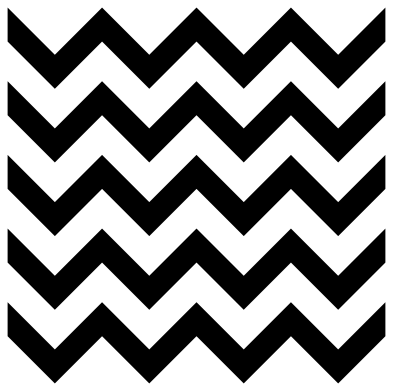 Chevron pattern Solid · 5 pieces
 -
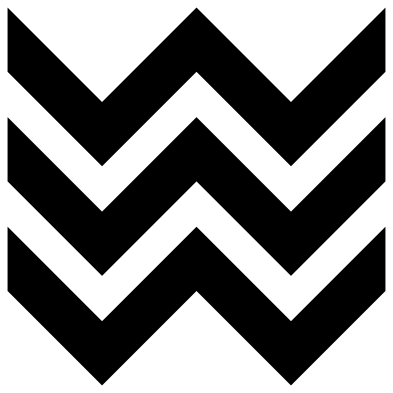 Bold chevron pattern Solid · 3 pieces
 -
 Fine chevron lines Solid · 11 pieces
 -
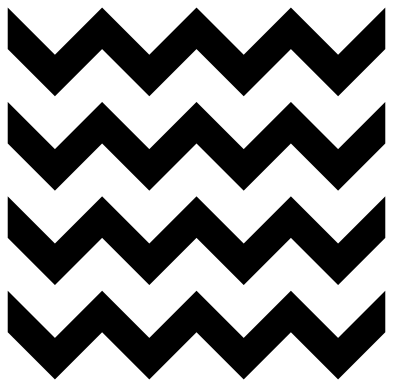 Seamless chevron tile Solid · 4 pieces
 -
 Shallow chevron stripes Solid · 6 pieces
 -
 Graduated chevron pattern Solid · 6 pieces
 -
 Rounded chevron pattern Solid · 4 pieces
 -
 Chevron stencil panel Solid · one piece
 -
 Chevron square Solid · one piece
 -
 Chevron heart Solid · 8 pieces
 -
 Chevron circle Solid · 10 pieces
 -
 Single chevron shape Solid · one piece
 -
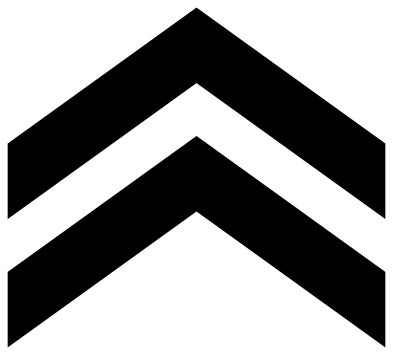 Double chevron Solid · 2 pieces
 -
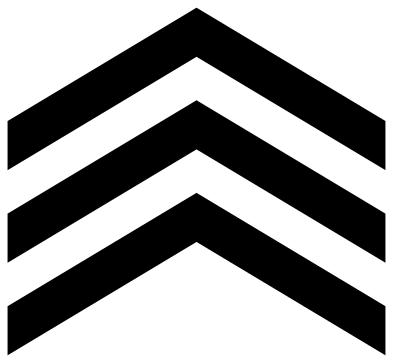 Triple chevron stripes Solid · 3 pieces
 -
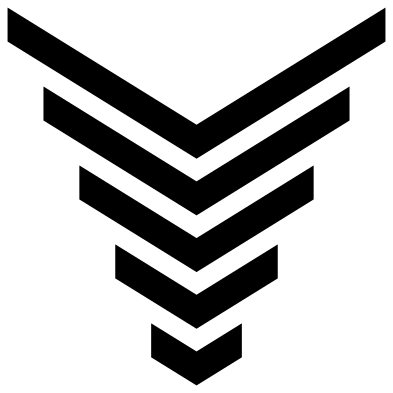 Nested chevrons Solid · 5 pieces
 -
 Chevron down icon Outline · one piece
 -
 Double chevron icon Outline · 2 pieces
 -
 Zigzag line Outline · one piece
 -
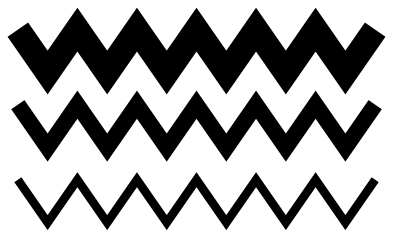 Zigzag lines Solid · 3 pieces
 -
 Chevron border Solid · 2 pieces
 -
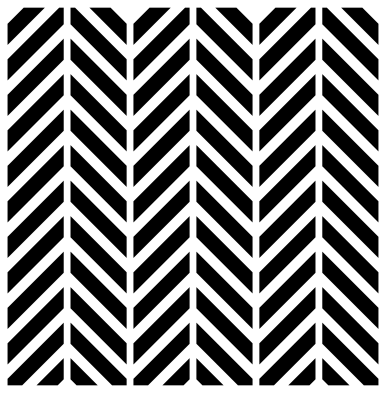 Herringbone pattern Solid · 72 pieces
Using a chevron pattern
A chevron pattern is zigzag stripes of one colour with the base showing between them. Cut the stripes in vinyl and you have the whole pattern, since the gaps are the second colour. The stripes are separate pieces, so lift them together with transfer tape to keep the gaps even. For card, wood or acrylic choose the chevron square or the stencil panel, which hold together as one piece.
To fill a letter or a shape, lay the pattern over it, select both and use Slice in Cricut Design Space, Intersect in Silhouette Studio or Path, Intersection in Inkscape. Match the scale to the shape: the bold pattern needs a shape at least 100 mm across to show a full zigzag, while the fine lines work in letters 30 mm tall.
Corners, repeats and what to watch for
Sharp inside corners are where vinyl tears when you weed, and sharp outside corners are where it lifts. Weed each stripe from one end to the other along its length, and press the points down firmly. If your material is fussy, use the rounded chevron pattern, which has no sharp corners at all.
Every pattern here is 100 mm wide with a corner of the zigzag on each side edge, so copies placed side by side join into longer stripes. The seamless tile also repeats downwards: step copies 100 mm across and 100 mm down.
How to open the files
- Cricut Design Space: choose Upload, pick the SVG, and add it to the canvas. Set the width you want; the shape is already welded.
- Silhouette Studio: Designer Edition and above open the SVG. The free Basic Edition does not, so open the DXF instead.
- LightBurn, xTool Creative Space and Glowforge: import the SVG, then set the layer to cut, score or engrave.
- Inkscape, Illustrator and Affinity: open the SVG. It is a plain filled path, so you can recolour it, add a stroke or combine it with your own work.
- Printing or sublimation: use the PNG, which has a transparent background.
Each design page lists the file’s narrowest part at seven sizes, so you can tell whether it will survive at the size you plan to cut.
Questions
What is the difference between chevron and zigzag?
They are the same shape. Chevron usually means the pattern of thick zigzag stripes, or a single V-shaped mark, while zigzag is used for a thin line that turns back and forth. This set has both, and herringbone too, which is made of separate slanted bars and not of continuous stripes.
How do I make a two-colour chevron pattern?
Cut the stripes in one colour and lay them on a base of the second colour: the gaps become the second set of stripes. On the classic pattern the stripes are 9 mm and the gaps 10.5 mm, so the two colours come out close to equal. For exactly equal stripes, cut the pattern twice and offset one copy.
How do I join copies of the chevron tile?
Place copies of the seamless tile exactly 100 mm apart across and 100 mm apart down at the original size, then weld. The file itself is a little under 100 mm tall because no stripe crosses its top or bottom edge, so space the copies by measurement, not by touching edges.
 Halftone patterns
  Spiral vectors
  Leopard print
  Cow print
  Zebra print
  Mermaid scales