Free box template SVG files
Free box template SVG files: a square box with a lid, a flat tuck box, a cube, a tall box with a window, a matchbox with a drawer, hexagon, round and heart boxes with lids, and a cake slice. Each one is a real pattern with its fold lines cut in.
11 designs. Free for personal and commercial use, no sign-up. What you can do with them.
-
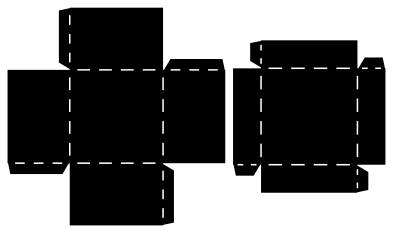 Square box template with a lid Solid · 2 pieces
 -
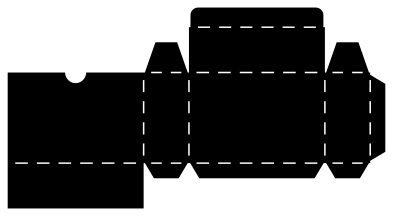 Rectangle box template with a tuck lid Solid · one piece
 -
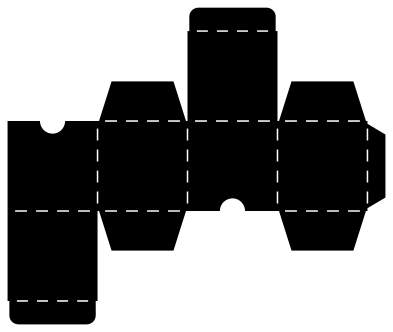 Cube box template with two tuck ends Solid · one piece
 -
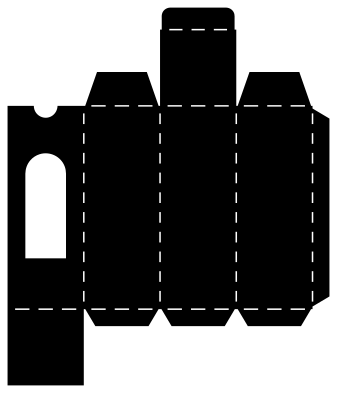 Tall box template with a window Solid · one piece
 -
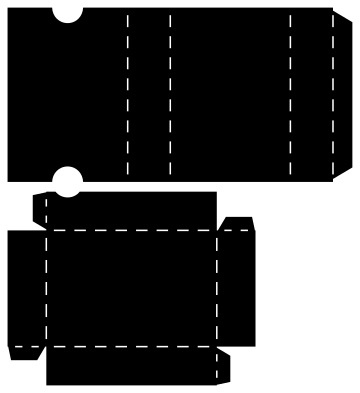 Matchbox template with a sliding drawer Solid · 2 pieces
 -
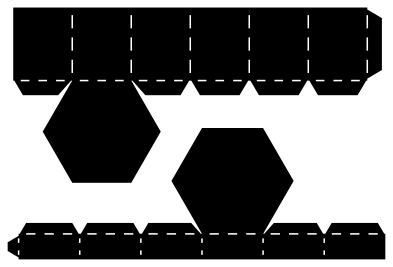 Hexagon box template with a lid Solid · 2 pieces
 -
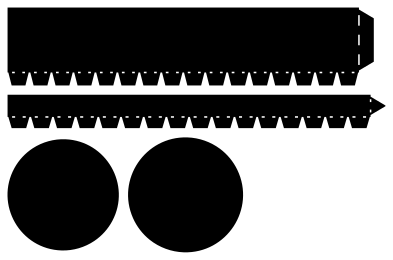 Round box template with a lid Solid · 4 pieces
 -
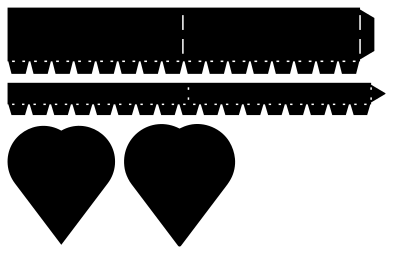 Heart box template with a lid Solid · 4 pieces
 -
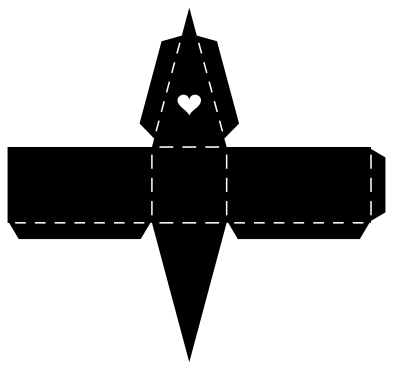 Cake slice box template Solid · one piece
 -
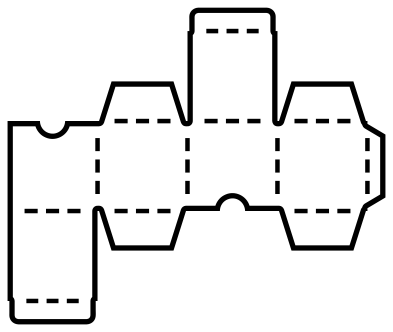 Cube box template to print and cut by hand Outline · 37 pieces
 -
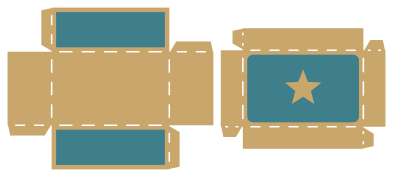 Oblong box template with coloured panels Layered · 5 pieces
Three ways a paper box is built
A tuck box is one piece: four walls in a row with a glue tab, a lid with a flap that tucks in, and a base that is glued or tucked. The rectangle, the cube and the tall box are made this way. It is the quickest to make and the strongest for its weight.
A box with a separate lid is two trays: fold the four walls up and glue each corner. Every lid here is 2 mm larger across than its box, which lets it slide over card of up to 300 gsm without sticking. The hexagon, round and heart boxes work the same way, but their walls are cut as a strip that is glued into a ring first. On the round and heart boxes the strip has a row of teeth along one edge: fold them inwards and glue the loose base on to them.
Sizes, sheets and card
The files are 100 mm on their longer side, so scale them up before cutting. The square box and lid, cut 245 mm wide, make a box 60 mm square from a sheet 245 by 141 mm. The cube, cut 210 mm wide, needs 210 by 176 mm, and the tall box 225 by 192 mm. All of them fit A4 or Letter card at the sizes given in their notes. To change the size of a box, scale the whole file: the lid, the tabs and the box all grow together.
Use 250 to 300 gsm card for boxes that have to hold something, and 200 gsm for the round and heart boxes, whose walls have to curve. The fold lines are rows of short slits cut by the blade, so there is nothing to score. Tacky glue is best for the toothed strips; double-sided tape is quicker on straight tabs.
How to open the files
- Cricut Design Space: choose Upload, pick the SVG, and add it to the canvas. Set the width you want; the shape is already welded.
- Silhouette Studio: Designer Edition and above open the SVG. The free Basic Edition does not, so open the DXF instead.
- LightBurn, xTool Creative Space and Glowforge: import the SVG, then set the layer to cut, score or engrave.
- Inkscape, Illustrator and Affinity: open the SVG. It is a plain filled path, so you can recolour it, add a stroke or combine it with your own work.
- Printing or sublimation: use the PNG, which has a transparent background.
Each design page lists the file’s narrowest part at seven sizes, so you can tell whether it will survive at the size you plan to cut.
Questions
How do I make a box a particular size?
Scale the file by the same amount as the box. Each note gives the box you get at one cut size: the cube is 50 mm when the file is cut 210 mm wide, so cutting it a fifth larger, 252 mm wide, gives a 60 mm cube. Check that the larger sheet still fits your card. Lids keep their fit when box and lid are scaled together.
Why is the lid a separate piece?
A lid that slips over the box needs to be a little larger than it, which a hinged lid cannot be. If you want a box in one piece, use the rectangle, the cube or the tall box, whose lids tuck in.
How do I glue the round box?
Glue the wall into a ring by its end tab and let it dry. Fold all the teeth inwards, put glue on them, and lower the disc on to them from inside the ring, pressing it down on a flat table. The lid is made the same way with the shallower strip.
 Crown SVG
  Banner SVG
  Bow SVG
  Gift tag SVG
 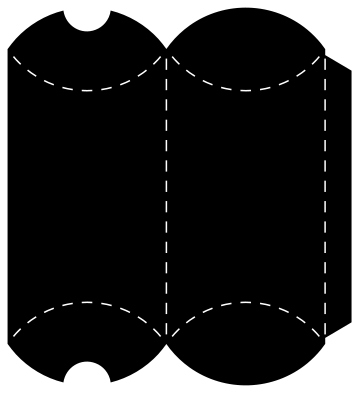 Pillow box SVG
 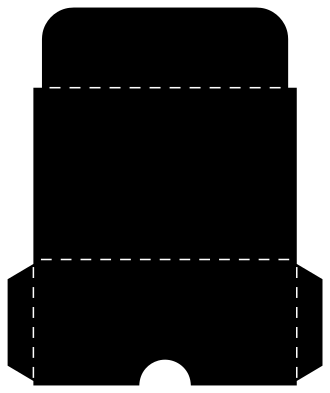 Gift card holder SVG