Free birch tree SVG files
Free birch tree SVG files drawn by code: whole trees bare and in leaf, stands of trunks with their bark marks cut out, a forest panel, a ring, a trunk with a carved heart, a leaf, catkins and a weeping branch. Each is a clean welded shape.
12 designs. Free for personal and commercial use, no sign-up. What you can do with them.
-
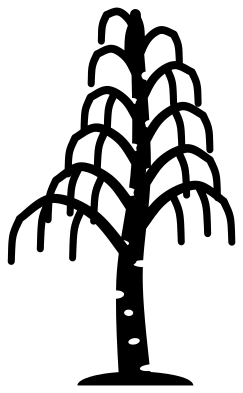 Birch tree in winter Solid · one piece
 -
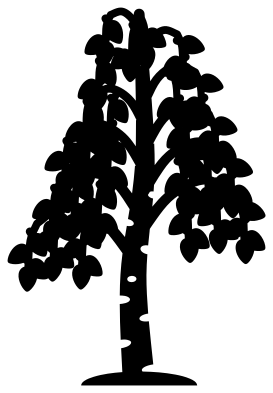 Birch tree in leaf Solid · one piece
 -
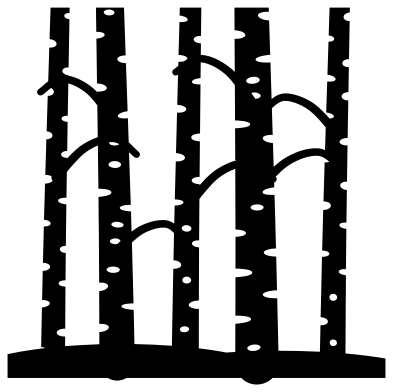 Birch trees, a stand of five trunks Solid · one piece
 -
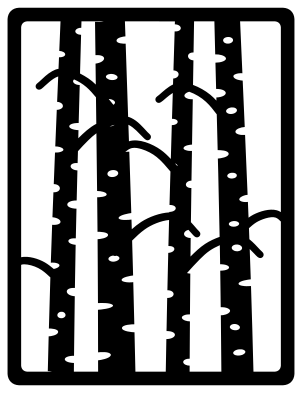 Birch forest panel Solid · one piece
 -
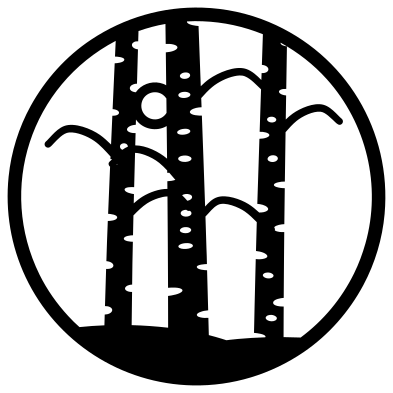 Birch trees in a ring Solid · one piece
 -
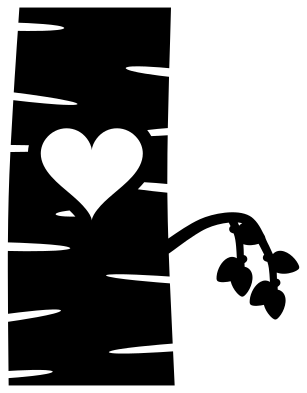 Birch trunk with a carved heart Solid · one piece
 -
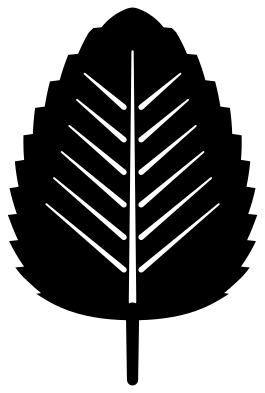 Birch leaf Solid · one piece
 -
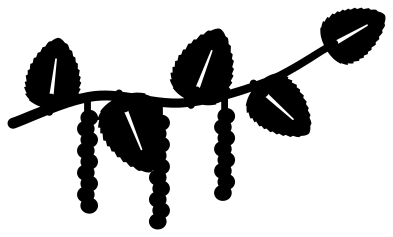 Birch twig with leaves and catkins Solid · one piece
 -
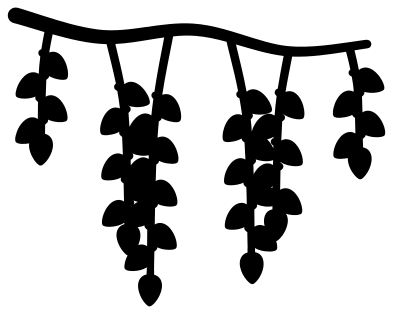 Weeping birch branch Solid · one piece
 -
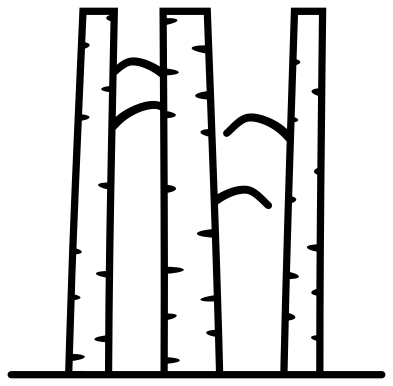 Birch trees outline Outline · one piece
 -
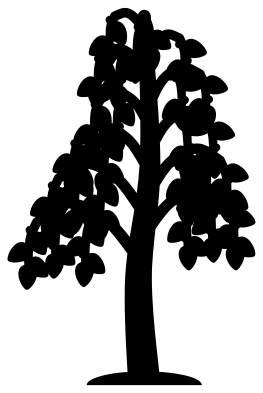 Birch tree silhouette Solid · one piece
 -
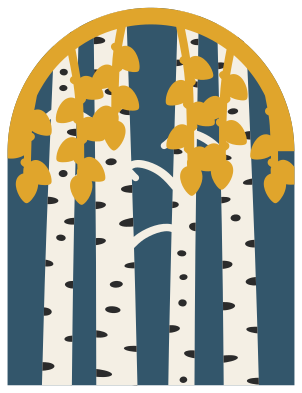 Layered birch trees in four colours Layered · 71 pieces
The bark does the work
A birch is known by its bark before its shape: a slim pale trunk crossed by short dark marks. In these files the marks are cut out of the trunk as lens-shaped slits. Most bite in from one edge and then the other, and on the wider trunks a few short ones lie inside. No two marks sit opposite each other, so a trunk never narrows to less than about half its width. Cut the trunks from white or cream and mount them on a dark backing, and the marks show dark, as on a real tree. Cut in black on a pale wall the marks show light, which reads just as well.
The slits are 1.5 to 2.3 mm tall at 100 mm. In vinyl they weed out easily with a hook. On a laser they engrave well as filled shapes if you would rather not cut them through.
Thin branches and small leaves
Birch branches are fine, and the twigs here are about 2 mm wide at 100 mm, with leaves about 7 mm long on the trees in leaf. For card or wood, cut whole trees at 150 mm or more, or choose the stand of trunks, the forest panel or the ring, where every branch is tied in at both ends. The birch tree silhouette has thicker twigs than the other trees and no bark marks, for small sizes and for layered scenes.
How to open the files
- Cricut Design Space: choose Upload, pick the SVG, and add it to the canvas. Set the width you want; the shape is already welded.
- Silhouette Studio: Designer Edition and above open the SVG. The free Basic Edition does not, so open the DXF instead.
- LightBurn, xTool Creative Space and Glowforge: import the SVG, then set the layer to cut, score or engrave.
- Inkscape, Illustrator and Affinity: open the SVG. It is a plain filled path, so you can recolour it, add a stroke or combine it with your own work.
- Printing or sublimation: use the PNG, which has a transparent background.
Each design page lists the file’s narrowest part at seven sizes, so you can tell whether it will survive at the size you plan to cut.
Questions
How do I make birch trees white with black marks?
Cut the stand of trunks or the forest panel from white card or vinyl and place it over black or a dark colour. The marks are holes, so the backing shows through them. The layered birch trees are set up the other way, with the marks as their own dark layer to lay on top of cream trunks.
Which birch design suits a lantern or a shadow box?
The birch forest panel. The trunks join the frame at the top and bottom and the branches run from trunk to trunk, so nothing hangs loose when it is cut. It is 76 mm wide when it is 100 mm tall; repeat it for each side of a lantern.
Can I put initials in the carved heart?
Yes. The heart is a clean hole about 27 mm wide when the trunk is 100 mm tall. Cut two initials or a short date from a second colour to sit inside it, or back the whole trunk with card and write on that.
 Flower SVG
  Sunflower SVG
  Butterfly SVG
  Rose SVG
  Daisy SVG
  Leaf SVG