Free astronaut SVG files
Free astronaut SVG files drawn by code: an astronaut standing, waving, floating on a tether, meditating, sitting on the moon, planting a flag and waiting by a rocket, plus a helmet on its own. Rounded, sturdy shapes with no logos, flags of nations or lettering.
12 designs. Free for personal and commercial use, no sign-up. What you can do with them.
-
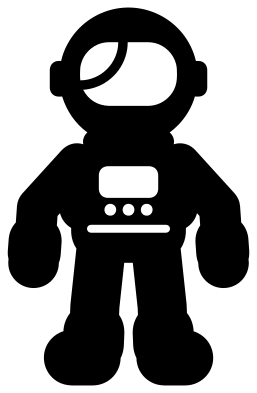 Astronaut in a space suit Solid · one piece
 -
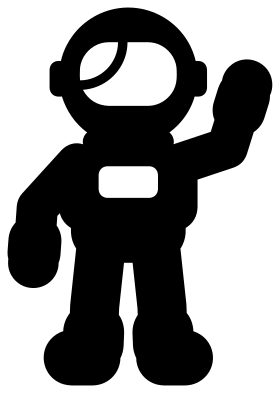 Waving spaceman Solid · one piece
 -
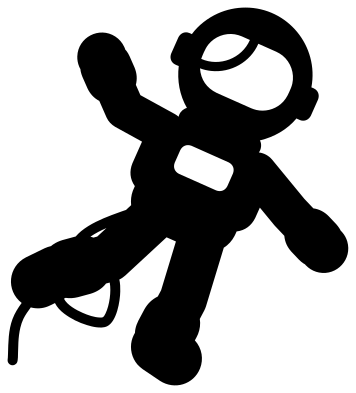 Astronaut floating in space Solid · one piece
 -
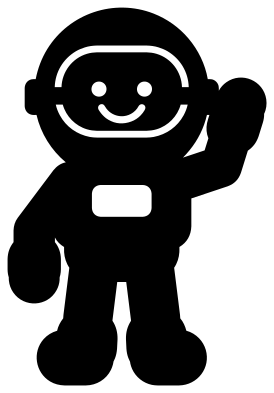 Cute astronaut with a smile Solid · one piece
 -
 Astronaut space helmet Solid · one piece
 -
 Meditating astronaut Solid · one piece
 -
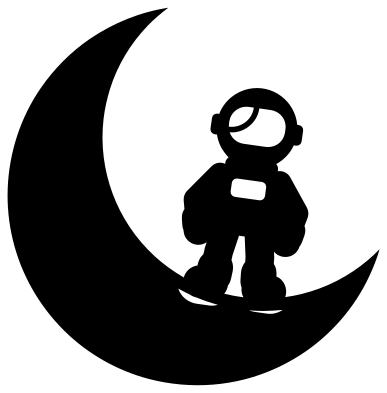 Astronaut sitting on a crescent moon Solid · one piece
 -
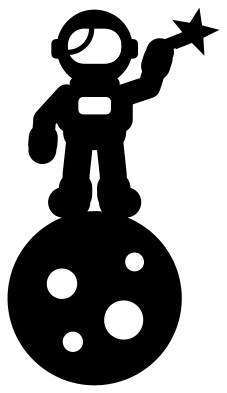 Astronaut standing on a small planet Solid · one piece
 -
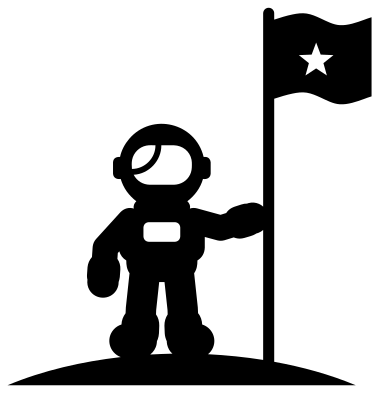 Astronaut planting a flag Solid · one piece
 -
 Astronaut beside a rocket Solid · one piece
 -
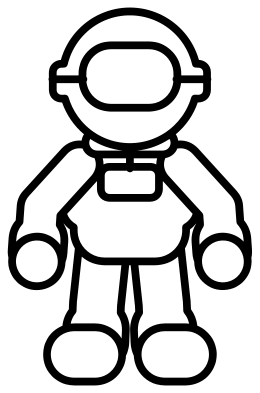 Astronaut outline Outline · one piece
 -
 Layered astronaut in four colours Layered · 9 pieces
A suit made of thick round parts
A space suit is padded, and that suits cutting. Arms here are about 10 mm wide and legs about 12 mm when the figure is 100 mm tall, with wider cuffs, round gloves and heavy boots, so there is nothing thin to tear. The only inside cuts are the visor, the chest panel and, on the detailed suit, a belt and three buttons. The full-size figures work in vinyl from 40 mm tall and in felt, card or 3 mm plywood from about 70 mm.
In the scenes with a moon, a planet, a flag or a rocket the astronaut is a little over half that size, so cut those at 100 mm or more to keep the visor clean.
Plain on purpose
These astronauts carry no agency badge, no national flag and no mission patch, and the flag in the flag design has a single star and belongs to nobody. That keeps the files free to use anywhere, and leaves the chest panel and the flag clear for a name, a number or a child's own emblem. Add those in your cutting software before you cut, or draw them on afterwards.
How to open the files
- Cricut Design Space: choose Upload, pick the SVG, and add it to the canvas. Set the width you want; the shape is already welded.
- Silhouette Studio: Designer Edition and above open the SVG. The free Basic Edition does not, so open the DXF instead.
- LightBurn, xTool Creative Space and Glowforge: import the SVG, then set the layer to cut, score or engrave.
- Inkscape, Illustrator and Affinity: open the SVG. It is a plain filled path, so you can recolour it, add a stroke or combine it with your own work.
- Printing or sublimation: use the PNG, which has a transparent background.
Each design page lists the file’s narrowest part at seven sizes, so you can tell whether it will survive at the size you plan to cut.
Questions
Can I put a name on the astronaut?
Yes. The chest panel is an open rectangle about 15 mm wide on the full-size figures, which takes two or three initials. For a full name, place it under the boots or along the tether of the floating astronaut.
How do I colour the visor?
On the single-colour designs the visor is cut out, so whatever is behind shows through: put gold, blue or mirror vinyl behind it. The layered astronaut has the visor as a separate dark piece to stick on top.
Which astronaut is best for a child's shirt?
The cute astronaut with a smile or the waving spaceman, cut at 120 to 150 mm tall in iron-on vinyl. Both are single pieces with few inside cuts, so they press flat and survive the wash.
 Flower SVG
  Sunflower SVG
  Butterfly SVG
  Rose SVG
  Daisy SVG
  Leaf SVG