Free ugly sweater SVG files
Christmas sweaters of every sort, from the classic with reindeer to a cardigan, an Aran and an argyle vest, and the knitting on its own as bands, borders and stitches for a plain shirt. The Fair Isle is drawn in straight lines and every motif is whole, so nothing is left hanging by a thread.
21 designs. Free for personal and commercial use, no sign-up. What you can do with them.
Or choose one below for its PNG, DXF and cutting sizes.
-
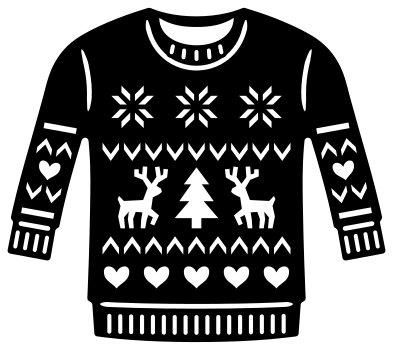 Ugly Christmas sweater with reindeer Solid · one piece
-
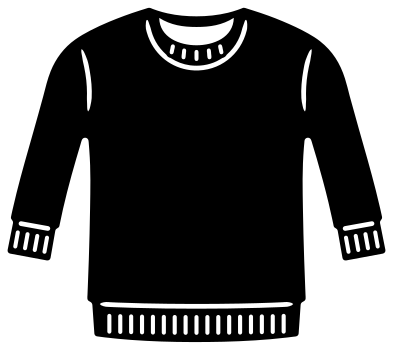 Plain sweater silhouette Solid · one piece
-
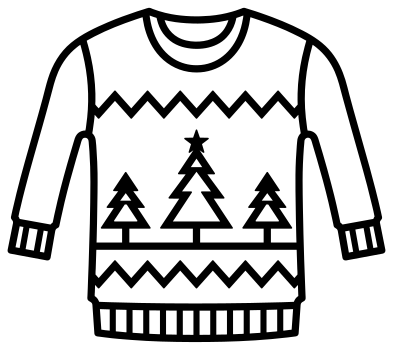 Christmas sweater outline with three trees Outline · one piece
-
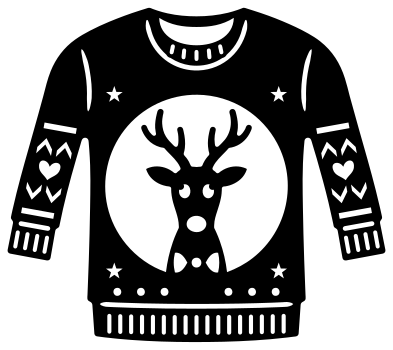 Reindeer patch sweater Solid · one piece
-
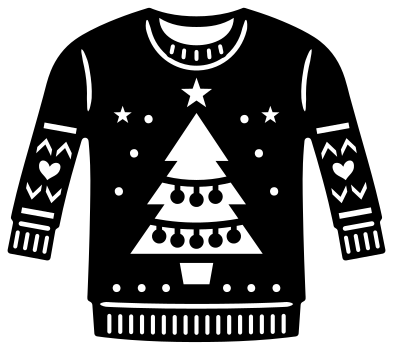 Ugly sweater with a Christmas tree Solid · one piece
-
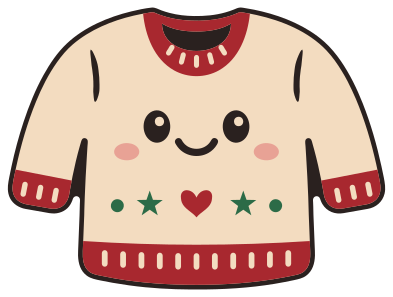 Cute sweater with a happy face Layered · 18 pieces
-
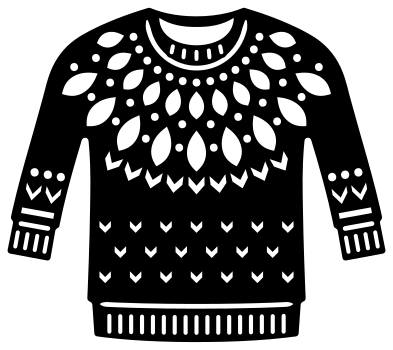 Nordic yoke sweater pattern Solid · one piece
-
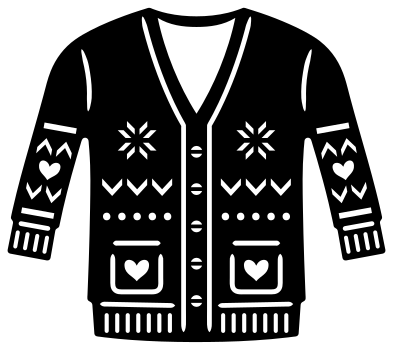 Christmas cardigan sweater with pockets Solid · one piece
-
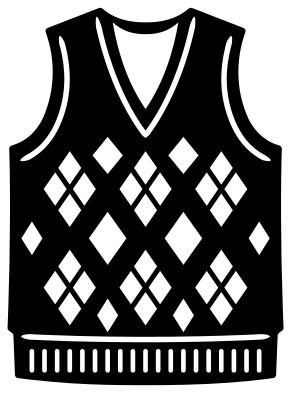 Argyle sweater vest Solid · one piece
-
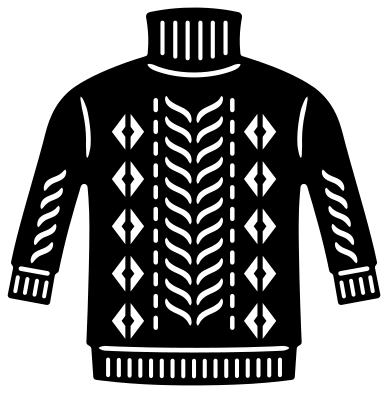 Cable knit roll neck sweater Solid · one piece
-
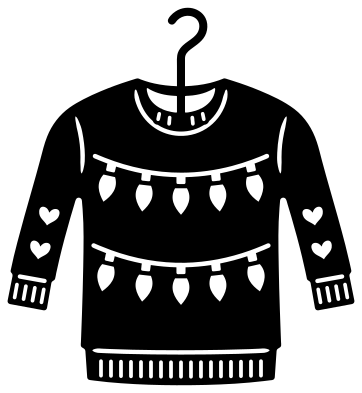 Sweater with fairy lights on a hanger Solid · one piece
-
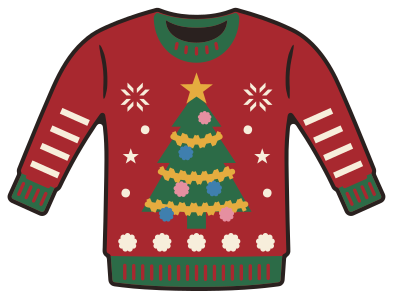 Layered tacky Christmas sweater in seven colours Layered · 52 pieces
-
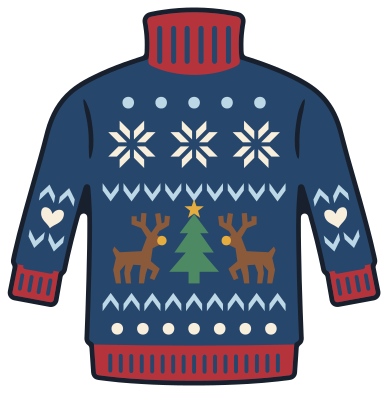 Layered navy reindeer sweater Layered · 76 pieces
-
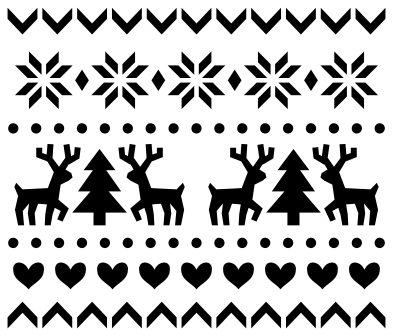 Christmas sweater pattern in bands Solid · 115 pieces
-
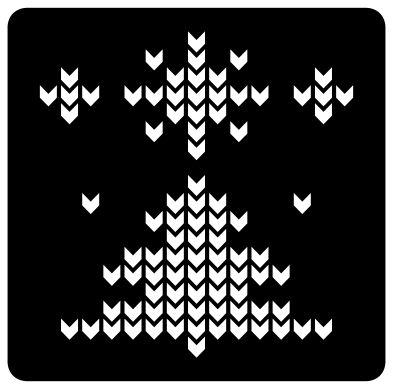 Knitted stitch sweater panel with a tree Solid · one piece
-
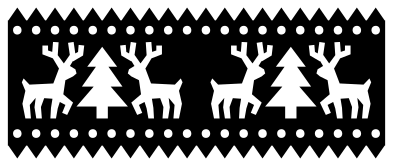 Christmas sweater border with reindeer and trees Solid · one piece
-
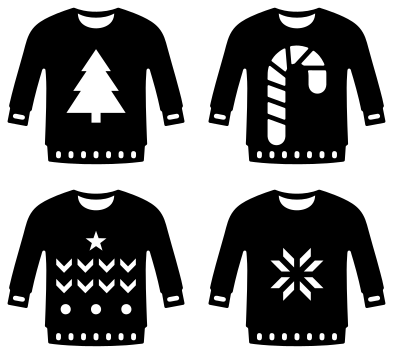 Set of four ugly sweaters Solid · 4 pieces
-
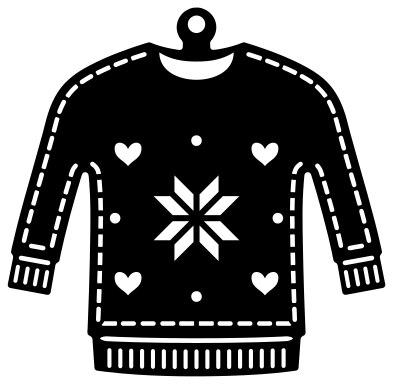 Stitched sweater ornament Solid · one piece
-
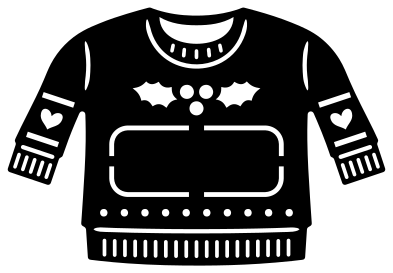 Sweater gift tag with a name panel Solid · one piece
-
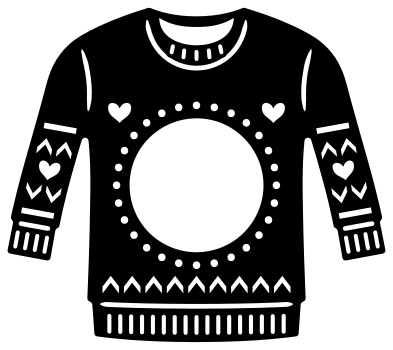 Sweater monogram frame Solid · one piece
-
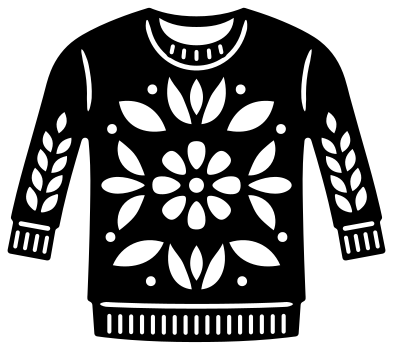 Folk art sweater with a rosette Solid · one piece
On a shirt, or as a sweater
There are two ways to use this set. The jumpers themselves make cards, tags, bunting, cookie toppers and window clings: cut the classic 90 mm wide for a card front and 250 mm wide for a door. The pattern, the border and the stitch panel are for turning a plain sweatshirt into an ugly one. Measure across the chest between the armholes, usually 280 to 340 mm for an adult, and make the pattern that wide. Mirror it before cutting heat transfer vinyl.
In the solid jumpers the knitting is cut out, so the colour behind it shows. A red jumper over white card, or white flocked vinyl over a red shirt, reads best. For the pattern, flock or puff vinyl gives a woolly look, and a little glitter on the roses is within the rules of the game.
Cutting the ribs
The finest cuts are the ribs of the collar and cuffs, just over 1 mm wide with the jumper at 100 mm. Under about 70 mm leave them out by choosing one from the set of four, whose ribs are drawn for small sizes. In card, use a fresh blade and weed the ribs first with a pin, then the hearts and roses, then the neck.
How to open the files
- Cricut Design Space: choose Upload, pick the SVG, and add it to the canvas. Set the width you want; the shape is already welded.
- Silhouette Studio: Designer Edition and above open the SVG. The free Basic Edition does not, so open the DXF instead.
- LightBurn, xTool Creative Space and Glowforge: import the SVG, then set the layer to cut, score or engrave.
- Inkscape, Illustrator and Affinity: open the SVG. It is a plain filled path, so you can recolour it, add a stroke or combine it with your own work.
- Printing or sublimation: use the PNG, which has a transparent background.
Each design page lists the file’s narrowest part at seven sizes, so you can tell whether it will survive at the size you plan to cut.
Questions
Which design do I use to make an ugly sweater at home?
The pattern in bands. It is loose pieces meant for the front of a shirt, seven bands deep. Cut the tree and snow in one colour and the reindeer in another, or keep it all white on a red or green sweatshirt. The border goes round the hem or down a sleeve.
Can I put a name or a photograph on one?
Yes. The monogram sweater has an open round window 35 mm across when the jumper is 100 mm wide, the gift tag has a framed panel, and the plain sweater has nothing on its front at all.
How do I put the layered sweaters together?
Cut the sheets in the order they are listed. The dark backing is slightly larger than the jumper and gives it its outline; the wool goes on next, then the ribs, then the knitting. The armhole seams are slits in the wool that let the backing show.
 Snowflake SVG
 Christmas tree SVG
 Ornament SVG
 Snowman SVG
 Santa hat SVG
 Candy cane SVG