Free tractor SVG files
Free tractor SVG files: a modern tractor with a cab, an antique open tractor, a chunky one for children, a silhouette with a front loader, a tractor pulling hay or pumpkins, a Christmas tractor, a monogram frame and a tractor tyre. No makes or badges.
13 designs. Free for personal and commercial use, no sign-up. What you can do with them.
-
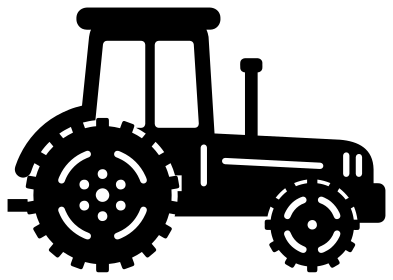 Tractor from the side Solid · one piece
 -
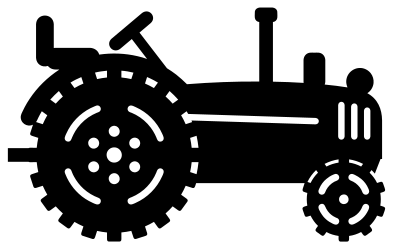 Antique tractor with an open seat Solid · one piece
 -
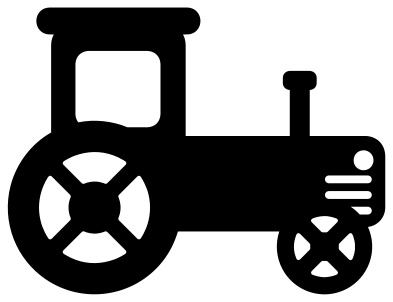 Simple tractor for children Solid · one piece
 -
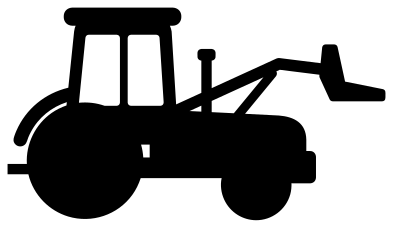 Tractor silhouette with a front loader Solid · one piece
 -
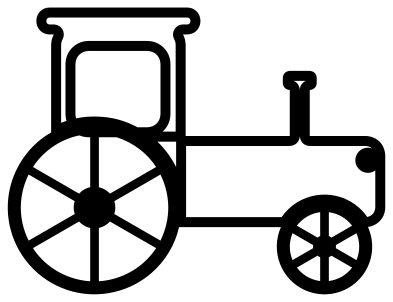 Tractor outline in black and white Outline · one piece
 -
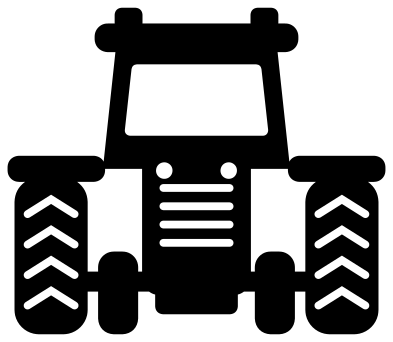 Tractor icon from the front Solid · one piece
 -
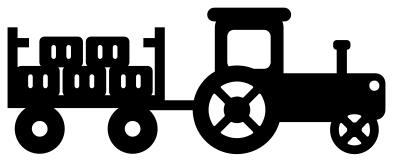 Tractor with a wagon of hay Solid · one piece
 -
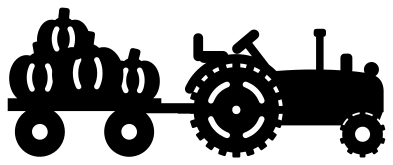 Tractor pulling pumpkins Solid · one piece
 -
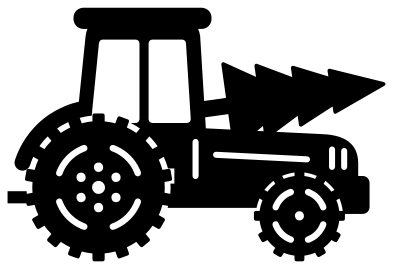 Christmas tractor with a tree Solid · one piece
 -
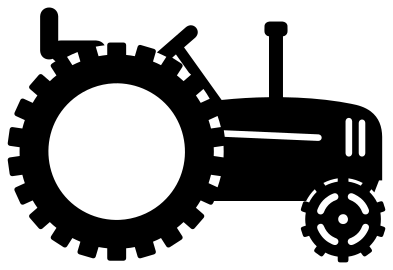 Tractor monogram frame Solid · one piece
 -
 Tractor tyre with deep lugs Solid · one piece
 -
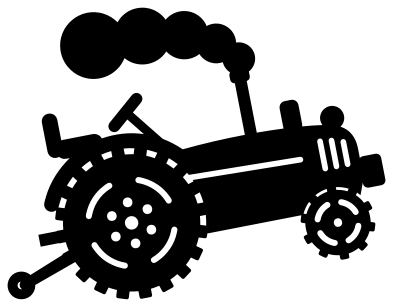 Pulling tractor with its front wheels up Solid · one piece
 -
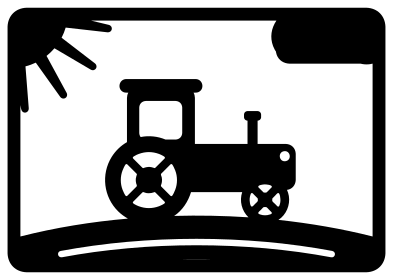 Tractor card front with a rising sun Solid · one piece
Big wheels, real lugs
A tractor is mostly its back wheel, so the wheels here are drawn with care. The tyre has separate lugs round the tread, the rim is marked by four cut arcs with bridges between them, and the hub has its own holes. The wheel sits in front of the body and its lugs are welded into the mudguard and the frame, so it does not fall out when you lift the tractor off the mat.
Lugs are small. On the side views they are about 3 mm wide when the tractor is 100 mm long, which vinyl and card handle well at that size and above. For wood, or for anything under about 70 mm, the simple tractor for children and the tractor silhouette are the better choice: their wheels are plain discs and fat spokes.
Farm colours without a brand
Green, red, blue and orange tractors each belong to a maker, and people are loyal to theirs. None of these files copies a maker’s shape or carries a badge, so cut the tractor in whichever colour the family drives. A tractor in one colour with black tyres is easy to make: cut the file twice, once in each colour, and use the wheels from the black one.
How to open the files
- Cricut Design Space: choose Upload, pick the SVG, and add it to the canvas. Set the width you want; the shape is already welded.
- Silhouette Studio: Designer Edition and above open the SVG. The free Basic Edition does not, so open the DXF instead.
- LightBurn, xTool Creative Space and Glowforge: import the SVG, then set the layer to cut, score or engrave.
- Inkscape, Illustrator and Affinity: open the SVG. It is a plain filled path, so you can recolour it, add a stroke or combine it with your own work.
- Printing or sublimation: use the PNG, which has a transparent background.
Each design page lists the file’s narrowest part at seven sizes, so you can tell whether it will survive at the size you plan to cut.
Questions
Which tractor is best for a child’s birthday shirt?
The simple tractor for children. It is made of a few big rounded shapes with one window and two cross-spoked wheels, so it weeds in a minute and survives the wash. Put the age on the cab door or under the tractor in your own lettering.
How do I use the tractor monogram frame?
The rear wheel is an open ring about 36 mm across inside when the file is 100 mm wide. Type an initial in your cutting software, size it to fit the ring and either weld it to the ring where it touches or cut it from a second colour and place it in the middle.
Can I take the wagon off the tractor?
Yes. Ungroup the file in your cutting software and cut across the drawbar between the wagon and the back wheel. The tractor and the wagon each stay in one piece, and you can use either on its own.
 Camera SVG
  Guitar SVG
  Music note SVG
  Stethoscope SVG
  Tooth SVG
  Light bulb SVG