Free sun SVG files
Free sun SVG files with every kind of ray: triangles, flames, lines, dots and teardrops, plus half suns, sunbursts, boho suns and outlines. Each is drawn by code with exact rotational symmetry and downloads as SVG, PNG or DXF.
19 designs. Free for personal and commercial use, no sign-up. What you can do with them.
-
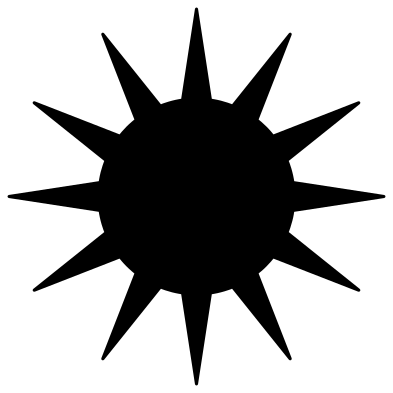 Classic sun with triangle rays Solid · one piece
 -
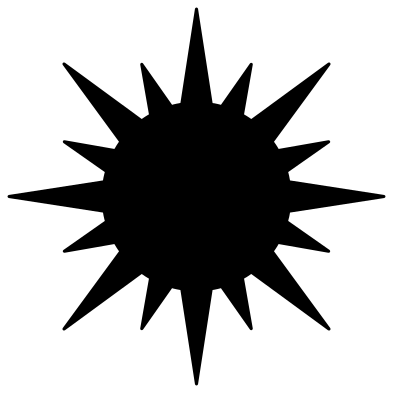 Sun with long and short rays Solid · one piece
 -
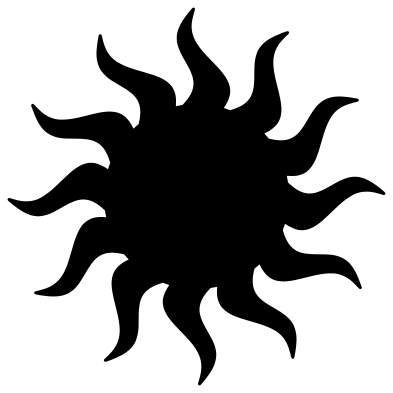 Sun with wavy rays Solid · one piece
 -
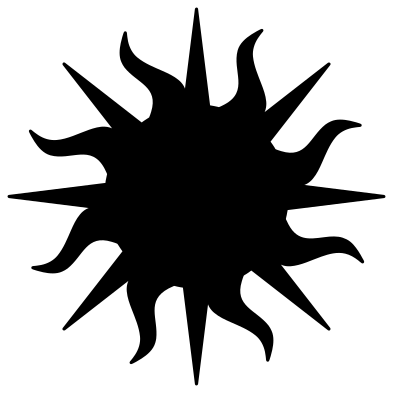 Sun with straight and wavy rays Solid · one piece
 -
 Simple chunky sun Solid · one piece
 -
 Sun icon with eight bars Solid · 9 pieces
 -
 Sun with line rays Solid · 25 pieces
 -
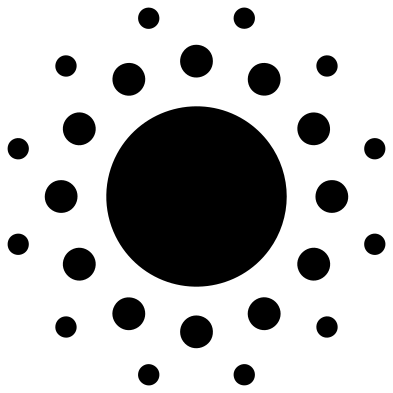 Sun with dot rays Solid · 25 pieces
 -
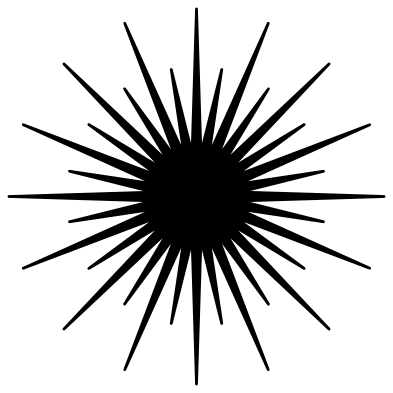 Sunburst Solid · one piece
 -
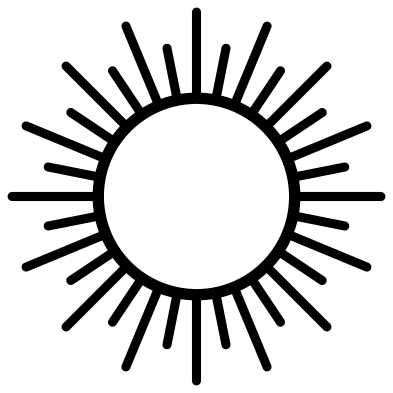 Sun rays frame with an open centre Solid · one piece
 -
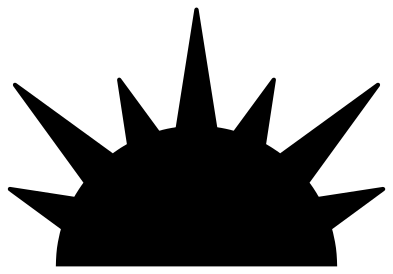 Half sun Solid · one piece
 -
 Boho half sun with arches Solid · one piece
 -
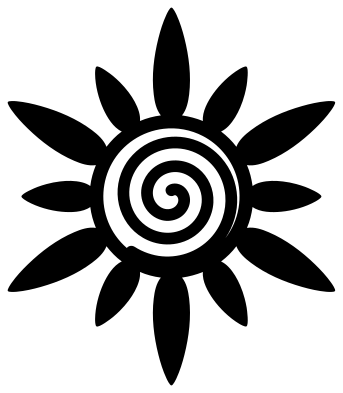 Boho sun with a spiral centre Solid · one piece
 -
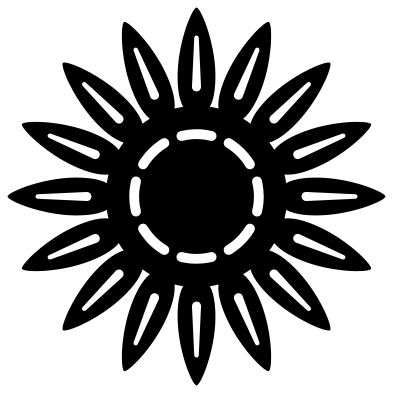 Boho sun with petal rays Solid · one piece
 -
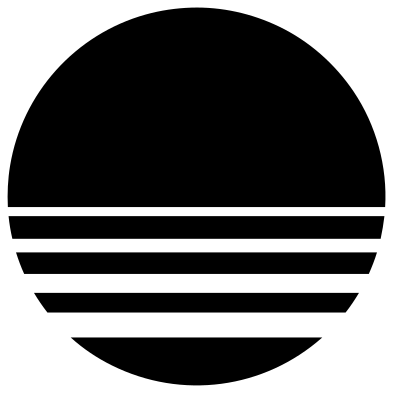 Retro striped sun Solid · 5 pieces
 -
 Smiling sun Solid · one piece
 -
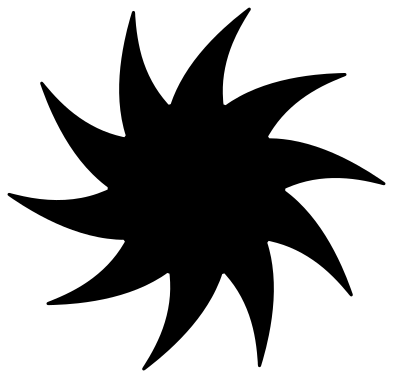 Swirling sun Solid · one piece
 -
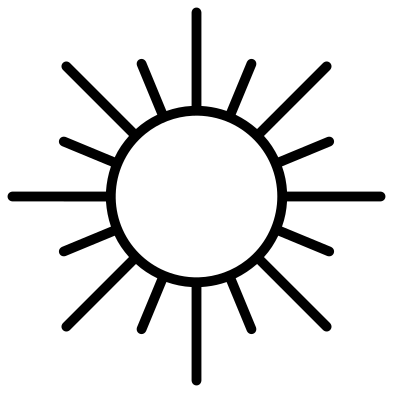 Sun outline with line rays Outline · one piece
 -
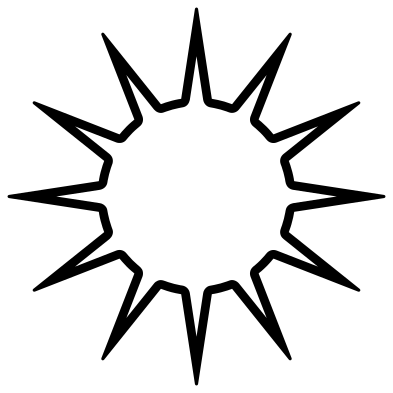 Sun outline with triangle rays Outline · one piece
Joined rays or loose rays
Every sun here is 100 mm across, and the half suns are 100 mm wide. The first thing to decide is whether the rays should be joined to the disc. The classic, long and short, wavy, chunky and swirling suns have joined rays and cut as one piece, which suits card, wood, acrylic and felt. The icon, line and dot suns and the retro striped sun are sets of loose pieces. They are made for adhesive and iron-on vinyl, where the transfer tape or carrier sheet holds every ray in place until it is stuck down.
Pointed rays are the delicate part. A ray on the classic sun is about 9 mm wide where it meets the disc and narrows to a point, so in wood or acrylic the last few millimetres can snap. The simple chunky sun has round-ended rays about 10 mm wide and is the safe choice for ornaments and anything a child will handle.
For foil, engraving and pen plotting, use the two outline suns or the sun rays frame, which are drawn in one line weight. The symmetry of every design is exact: twelve rays are twelve identical rays 30 degrees apart, which matters when you stack two colours or centre a sun on a circle.
How to open the files
- Cricut Design Space: choose Upload, pick the SVG, and add it to the canvas. Set the width you want; the shape is already welded.
- Silhouette Studio: Designer Edition and above open the SVG. The free Basic Edition does not, so open the DXF instead.
- LightBurn, xTool Creative Space and Glowforge: import the SVG, then set the layer to cut, score or engrave.
- Inkscape, Illustrator and Affinity: open the SVG. It is a plain filled path, so you can recolour it, add a stroke or combine it with your own work.
- Printing or sublimation: use the PNG, which has a transparent background.
Each design page lists the file’s narrowest part at seven sizes, so you can tell whether it will survive at the size you plan to cut.
Questions
Which suns cut as a single piece?
All of them except the sun icon, the sun with line rays, the sun with dot rays and the retro striped sun. Those four are loose pieces by design, for vinyl. Each design page says how many pieces the file has.
How do I make a sun in two colours?
Cut the classic sun in yellow and the sun outline with triangle rays in orange. They are the same shape, so the outline sits exactly on the edge of the solid sun. With the loose-piece suns, cut the disc from one colour and the rays from another.
Can I put a name or a photo in the middle of a sun?
Use the sun rays frame. Its centre is an empty circle about 49 mm across at full size, held by a ring, with the rays fixed to the outside. Scale it up until your name fits.
 Flower SVG
  Sunflower SVG
  Butterfly SVG
  Rose SVG
  Daisy SVG
  Leaf SVG