Free sock SVG files
Free sock SVG files: a ribbed sock, a plain shape, an outline, a pair, striped, argyle, spotted and Christmas socks, a sock with a hole, baby bootees, two socks making a heart, socks on a washing line, a lost socks sign with a blank board, a missing sock poster and a sock monkey. Each cuts as one piece.
17 designs. Free for personal and commercial use, no sign-up. What you can do with them.
-
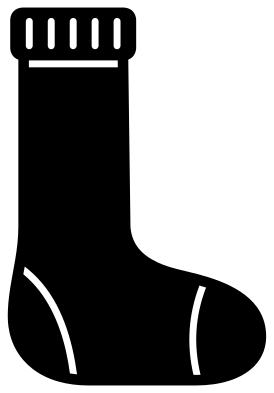 Sock with a ribbed cuff Solid · one piece
 -
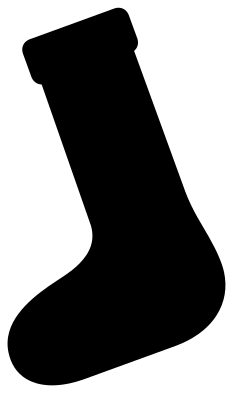 Sock shape with nothing cut out Solid · one piece
 -
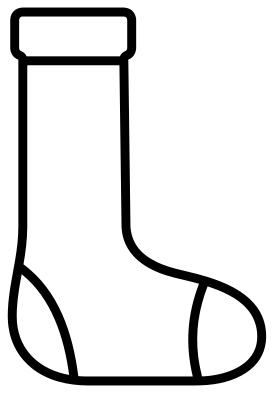 Sock outline Outline · one piece
 -
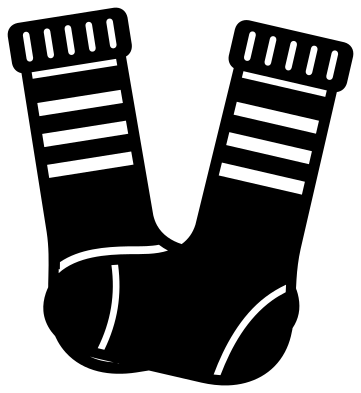 Pair of striped socks Solid · one piece
 -
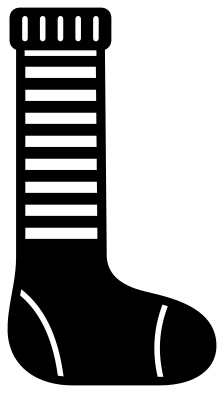 Long striped sock Solid · one piece
 -
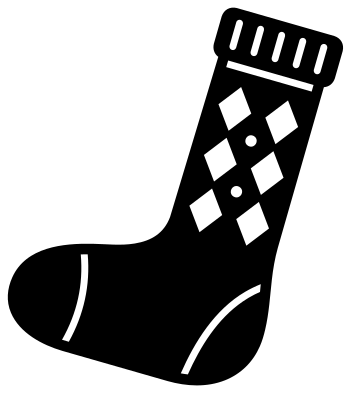 Argyle sock with diamonds Solid · one piece
 -
 Polka dot ankle sock Solid · one piece
 -
 Christmas sock with a snowflake Solid · one piece
 -
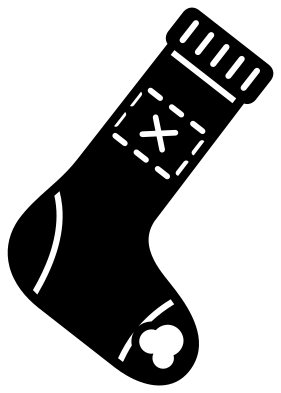 Sock with a hole and a patch Solid · one piece
 -
 Baby sock bootees, a pair Solid · one piece
 -
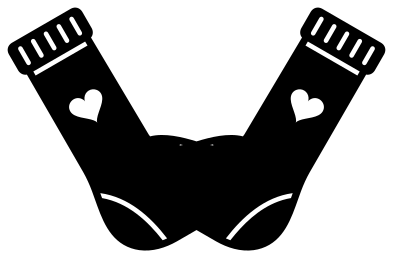 Pair of socks making a heart Solid · one piece
 -
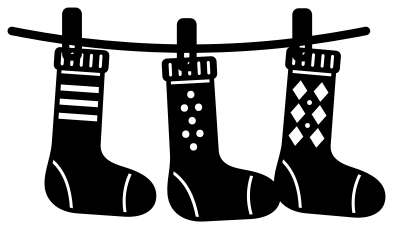 Sock washing line with three odd socks Solid · one piece
 -
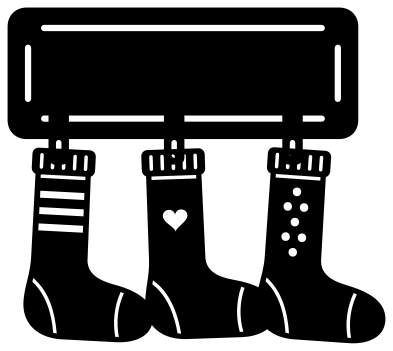 Lost socks sign with a blank board Solid · one piece
 -
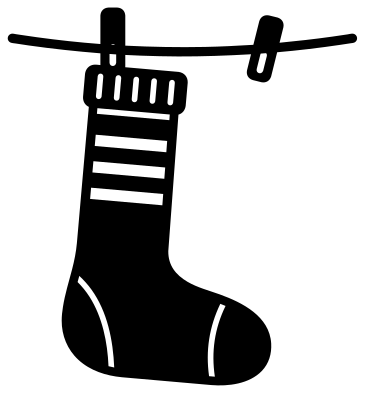 Lost sock on a washing line Solid · one piece
 -
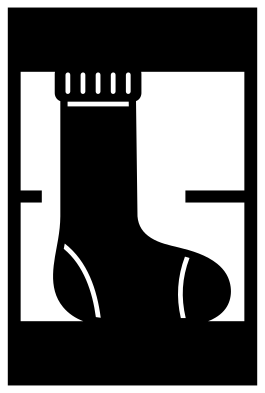 Missing sock poster frame Solid · one piece
 -
 Sock monkey face Solid · one piece
 -
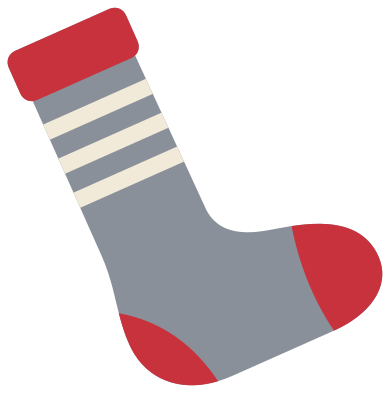 Layered striped sock in three colours Layered · 7 pieces
One sock, many patterns
Most of the socks here share one side view, about two thirds as wide as it is tall, with the leg made longer for the knee sock and shorter for the ankle sock, so they can be mixed freely on a washing line or a banner. The heel and the toe are each marked by one curved cut line, and those lines, the ribs on the cuff and every stripe stop short of the edge, which is what keeps the sock in one piece. The stripes are open bands about 3.5 mm tall; the cut lines are a little under 2 mm wide.
For labels on a drawer or a laundry basket, the plain shape and the ribbed sock work down to about 25 mm. The argyle, spotted and Christmas socks are better from 60 mm, where the diamonds and the arms of the snowflake are wide enough to weed.
Signs for the lost ones
Three designs are made for the laundry room. The lost socks sign is a blank board with three odd socks pegged under it: add your own words in lettering of your choice, cut in a second colour or welded to the board. The single sock on a line with an empty peg beside it needs no words at all. The missing sock poster has a solid bar at the top and the bottom for a heading and a line of small print. At 250 to 300 mm wide in vinyl, any of them fills the space above a washing machine.
How to open the files
- Cricut Design Space: choose Upload, pick the SVG, and add it to the canvas. Set the width you want; the shape is already welded.
- Silhouette Studio: Designer Edition and above open the SVG. The free Basic Edition does not, so open the DXF instead.
- LightBurn, xTool Creative Space and Glowforge: import the SVG, then set the layer to cut, score or engrave.
- Inkscape, Illustrator and Affinity: open the SVG. It is a plain filled path, so you can recolour it, add a stroke or combine it with your own work.
- Printing or sublimation: use the PNG, which has a transparent background.
Each design page lists the file’s narrowest part at seven sizes, so you can tell whether it will survive at the size you plan to cut.
Questions
How do I add words to the lost socks sign?
The board is a solid panel about three times as wide as it is tall, with a slim border line. Type your wording in your cutting software, size it to sit inside the border, and either cut it from a second colour to stick on top or subtract it from the board so that the wall shows through the letters.
Can I hang real socks from the sign?
Yes, if you cut the board alone from 3 mm plywood. Use the sign as a guide for spacing, leave the socks and pegs out, and glue three or four real wooden pegs along the lower edge. The pegs in the drawing are 30 to 35 mm apart when the board is 100 mm wide, so scale the board to 300 mm or more.
Which sock is best for odd sock day at school?
The pair of striped socks and the washing line with three odd socks. For a class set, cut the plain sock shape from several colours of card and let the children decorate one each: at 120 mm tall it fills half a sheet of A5.
 Camera SVG
  Guitar SVG
  Music note SVG
  Stethoscope SVG
  Tooth SVG
  Light bulb SVG