Free snow SVG files
Free snow SVG files: snow falling on hills and in birch woods, a flurry on the wind, a cabin, a street lamp in a blizzard, boots and their prints, a shovel, a plough truck and a snowball fight, with a window, a cottage and a cloud in layered colour.
20 designs. Free for personal and commercial use, no sign-up. What you can do with them.
Or choose one below for its PNG, DXF and cutting sizes.
-
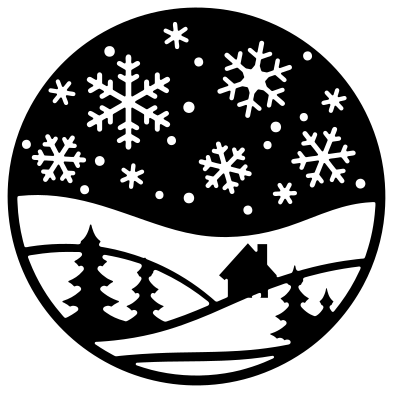 Snow falling on hills and a hut Solid · one piece
-
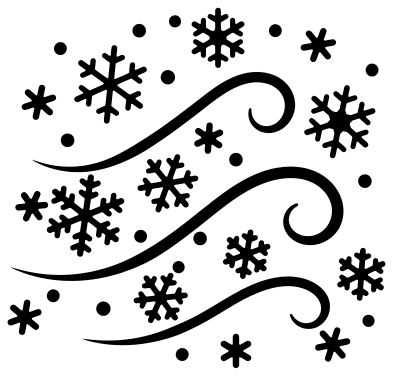 Snow flurry on the wind Solid · 34 pieces
-
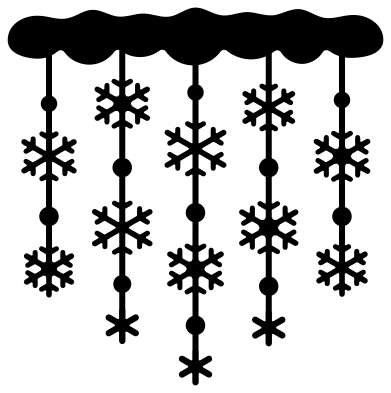 Falling snow curtain Solid · one piece
-
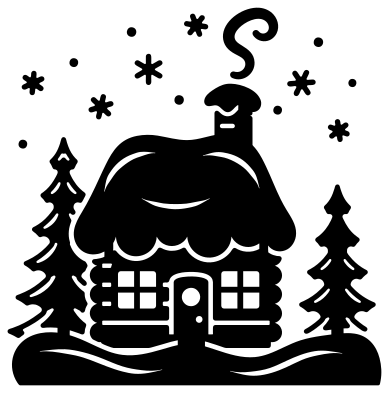 Log cabin under deep snow Solid · 15 pieces
-
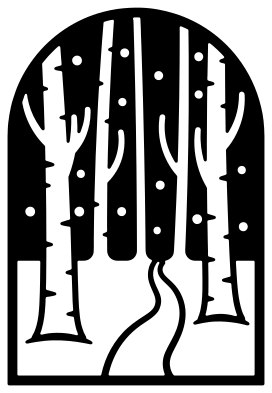 Snowy birch woods Solid · one piece
-
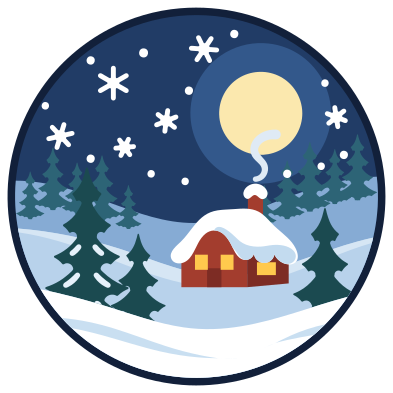 Layered snow at night Layered · 49 pieces
-
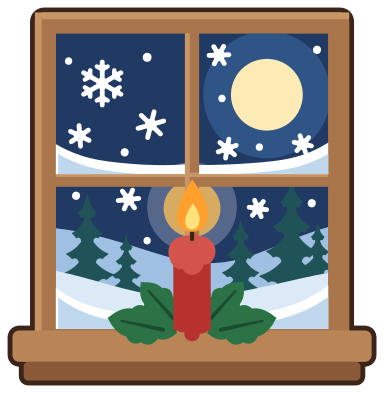 Layered window on a snowy night Layered · 53 pieces
-
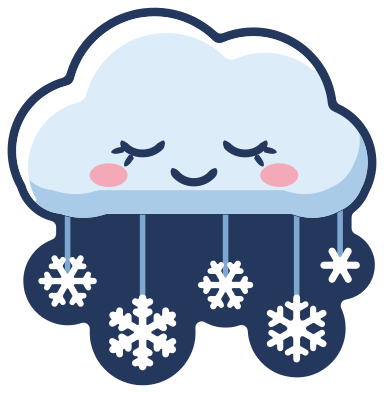 Cute snow cloud with hanging flakes Layered · 19 pieces
-
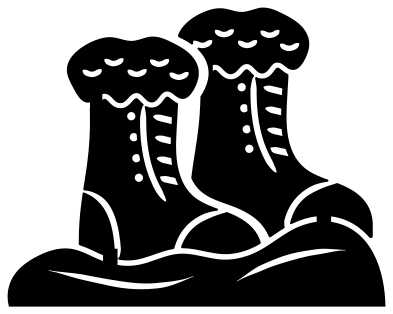 Snow boots in a drift Solid · 4 pieces
-
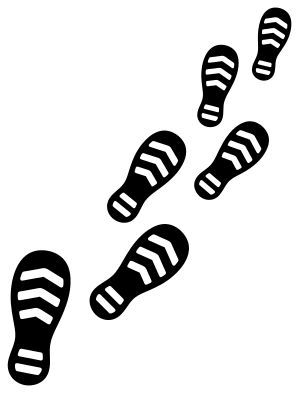 Boot prints in the snow Solid · 6 pieces
-
 Snow shovel in a heap Solid · 8 pieces
-
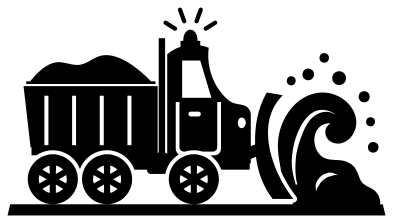 Snow plough truck clearing a road Solid · 17 pieces
-
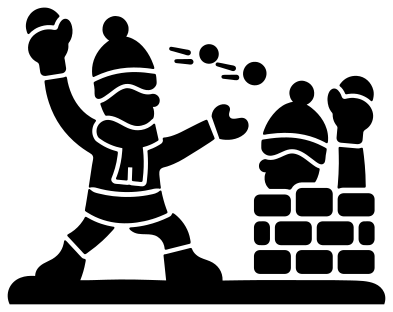 Snowball fight at a snow wall Solid · 34 pieces
-
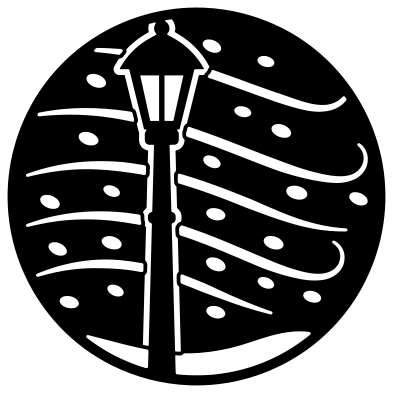 Snow blizzard round a street lamp Solid · one piece
-
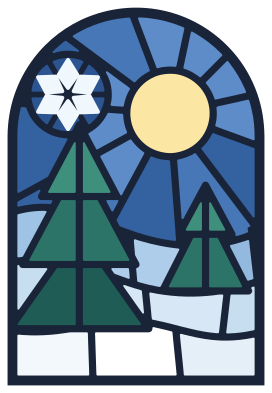 Stained glass snowfield Layered · 45 pieces
-
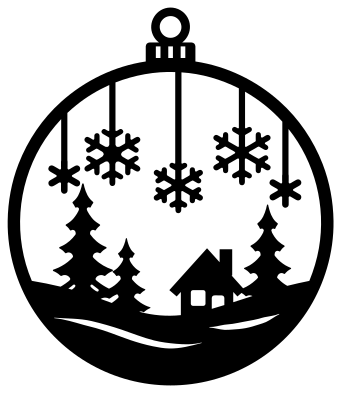 Snow scene ornament Solid · one piece
-
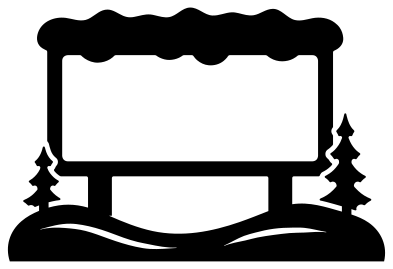 Snow-covered sign for a name Solid · one piece
-
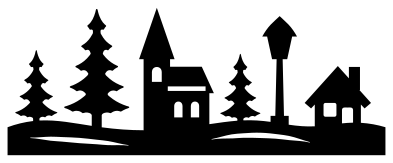 Snowy village border Solid · one piece
-
 Lantern in the snow Solid · 3 pieces
-
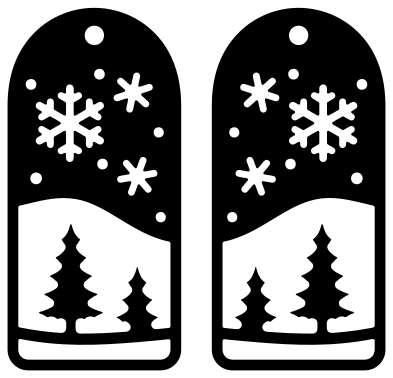 Pair of snowfall earrings Solid · 2 pieces
Which snow is card and which is air
Snow can be cut two ways. In the hills and hut, the birch woods, the lamp in a blizzard and the earrings the snow is what you take away: the sheet is the dark night and the flakes are holes, so put white card, a light or a window behind it. In the flurry, the curtain, the cabin, the boots, the shovel and the village border the snow is what you keep, so cut those from white, silver or glitter vinyl and put them on something dark.
That is the thing to decide before choosing a colour. A cabin cut from black reads as a drawing of a cabin; the same file cut from white on a navy board reads as snow.
Sizes, loose flakes and weeding
Every file is 100 mm on its longer side. The arms of the flakes are between 1.2 and 2 mm wide there, which vinyl and card hold well; for 3 mm plywood or acrylic cut the round scenes at 150 mm or more. The flurry, the boot prints, the cabin’s flakes and the crumbs round the shovel are separate pieces, so lift those with transfer tape to keep them where they belong. The curtain, the hoop ornament, the sign and the border are one piece each.
For a whole window, cut the flurry twice, once as it is and once flipped left to right, and set the two a hand’s width apart: the wind then seems to turn. The border repeats end to end, and the sign has a clear opening for a name in any lettering you like.
How to open the files
- Cricut Design Space: choose Upload, pick the SVG, and add it to the canvas. Set the width you want; the shape is already welded.
- Silhouette Studio: Designer Edition and above open the SVG. The free Basic Edition does not, so open the DXF instead.
- LightBurn, xTool Creative Space and Glowforge: import the SVG, then set the layer to cut, score or engrave.
- Inkscape, Illustrator and Affinity: open the SVG. It is a plain filled path, so you can recolour it, add a stroke or combine it with your own work.
- Printing or sublimation: use the PNG, which has a transparent background.
Each design page lists the file’s narrowest part at seven sizes, so you can tell whether it will survive at the size you plan to cut.
Questions
Can I use these snow files on glass?
Yes. White vinyl is the usual choice, and the flurry, the curtain and the village border are drawn for it. Put them on the inside of the pane, cut as a mirror image if they should read the right way round from the street, and use removable vinyl if they come down in January.
How do I make the layered night scene?
Cut each layer from its own colour and stack them in the order they are listed, starting with the round backing. The sky, the moon and the two banks of far snow go down first; the cottage sits on the middle bank and the white drift goes on last, over the feet of the firs.
Which design suits a small child’s project?
The boot prints and the shovel have the largest pieces and few holes, so they weed quickly and a child can place them. The cute cloud is the simplest of the layered designs.
 Snowflake SVG
 Christmas tree SVG
 Ornament SVG
 Snowman SVG
 Santa hat SVG
 Candy cane SVG