Free schnauzer SVG files
Free schnauzer SVG files: a standing silhouette on a flat base, a sitting miniature schnauzer, a bearded face, a head in side view, a pup, a peeking schnauzer, and versions with a heart, a bone, a paw print and a ring for an initial. All drawn by code as clean closed shapes.
12 designs. Free for personal and commercial use, no sign-up. What you can do with them.
-
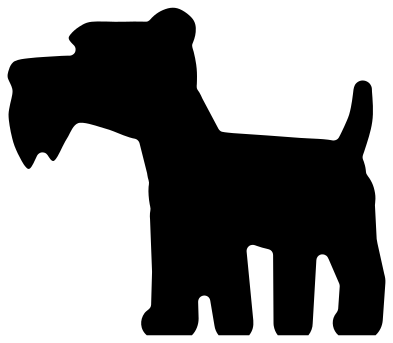 Schnauzer silhouette standing Solid · one piece
 -
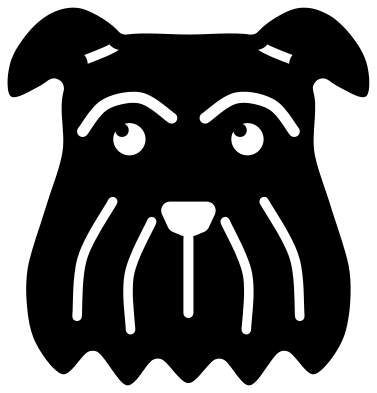 Schnauzer face Solid · one piece
 -
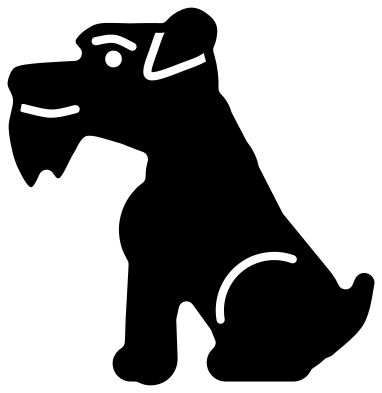 Miniature schnauzer sitting Solid · one piece
 -
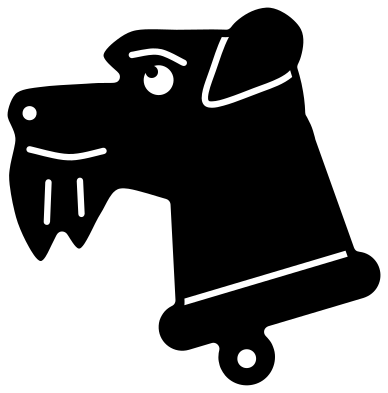 Schnauzer head in side view Solid · one piece
 -
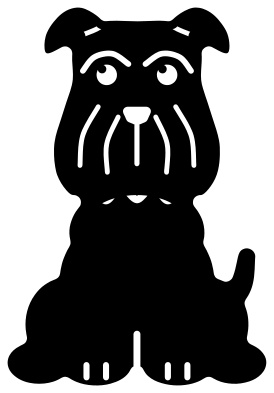 Schnauzer puppy sitting Solid · one piece
 -
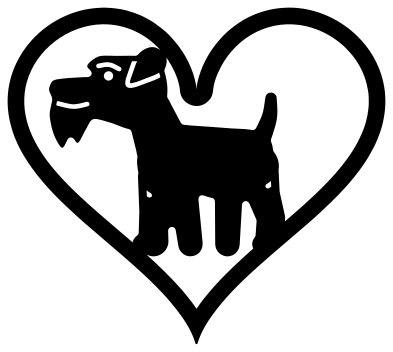 Schnauzer in a heart Solid · one piece
 -
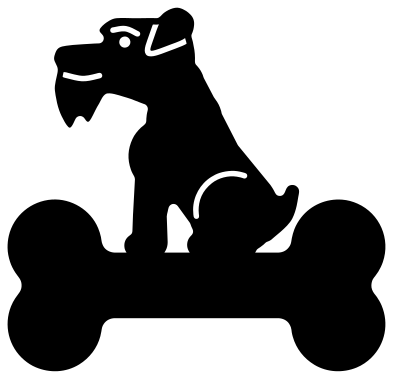 Schnauzer sitting on a bone Solid · one piece
 -
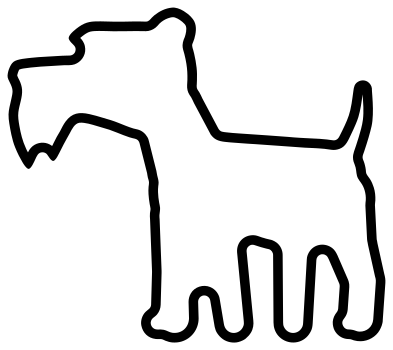 Schnauzer outline Outline · one piece
 -
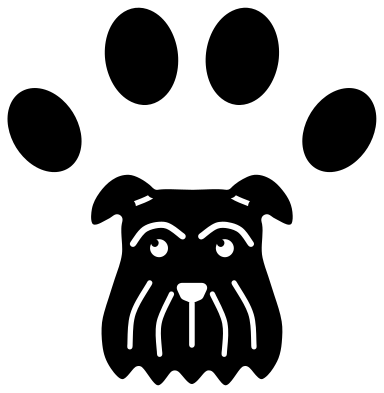 Schnauzer paw print badge Solid · 5 pieces
 -
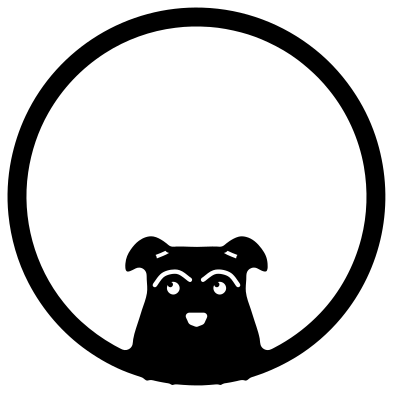 Schnauzer monogram frame Solid · one piece
 -
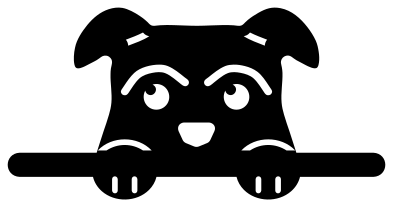 Peeking schnauzer Solid · one piece
 -
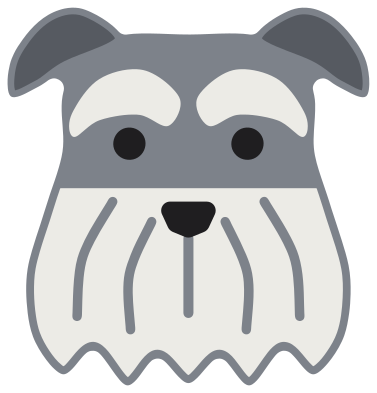 Layered schnauzer face in four colours Layered · 9 pieces
Sizes, materials and the beard
Every file is 100 mm on its longer side. A schnauzer is all furnishings: the eyebrow that juts over the eye, the beard that hangs from the muzzle, the skirt under the belly and the thick hair on the legs. In the side views the beard hangs in two locks with a notch between them, and that notch is the finest detail. In vinyl it weeds cleanly from about 50 mm wide. In 3 mm plywood keep the standing silhouette at 100 mm or wider, so the locks of the beard and the short upright tail stay strong.
The face is one solid head with the features cut through it: two small eyes, the line under each eyebrow, the nose, the parting of the moustache and four strands of beard. The strands are slits about 2.5 mm wide and up to 30 mm long at full size, so weed them with a pin from the nose downwards, and cut the face at 80 mm or wider.
Which schnauzer for which job
The standing silhouette is cut level under the feet, so it sits flush on the floor of a shadow box or along the bottom of a sign. The layered face is drawn for a salt and pepper coat: a grey head, darker ears and a pale beard and eyebrows. The bone under the sitting schnauzer is a blank name plate. The paw print badge is five loose pieces, so use transfer tape in vinyl or a backing sheet in card.
How to open the files
- Cricut Design Space: choose Upload, pick the SVG, and add it to the canvas. Set the width you want; the shape is already welded.
- Silhouette Studio: Designer Edition and above open the SVG. The free Basic Edition does not, so open the DXF instead.
- LightBurn, xTool Creative Space and Glowforge: import the SVG, then set the layer to cut, score or engrave.
- Inkscape, Illustrator and Affinity: open the SVG. It is a plain filled path, so you can recolour it, add a stroke or combine it with your own work.
- Printing or sublimation: use the PNG, which has a transparent background.
Each design page lists the file’s narrowest part at seven sizes, so you can tell whether it will survive at the size you plan to cut.
Questions
Can I make a black, or a black and silver, schnauzer?
Yes. For a solid black schnauzer, cut any of the single-colour designs from black. For black and silver, use the layered schnauzer face with a black head and ears and keep the beard and eyebrows pale grey or silver. For salt and pepper, use mid grey for the head, as drawn.
Are the ears cropped or natural?
Natural. Every design has the ear folded forwards in a V, as most pet schnauzers have. There is no cropped, upright ear in this set.
Do these work for a standard or a giant schnauzer as well as a miniature?
Yes. The three sizes share the same outline: the brick-shaped head, the beard, the eyebrows and the square body. A cut file has no scale, so the same shape serves all three.
 Owl SVG
  Bird SVG
  Cat SVG
  Dog SVG
  Elephant SVG
  Fish SVG