Free Santa sack SVG files
Santa sacks of every sort: tied with a cord, leaning, brimming with toys, checked, folk and smiling, with three in colour. Beside them are the pictures people press on a cloth sack, such as a sleigh on the moon, a postmark, a stamp, and frames left blank for a name.
20 designs. Free for personal and commercial use, no sign-up. What you can do with them.
Or choose one below for its PNG, DXF and cutting sizes.
-
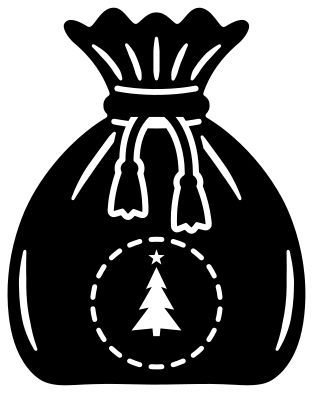 Santa sack tied with a cord Solid · one piece
-
 Simple Santa sack silhouette Solid · one piece
-
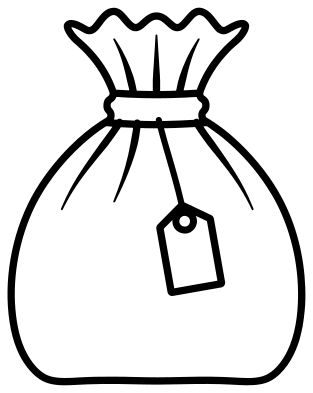 Santa sack outline with a blank tag Solid · one piece
-
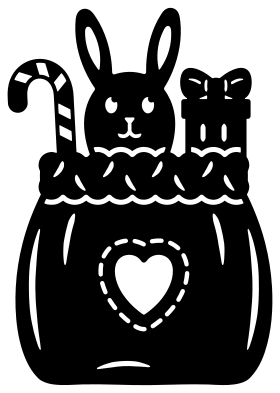 Santa sack full of toys Solid · one piece
-
 Santa sack with a village window Solid · one piece
-
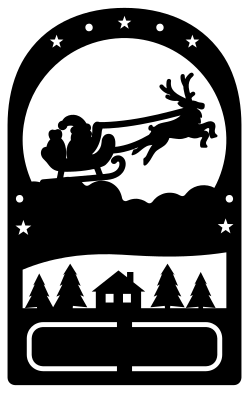 Moon and sleigh panel for a Santa sack Solid · one piece
-
 Reindeer postmark for a Santa sack Solid · one piece
-
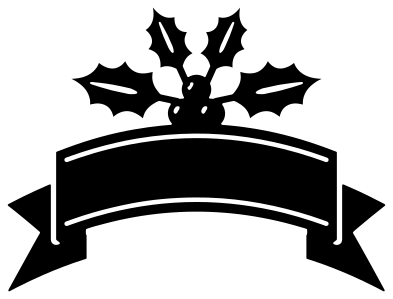 Holly name banner for a Santa sack Solid · one piece
-
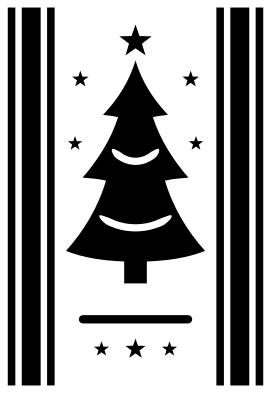 Grain sack stripes for a Santa sack Solid · 16 pieces
-
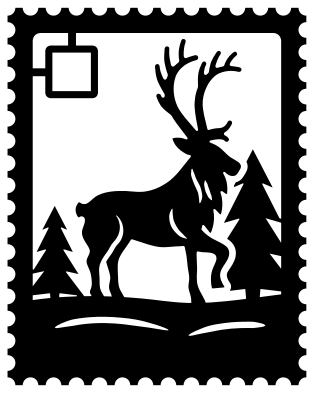 Reindeer stamp for a Santa sack Solid · one piece
-
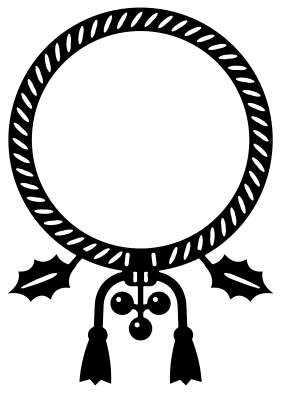 Cord name frame for a Santa sack Solid · one piece
-
 Santa sack monogram frame Solid · one piece
-
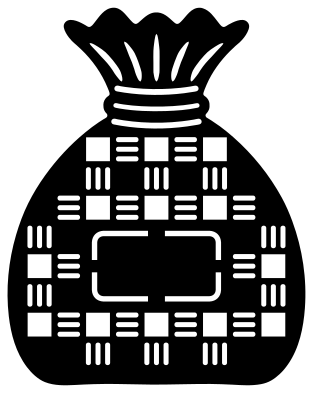 Buffalo check Santa sack Solid · one piece
-
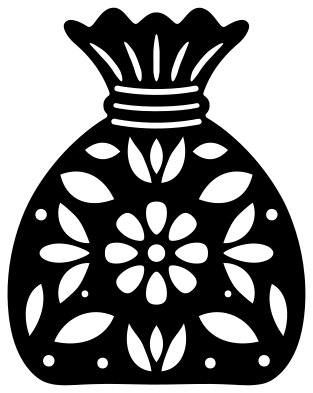 Folk art Santa sack Solid · one piece
-
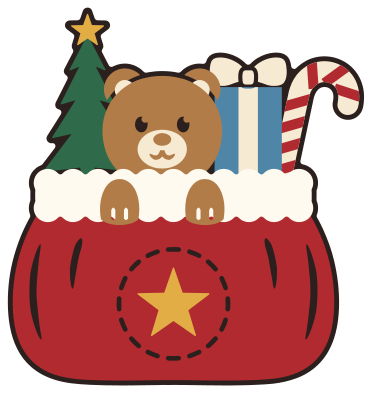 Layered Santa sack with a teddy Layered · 29 pieces
-
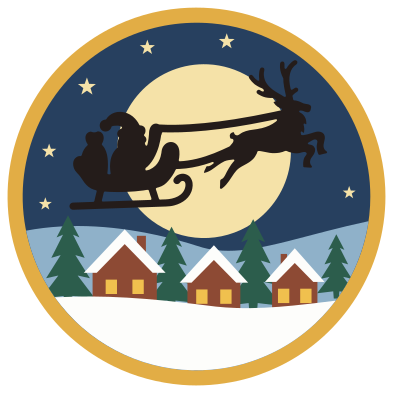 Layered Christmas night for a Santa sack Layered · 28 pieces
-
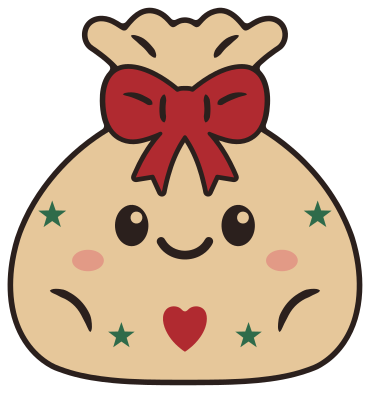 Cute Santa sack with a bow Layered · 14 pieces
-
 Santa sack ornament Solid · one piece
-
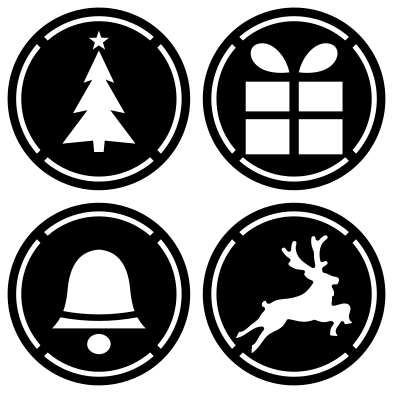 Four round marks for Santa sacks Solid · 4 pieces
-
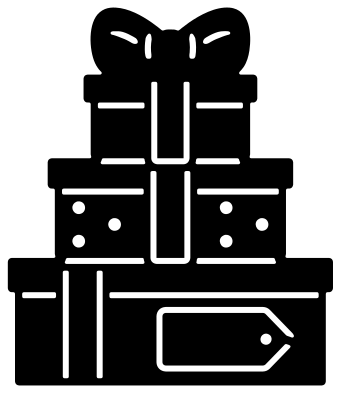 Stack of parcels for a Santa sack Solid · one piece
Pressing one on a cloth sack
A present sack for a child is usually 50 cm wide and 70 cm deep with a drawstring in the hem. Keep the picture to about 28 cm wide, centre it between the seams, and leave 12 cm of plain cloth under the cord, because that part gathers up when the sack is tied. Mirror the file for heat transfer vinyl, put a folded towel inside the sack so that the seams do not lift the press, and cut a small test first on an offcut of the same cloth.
Cotton and canvas take every design here. Hessian has an open weave, so choose the bolder ones for it: the postmark, the four marks or the simple silhouette. For a stencil and fabric paint, dabbed on with a nearly dry sponge, take the banner, or the postmark, or the cord frame.
Adding a name
Several designs leave a place for lettering. With the file at 300 mm, the plate on the moon panel is 147 by 31 mm and takes a name up to 24 mm high. The holly banner gives a clear strip about 47 mm deep, and the cord frame and the monogram sack leave a round opening. Weld the letters to each other, not to the frame, and cut them in a second colour if the sack is dark.
As a paper craft
The sacks themselves make gift tags, advent pockets and table place cards. Cut the classic 80 mm wide in brown kraft card and lay red card behind it for the cord and patch to show. The layered sack with the teddy is nicest at 150 mm or more, where the stripes on the candy cane are easy to pick up.
How to open the files
- Cricut Design Space: choose Upload, pick the SVG, and add it to the canvas. Set the width you want; the shape is already welded.
- Silhouette Studio: Designer Edition and above open the SVG. The free Basic Edition does not, so open the DXF instead.
- LightBurn, xTool Creative Space and Glowforge: import the SVG, then set the layer to cut, score or engrave.
- Inkscape, Illustrator and Affinity: open the SVG. It is a plain filled path, so you can recolour it, add a stroke or combine it with your own work.
- Printing or sublimation: use the PNG, which has a transparent background.
Each design page lists the file’s narrowest part at seven sizes, so you can tell whether it will survive at the size you plan to cut.
Questions
How large should the picture on a Santa sack be?
About 28 cm across on a sack 50 cm wide, and no nearer than 5 cm to a side seam. The four round marks are meant for a corner, at 6 to 8 cm.
Do I need to mirror these for iron on vinyl?
Yes, mirror them in your software before cutting, because heat transfer vinyl is cut from the back. The banner, the plain frames and most of the sacks are the same either way round, so only a name you add would show the mistake.
Which designs have room for a name?
The moon panel, the holly banner, the cord frame and the monogram sack. The checked sack and the stack of parcels have a smaller blank label, and the outline has a tag for an initial.
 Snowflake SVG
 Christmas tree SVG
 Ornament SVG
 Snowman SVG
 Santa hat SVG
 Candy cane SVG