Free postal worker SVG files
Free postal worker SVG files with no lettering: a mailman with a letter, a mail carrier with a parcel, a silhouette at a mailbox, a delivery truck from the front, a post office, a winged envelope, a stamp, a postmark frame, a cardboard box, a blank postcard, a mailbag and a cap.
14 designs. Free for personal and commercial use, no sign-up. What you can do with them.
-
 Postal worker mailman with a letter Solid · one piece
 -
 Postal worker mail carrier with a parcel Solid · one piece
 -
 Postal worker silhouette at a mailbox Solid · one piece
 -
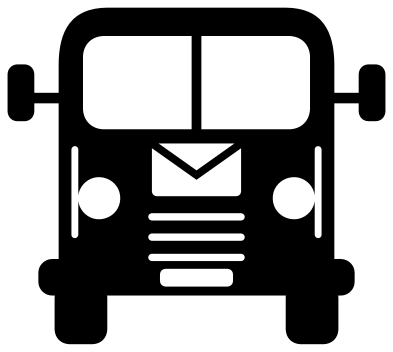 Postal worker truck from the front Solid · one piece
 -
 Postal worker’s post office Solid · one piece
 -
 Postal worker winged envelope Solid · one piece
 -
 Postal worker stamp with a heart Solid · one piece
 -
 Postal worker postmark monogram frame Solid · one piece
 -
 Postal worker cardboard box Solid · one piece
 -
 Postal worker postcard, blank Solid · one piece
 -
 Postal worker mailbag with letters Solid · one piece
 -
 Postal worker cap with an envelope badge Solid · one piece
 -
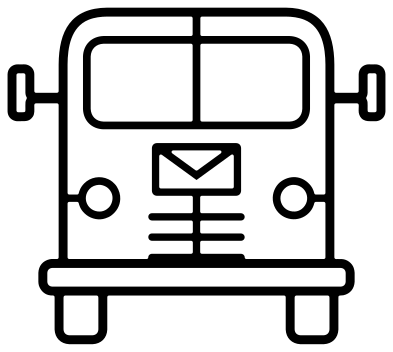 Postal worker truck outline Outline · one piece
 -
 Layered postal worker truck in seven colours Layered · 12 pieces
Plain on purpose
Every postal service guards its emblem, its colours and often the shape of its vehicles, so nothing here copies one. The truck is a plain delivery van seen from the front, the cap carries an envelope where a badge would go, and the emblem is a winged envelope that belongs to nobody. Nothing has wording on it either, so you can add a name, a route number or a thank you in your cutting software.
The envelopes on the truck, the cap and the mailbag are cut as a clear rectangle with the flap left standing across it. That flap is a solid line about 2 mm wide when the design is 100 mm across, which is the finest part of those designs, so cut them at 70 mm or more. The winged envelope, the cardboard box and the blank postcard have only cut lines in a solid shape and go smaller.
Stamps, postmarks and wavy lines
The stamp has a perforated edge made of small half circles about 7 mm across at 100 mm wide. They weed easily, but in thick card they can tear, so press the stamp down before lifting the waste. The wavy cancel lines on the stamp and the postmark are solid strokes between 2 and 3 mm wide at 100 mm and are joined at one end only: weed them last, and peel the transfer tape back along the lines.
How to open the files
- Cricut Design Space: choose Upload, pick the SVG, and add it to the canvas. Set the width you want; the shape is already welded.
- Silhouette Studio: Designer Edition and above open the SVG. The free Basic Edition does not, so open the DXF instead.
- LightBurn, xTool Creative Space and Glowforge: import the SVG, then set the layer to cut, score or engrave.
- Inkscape, Illustrator and Affinity: open the SVG. It is a plain filled path, so you can recolour it, add a stroke or combine it with your own work.
- Printing or sublimation: use the PNG, which has a transparent background.
Each design page lists the file’s narrowest part at seven sizes, so you can tell whether it will survive at the size you plan to cut.
Questions
Is the truck a real postal service vehicle?
No. It is a plain delivery van seen from the front with an envelope on the bonnet, drawn for this set. It has no eagle, crown, horn or lettering and copies no real livery, so it suits a mail carrier anywhere.
How big is the opening in the postmark frame?
About 49 mm across when the design is 100 mm wide, which takes a date, a route number or two or three initials. The inner ring is about 3 mm wide, so letters that overlap it can be welded on.
Can I write on the blank postcard design?
Yes. Cut it from card and the lines for the address and the dividing line are cut through, like a stencil. For a card you can post, draw the file with a pen in your machine and cut only the outside edge.
 Camera SVG
  Guitar SVG
  Music note SVG
  Stethoscope SVG
  Tooth SVG
  Light bulb SVG