Free postage stamp SVG files
Postage stamps to cut: North Pole mail and postmarks, Santa, a reindeer and a village in colour, holly and a robin, rubber stamps for letters and wishes, and blank frames with toothed edges for your own picture. The teeth are even and the corners are whole on every one, and none copies the stamp or the mark of a real post office.
24 designs. Free for personal and commercial use, no sign-up. What you can do with them.
Or choose one below for its PNG, DXF and cutting sizes.
-
 North Pole stamp Solid · one piece
-
 North Pole post office stamp Solid · one piece
-
 Christmas tree stamp Solid · one piece
-
 Holly stamp Solid · one piece
-
 Robin on a branch stamp Solid · one piece
-
 Wild rose stamp Solid · one piece
-
 Sailing ship stamp Solid · one piece
-
 Love letter stamp with a heart Solid · one piece
-
 Sold out rubber stamp Solid · one piece
-
 Granted rubber stamp Solid · one piece
-
 Christmas mail express stamp Solid · one piece
-
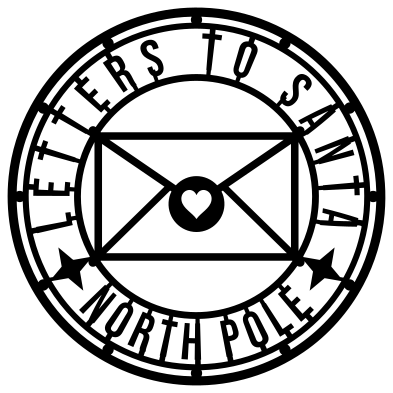 Letters to Santa stamp Solid · one piece
-
 North Pole postmark stamp Solid · one piece
-
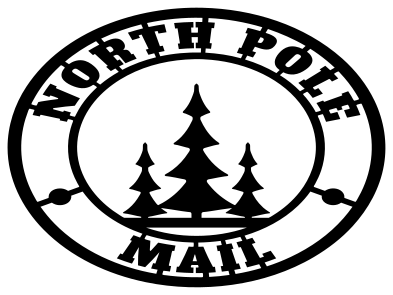 North Pole mail stamp Solid · one piece
-
 Blank stamp frame for a photo Solid · one piece
-
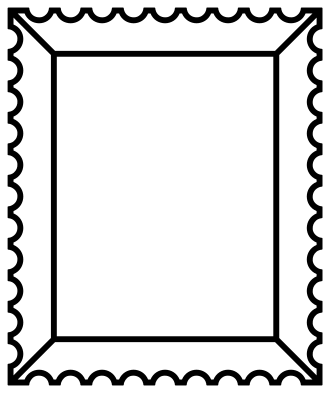 Stamp outline with mitred corners Outline · one piece
-
 Round stamp frame Solid · one piece
-
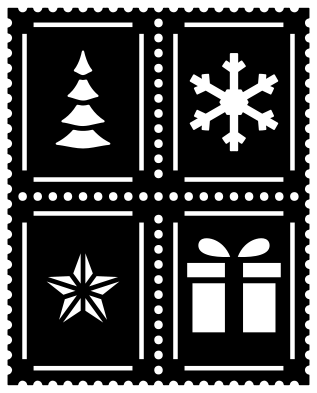 Block of four Christmas stamps Solid · one piece
-
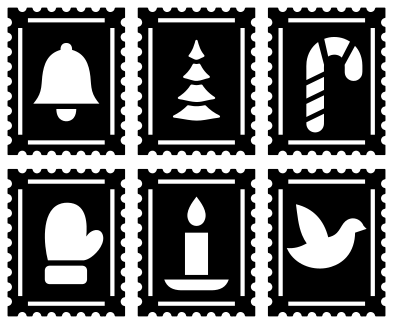 Six small Christmas stamps Solid · 6 pieces
-
 Santa stamp in colour Layered · 27 pieces
-
 Reindeer stamp in colour Layered · 36 pieces
-
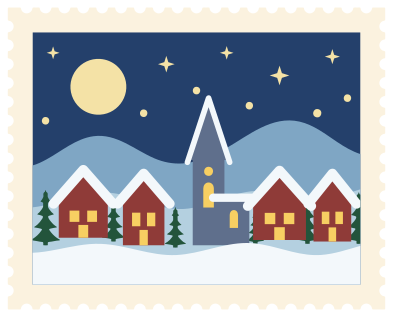 Village at night stamp in colour Layered · 46 pieces
-
 Airmail envelope with a stamp Layered · 85 pieces
-
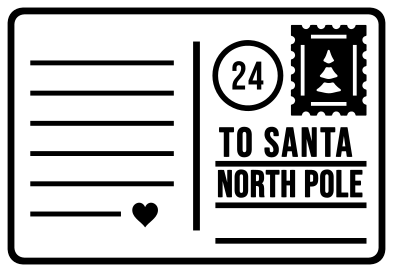 Postcard to Santa with a stamp Solid · 32 pieces
What people make with them
Cut small, at 30 to 40 mm, the stamps are stickers for envelopes, gift tags and journals. At 80 to 120 mm they are card fronts and scrapbook pictures. Larger still they go on Santa sacks, crates, mailbox boards and wooden signs: the North Pole stamp and the Christmas mail express were drawn with a sack 400 mm wide in mind. The blank frame takes a photo, and the block of four makes a sheet that a child can tear apart.
The rubber stamps and postmarks look best at a slight tilt and in one colour. Two of them, the sold out and the granted, already lean.
Teeth, letters and fine parts
The edge is a row of round bites at one spacing with a full tooth on each corner, so a stamp scaled to 35 mm wide still has teeth 0.8 mm across. Below that size, use vinyl or print and cut. Words on the stamps are either cut out of the dark, with bars through the letters that have middles, or stand in a white strip, each letter joined to the rails by two short ties. The ties are about 1.4 mm at 100 mm; cut the stamp 60 mm or larger in card, or in vinyl at any size.
For real rubber or linoleum stamps, engrave a mirror image, or the words print backwards.
Colour and layers
Santa, the reindeer, the village and the airmail envelope come as layers, from the paper up. Cut the first sheet from white or cream card, and lay the picture panel on it before the rest. To tint one of the dark stamps, back it with coloured paper cut a little smaller than the stamp, so that the colour shows only through the openings and not at the teeth.
How to open the files
- Cricut Design Space: choose Upload, pick the SVG, and add it to the canvas. Set the width you want; the shape is already welded.
- Silhouette Studio: Designer Edition and above open the SVG. The free Basic Edition does not, so open the DXF instead.
- LightBurn, xTool Creative Space and Glowforge: import the SVG, then set the layer to cut, score or engrave.
- Inkscape, Illustrator and Affinity: open the SVG. It is a plain filled path, so you can recolour it, add a stroke or combine it with your own work.
- Printing or sublimation: use the PNG, which has a transparent background.
Each design page lists the file’s narrowest part at seven sizes, so you can tell whether it will survive at the size you plan to cut.
Questions
Can I post a letter with one of these?
No. They are decorations, carry no value and copy no real stamp. Put a real stamp on the envelope and use one of these as a seal on the back.
How do I tear the block of four apart?
Cut it from card of about 200 to 250 gsm, fold it once along the row of holes each way, then tear along the fold. In vinyl, leave the rows out and cut straight lines instead.
Which ones have no words?
The holly, robin, wild rose, ship, Santa, reindeer, village, block, small stamps and the blank frames. All the others carry a few words in English; the tree stamp carries only 25 and DEC.
 Snowflake SVG
 Christmas tree SVG
 Ornament SVG
 Snowman SVG
 Santa hat SVG
 Candy cane SVG