Free planet SVG files
Free planet SVG files drawn by code: a ringed planet like Saturn, a banded giant, a cratered Mars, the solar system in a row and seen from above, a sheet of six planets and a night sky with stars. Circles are true circles and every piece is welded clean.
12 designs. Free for personal and commercial use, no sign-up. What you can do with them.
-
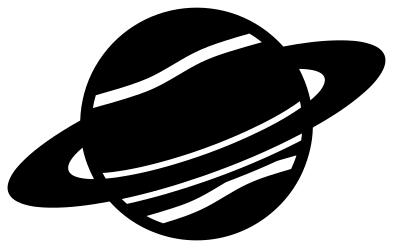 Ringed planet like Saturn Solid · one piece
 -
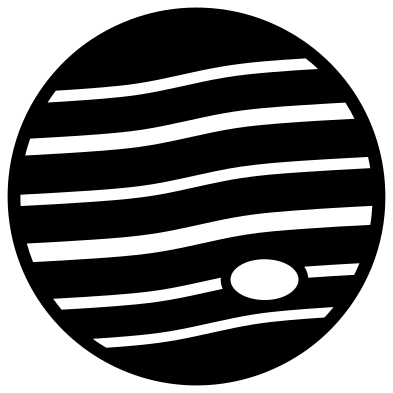 Gas giant planet with bands and a spot Solid · one piece
 -
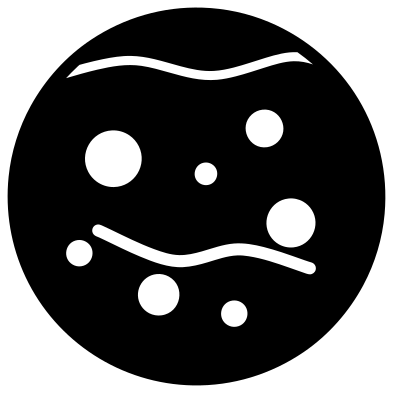 Planet Mars with craters Solid · one piece
 -
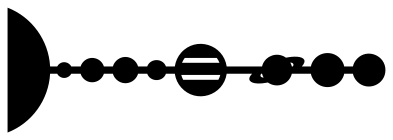 Solar system planets in a row Solid · one piece
 -
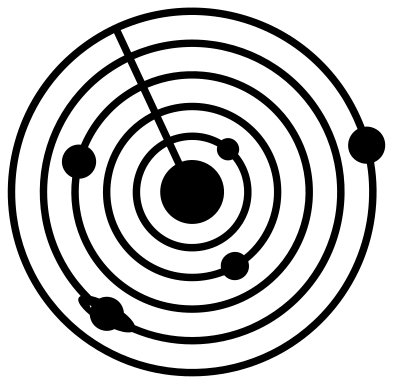 Solar system with planet orbits Solid · one piece
 -
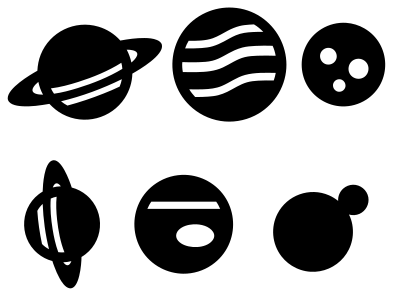 Six planets on one sheet Solid · 6 pieces
 -
 Cute smiling planet with a ring Solid · one piece
 -
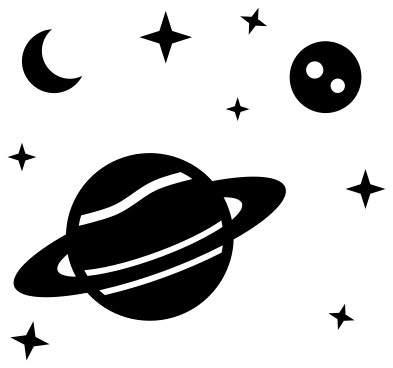 Planets and stars in outer space Solid · 10 pieces
 -
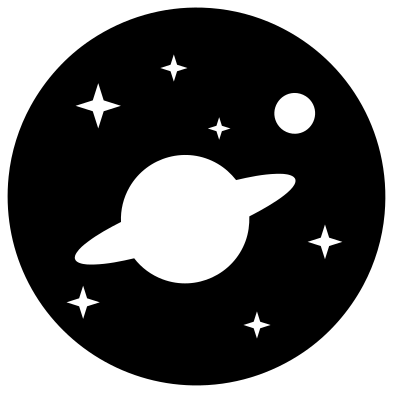 Space badge with a planet and stars Solid · one piece
 -
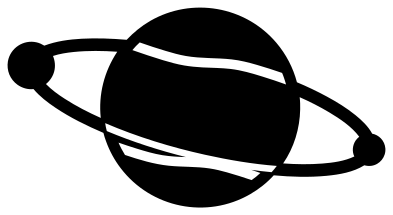 Planet with two moons Solid · one piece
 -
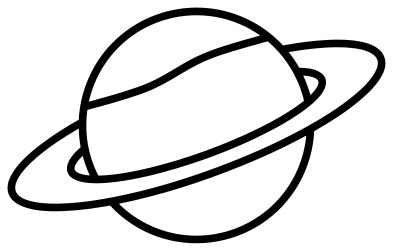 Ringed planet outline Outline · one piece
 -
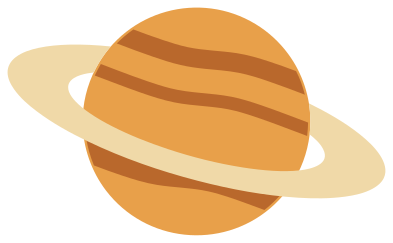 Layered ringed planet in three colours Layered · 5 pieces
Rings that pass in front and behind
A ringed planet in one colour has to show which part of the ring is in front. Here the ring is cut whole where it lies across the sphere, with a thin gap along each of its edges, and the half that goes behind is simply left out. The gaps stop about 3 mm short of the rim of the sphere when the planet is 60 mm across, and those uncut ends are what hold the ring, the top of the planet and the bottom of it together as one piece.
Bands, craters and storms are cut the same way: as slits and holes that never reach the edge. Lay a second colour behind and they show through.
Sizes are not to scale
In the two solar system designs the planets are in the right order, and the giants are larger than the rocky planets, but nothing is to scale. At true proportions Mercury would be a speck next to Jupiter and the gaps between orbits would run off the page. The sizes are evened out so the smallest planet is still over 4 mm across when the row is 100 mm long, which is about as small as most blades will cut a clean circle.
How to open the files
- Cricut Design Space: choose Upload, pick the SVG, and add it to the canvas. Set the width you want; the shape is already welded.
- Silhouette Studio: Designer Edition and above open the SVG. The free Basic Edition does not, so open the DXF instead.
- LightBurn, xTool Creative Space and Glowforge: import the SVG, then set the layer to cut, score or engrave.
- Inkscape, Illustrator and Affinity: open the SVG. It is a plain filled path, so you can recolour it, add a stroke or combine it with your own work.
- Printing or sublimation: use the PNG, which has a transparent background.
Each design page lists the file’s narrowest part at seven sizes, so you can tell whether it will survive at the size you plan to cut.
Questions
Which design shows all eight planets?
The solar system planets in a row: the Sun, then Mercury, Venus, Earth, Mars, Jupiter, Saturn, Uranus and Neptune in order from left to right, joined by a line so they cut as one piece. The orbit design shows five planets only, to keep the rings from crowding.
How do I make a planet mobile?
Cut the six planets on one sheet from stiff card or 3 mm plywood at 200 mm or larger, one colour each. Make a small hole at the top of each, hang them on thread at different lengths from a hoop, and add a few stars from the outer space set between them.
Can I colour the ring differently from the planet?
Use the layered ringed planet, which has the sphere, the bands and the ring as three separate pieces. Stack them in that order and the ring covers the ends of the bands.
 Flower SVG
  Sunflower SVG
  Butterfly SVG
  Rose SVG
  Daisy SVG
  Leaf SVG