Free pine tree SVG files
Free pine tree SVG files: tidy tiered pines, natural conifer silhouettes, treelines and outlines. Every tree is one welded shape with a straight trunk on the centre line, ready to download as SVG, PNG or DXF.
18 designs. Free for personal and commercial use, no sign-up. What you can do with them.
-
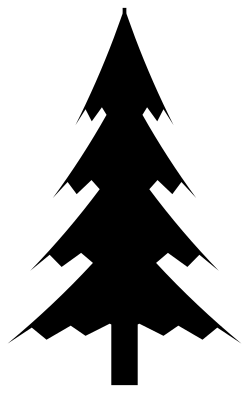 Classic pine tree Solid · one piece
 -
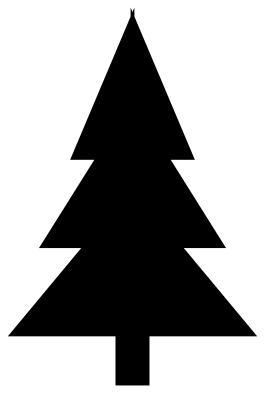 Simple pine tree Solid · one piece
 -
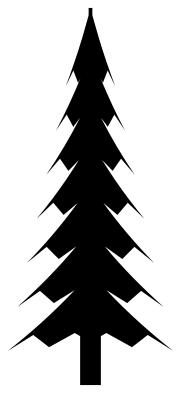 Tall pine tree Solid · one piece
 -
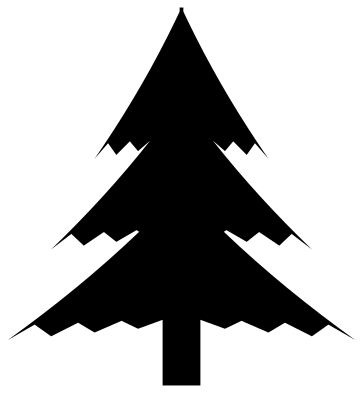 Short wide pine tree Solid · one piece
 -
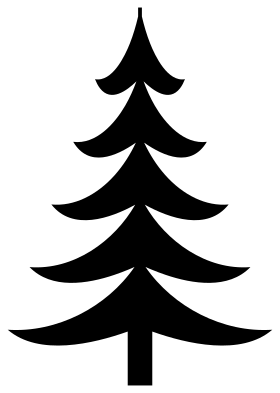 Fir tree with sweeping boughs Solid · one piece
 -
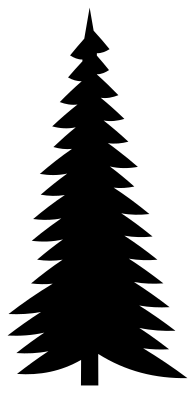 Pine tree silhouette Solid · one piece
 -
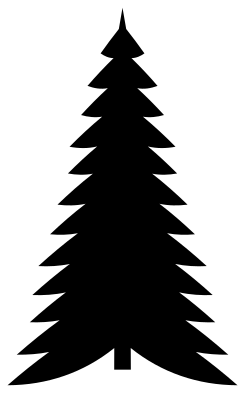 Evergreen tree with even boughs Solid · one piece
 -
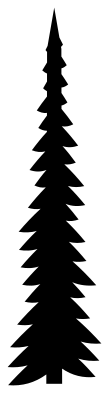 Skinny pine tree Solid · one piece
 -
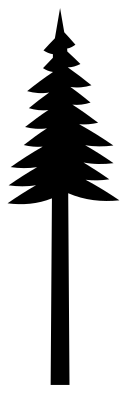 Lodgepole pine with a bare trunk Solid · one piece
 -
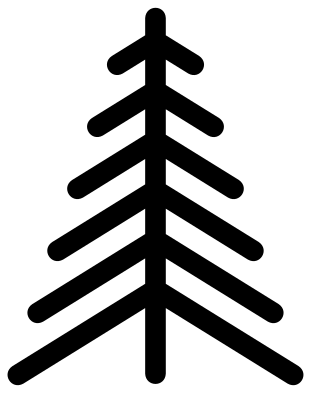 Chevron pine tree Solid · one piece
 -
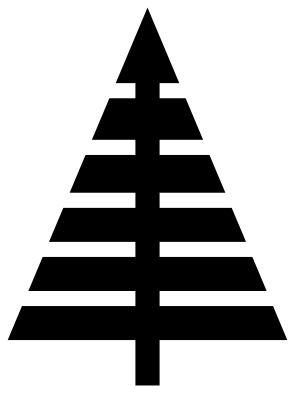 Striped triangle pine tree Solid · one piece
 -
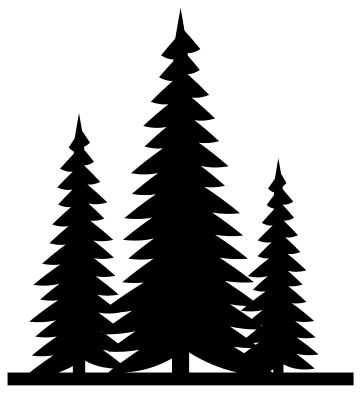 Three pine trees Solid · one piece
 -
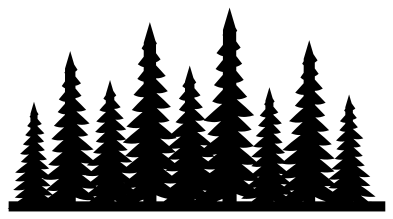 Pine treeline Solid · one piece
 -
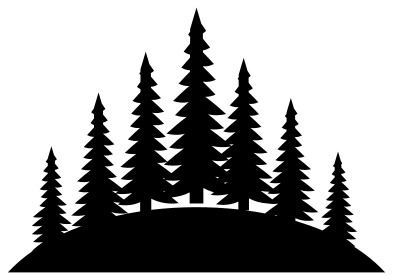 Pine forest on a hill Solid · one piece
 -
 Pine trees in a circle Solid · one piece
 -
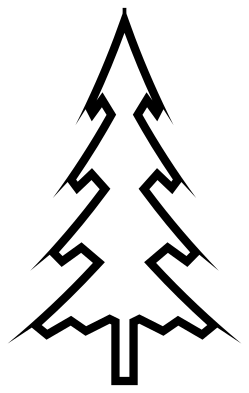 Pine tree outline Outline · one piece
 -
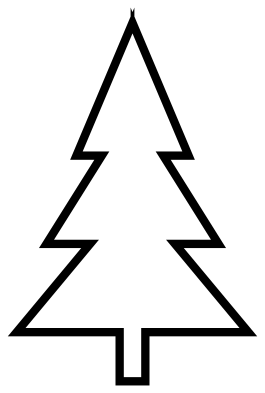 Simple pine tree outline Outline · one piece
 -
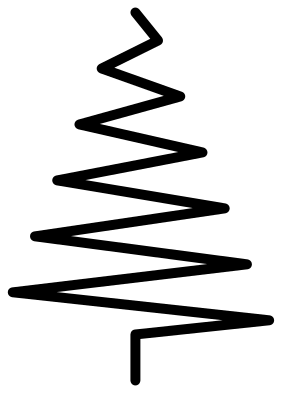 Zigzag line pine tree Outline · one piece
Tiered pines and natural pines
There are two families here. The tiered pines (classic, simple, tall, short and the fir with sweeping boughs) are built from stacked shapes with clean edges. They cut fast, weed in one pull and stay readable at 25 mm tall, which makes them right for labels, gift tags and small decals.
The natural pines have a bough at every step up the trunk, each ending in a fine point. Points are no trouble for a blade or a laser, but the gaps between boughs are small, so give these trees room: 70 mm tall or more in vinyl, and full size in wood. In the treeline and the forest each tree is under half the height of the file, so cut those wide, at 200 mm or more.
Building a scene
Every tree stands on the same baseline with its trunk centred, so you can line several up in your software and they will sit level. Mix heights and overlap the boughs a little, then weld. Put the skinny and lodgepole pines between wider trees to break up the rhythm, as a real stand does.
How to open the files
- Cricut Design Space: choose Upload, pick the SVG, and add it to the canvas. Set the width you want; the shape is already welded.
- Silhouette Studio: Designer Edition and above open the SVG. The free Basic Edition does not, so open the DXF instead.
- LightBurn, xTool Creative Space and Glowforge: import the SVG, then set the layer to cut, score or engrave.
- Inkscape, Illustrator and Affinity: open the SVG. It is a plain filled path, so you can recolour it, add a stroke or combine it with your own work.
- Printing or sublimation: use the PNG, which has a transparent background.
Each design page lists the file’s narrowest part at seven sizes, so you can tell whether it will survive at the size you plan to cut.
Questions
Which pine tree should I use for a small sticker?
The simple pine tree or the classic pine tree. Both are solid shapes with a thick trunk and no small gaps, so they cut and weed cleanly even at 25 mm tall.
Are these Christmas trees?
They are plain pines with no star, baubles or snow, so they work all year for camping, cabin and mountain designs. For a Christmas tree, add your own star and ornaments on top of the classic or simple pine.
How do I make the treeline longer?
Place two copies side by side so the ground strips overlap by a few millimetres, flip one of them left to right so the repeat does not show, and weld them into one shape.
 Flower SVG
  Sunflower SVG
  Butterfly SVG
  Rose SVG
  Daisy SVG
  Leaf SVG