Free phone SVG files
Free phone SVG files: a plain smartphone, a phone with app tiles, the handset icon, a call button, an old telephone with a dial, a bar phone, a brick phone, a flip phone, a phone in a hand and a tin can phone on a string. Every phone is generic, with no maker’s shape or mark.
17 designs. Free for personal and commercial use, no sign-up. What you can do with them.
-
 Smartphone with an open screen Solid · one piece
 -
 Mobile phone with app tiles Solid · one piece
 -
 Phone icon handset Solid · one piece
 -
 Phone call button Solid · one piece
 -
 Phone receiver on a coiled cord Solid · one piece
 -
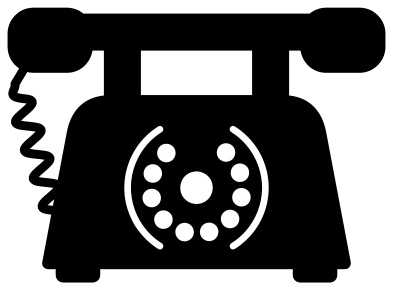 Old telephone with a dial Solid · one piece
 -
 Old phone silhouette Solid · one piece
 -
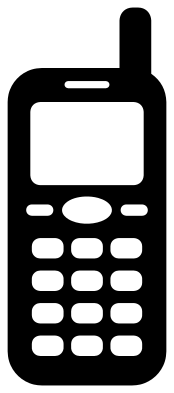 Cell phone with buttons and an aerial Solid · one piece
 -
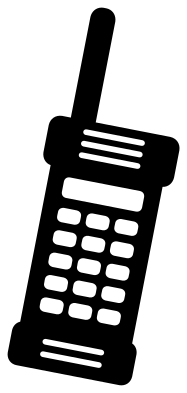 Brick cell phone from the eighties Solid · one piece
 -
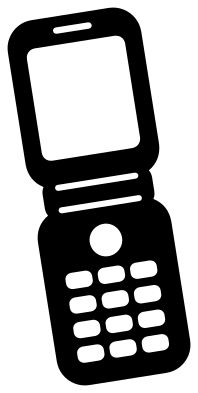 Flip phone, open Solid · one piece
 -
 Hand holding a cell phone Solid · one piece
 -
 Phone with message bubbles Solid · one piece
 -
 Phone with a heart on the screen Solid · one piece
 -
 Tin can phone on a string Solid · one piece
 -
 Phone outline Outline · one piece
 -
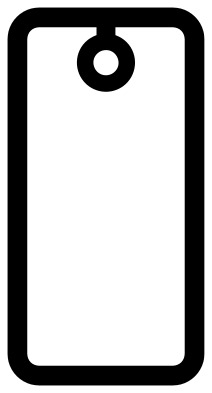 Phone case monogram frame Solid · one piece
 -
 Layered phone in four colours Layered · 17 pieces
Generic on purpose
A modern phone is a rounded rectangle, and the details that tell one make from another are exactly the ones a free file should leave out. So the smartphone here is a plain slab with a screen, a speaker slit and one pill-shaped button, and it has no notch, no camera block and no mark. That keeps it usable for any shop sign, classroom rule or charging station label. When the phone is 100 mm tall its side edges are just under 4 mm wide, which is sturdy in vinyl and card and still holds in thin plywood.
The older phones carry more detail. The buttons of the bar phone and the flip phone are holes about 5 mm tall at full size, so cut those at 70 mm or more if you want the keys to weed cleanly. The coiled cords on the old telephone and on the receiver are between 2 and 3 mm wide and are welded on at both ends where they can be. Weed along a cord, never across it.
Which phone for which job
For a "call us" line on a window or a card, use the handset icon or the round call button: both are understood at a glance and have no thin parts at all. For phone rules at school or at the dinner table, the smartphone with an open screen leaves room for a cross or a word of your own behind it. The old telephone with a dial, the brick phone and the tin can phone are the nostalgic ones, for retro prints and birthday cards.
How to open the files
- Cricut Design Space: choose Upload, pick the SVG, and add it to the canvas. Set the width you want; the shape is already welded.
- Silhouette Studio: Designer Edition and above open the SVG. The free Basic Edition does not, so open the DXF instead.
- LightBurn, xTool Creative Space and Glowforge: import the SVG, then set the layer to cut, score or engrave.
- Inkscape, Illustrator and Affinity: open the SVG. It is a plain filled path, so you can recolour it, add a stroke or combine it with your own work.
- Printing or sublimation: use the PNG, which has a transparent background.
Each design page lists the file’s narrowest part at seven sizes, so you can tell whether it will survive at the size you plan to cut.
Questions
Is the smartphone modelled on a particular make?
No. It is a plain rounded slab with a screen, a speaker slit and one pill-shaped button, drawn for this library. There is no notch, no camera block and no logo, and the app tiles on the second phone are blank squares.
How do I fit the phone case frame to my own phone?
The frame is a little over half as wide as it is tall. Measure the flat part of the back of your case, unlock the proportions in your cutting software and stretch the frame to sit 3 to 5 mm inside it. The round lens on the frame is decoration, so keep the whole decal clear of your real camera.
Which phone design is best for a "no phones" sign?
The smartphone with an open screen or the phone with app tiles, cut at 80 to 120 mm tall in black. Lay a red circle and a diagonal bar over it from the circle and line shapes in the library, or from the shape tools in your cutting software.
 Camera SVG
  Guitar SVG
  Music note SVG
  Stethoscope SVG
  Tooth SVG
  Light bulb SVG