Free peony SVG files
Free peony SVG files drawn by code: full blooms seen from above with row on row of ruffled petals, peonies and buds on stems, a wreath, a border, an outline and a paper flower template. Every one is a clean welded shape.
14 designs. Free for personal and commercial use, no sign-up. What you can do with them.
-
 Peony flower seen from above Solid · one piece
 -
 Simple peony with fifteen petals Solid · one piece
 -
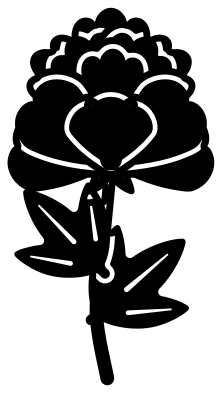 Peony in bloom on a stem Solid · one piece
 -
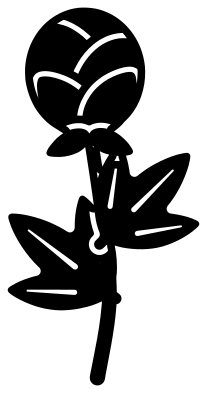 Peony bud on a stem Solid · one piece
 -
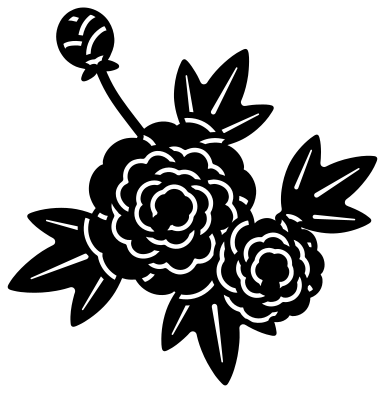 Two peonies with leaves and a bud Solid · one piece
 -
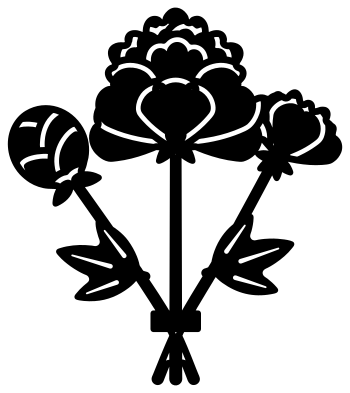 Bunch of three peonies Solid · one piece
 -
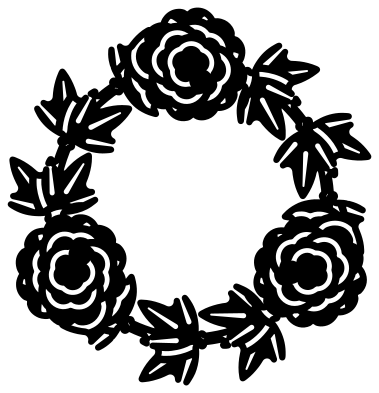 Peony wreath Solid · one piece
 -
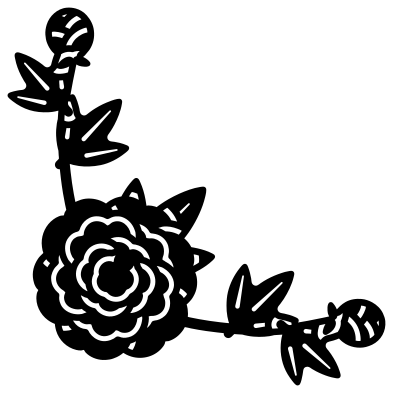 Peony corner spray Solid · one piece
 -
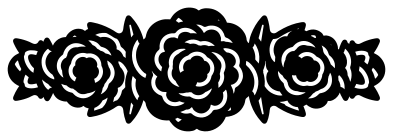 Peony border Solid · one piece
 -
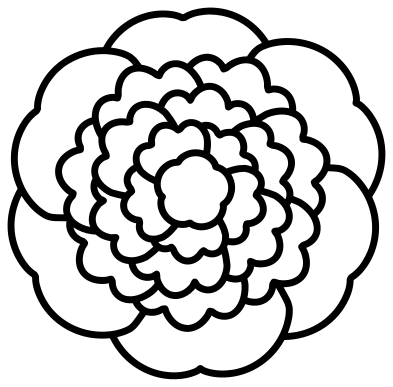 Peony outline Outline · one piece
 -
 Peony silhouette Solid · one piece
 -
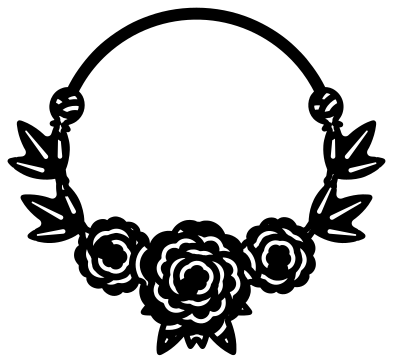 Peony monogram frame Solid · one piece
 -
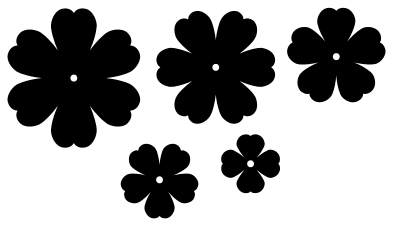 Paper peony template in five rings Solid · 5 pieces
 -
 Layered peony in six colours Layered · 6 pieces
What makes it read as a peony
A peony in full bloom is a ball of ruffled petals: a few broad guard petals round the outside, then row on row of smaller scalloped ones packed in towards a tight heart. That is what these files draw. From above there are four rows round the heart; from the side the guard petals spread low under a dome of ruffles. The bud is a round ball held by two sepals, and each leaf is cut into three pointed lobes. The ruffles, the ball of a bud and the lobed leaf are what stop it being read as a rose.
The channels that mark the petal edges are about 1.3 mm wide when the full flower is 100 mm across, and each one stops short of the next so the petals stay joined. Cut the full flower at 80 mm or more in card. Under that, use the simple peony, whose channels are 2 mm wide. In vinyl, weed from the heart outwards so the small inner ruffles are not dragged off by the larger waste.
Colours and uses
Peonies run from white through blush and coral to deep magenta, usually with a yellow heart, so the layered file uses four pinks and a yellow. For a white peony, cut the petal layers in white, cream and the palest pink so that the rows still show. The wreath and the monogram frame are open in the middle for lettering of your own, and the border is 100 mm wide and about a third as tall.
How to open the files
- Cricut Design Space: choose Upload, pick the SVG, and add it to the canvas. Set the width you want; the shape is already welded.
- Silhouette Studio: Designer Edition and above open the SVG. The free Basic Edition does not, so open the DXF instead.
- LightBurn, xTool Creative Space and Glowforge: import the SVG, then set the layer to cut, score or engrave.
- Inkscape, Illustrator and Affinity: open the SVG. It is a plain filled path, so you can recolour it, add a stroke or combine it with your own work.
- Printing or sublimation: use the PNG, which has a transparent background.
Each design page lists the file’s narrowest part at seven sizes, so you can tell whether it will survive at the size you plan to cut.
Questions
How do I build the paper peony from the template?
Cut the five rings from paper of 120 to 160 gsm. Curl each petal upwards over a pencil, more tightly on the small rings. Stack the rings from the largest to the smallest on a brad or a dot of glue through the centre holes, turning each one so its petals sit over the gaps in the ring below. For a fuller flower, cut every ring twice.
Which peony should I use for a small decal or a sticker?
The simple peony with fifteen petals, or the peony silhouette if you want nothing to weed. The full flower has twenty-four petals and fine channels, and is better kept for 80 mm and up.
How does a peony differ from a rose in a cut file?
A rose has smooth round petals wrapped in a spiral, a pointed bud and saw-edged leaflets. A peony has scalloped petals packed into a ball, a round bud and smooth-edged leaves cut into pointed lobes. If the bud or a leaf is in the design, those tell the two apart even at a small size.
 Flower SVG
  Sunflower SVG
  Butterfly SVG
  Rose SVG
  Daisy SVG
  Leaf SVG