Free oval SVG files
Free oval SVG files, each drawn by code as a true ellipse: solid ovals, outlines and frames, scalloped, beaded, dashed and stitched ovals, a name plate, a cameo mat, and the oval’s relatives, the pill, the pointed oval, the egg and the half oval. Download any of them as SVG, PNG or DXF.
17 designs. Free for personal and commercial use, no sign-up. What you can do with them.
-
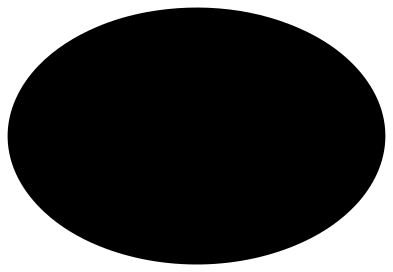 Solid oval shape Solid · one piece
 -
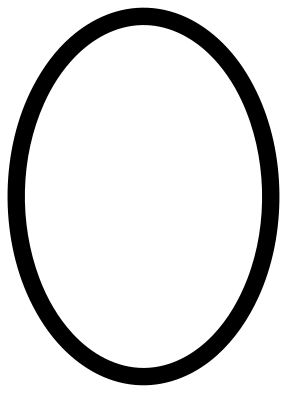 Oval outline Outline · one piece
 -
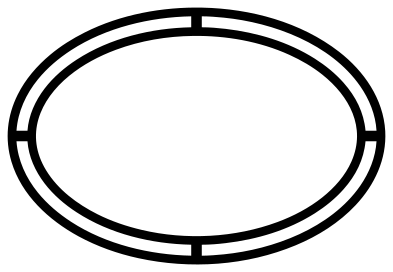 Double oval outline Outline · one piece
 -
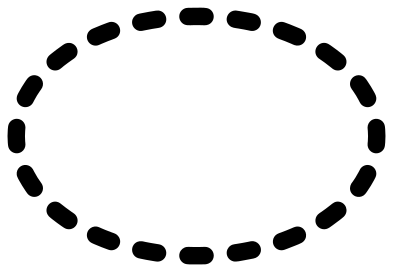 Dashed oval Outline · 20 pieces
 -
 Stitched oval patch Solid · one piece
 -
 Scalloped oval Solid · one piece
 -
 Beaded oval frame Outline · one piece
 -
 Lace oval border Outline · one piece
 -
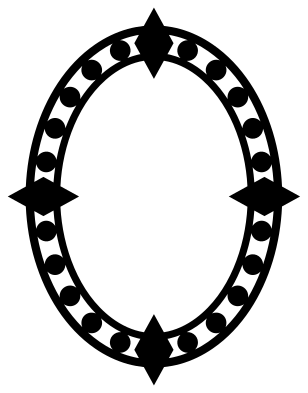 Fancy oval with beads and diamonds Outline · one piece
 -
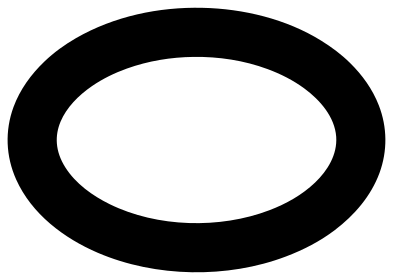 Oval frame with a wide solid band Outline · one piece
 -
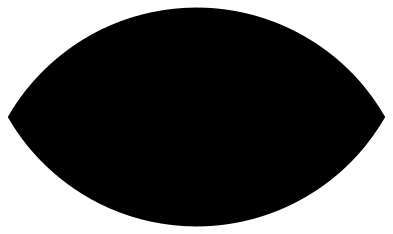 Pointed oval Solid · one piece
 -
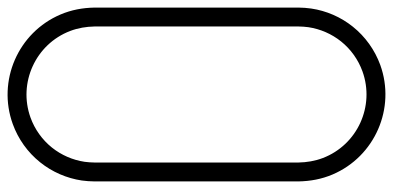 Pill-shaped oval outline Outline · one piece
 -
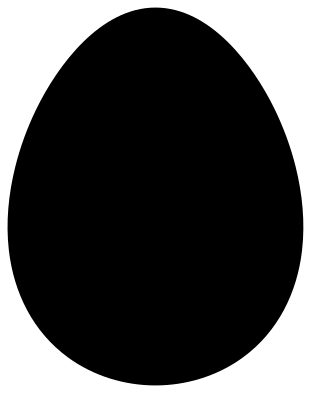 Egg-shaped oval Solid · one piece
 -
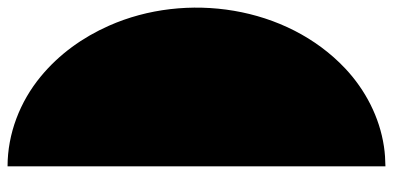 Half oval Solid · one piece
 -
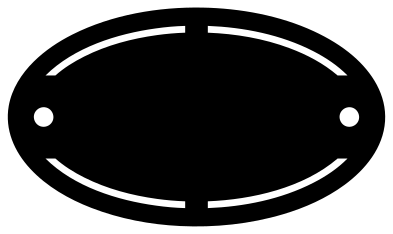 Oval name plate Solid · one piece
 -
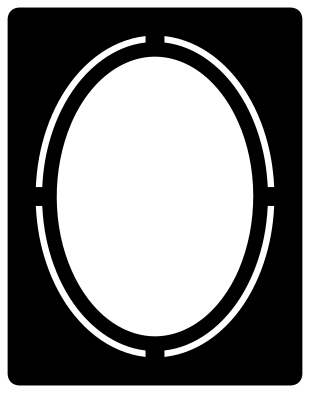 Oval cameo mat Solid · one piece
 -
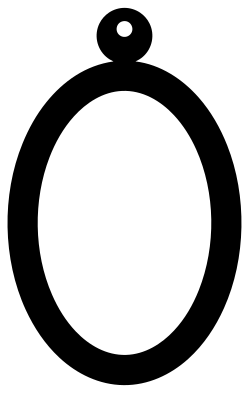 Oval hoop earring Outline · one piece
A true oval, evenly decorated
An oval made by squashing a circle in cutting software looks fine until it carries a border. Stretch a scalloped circle and the scallops at the ends come out narrow and those on the sides come out wide; stretch a ring and its line gets thinner where the curve is flat. These ovals are drawn as ovals from the start. Scallops, beads, dashes and stitches are spaced by distance along the curve, and bands are offset from the outline, so every repeat is the same size and every line the same width all the way round.
That also means you should scale these files evenly. Pulling one side handle to make an oval longer or rounder brings the uneven spacing straight back. If you need a different proportion, start from the nearest shape here: the solid oval and the wide frame are about 100 by 70 mm, the upright frames are between 72 and 80 mm wide by 100 mm tall, and the name plate is a long 100 by 58 mm.
Which oval for which job
For labels and tags, use the solid oval, the scalloped oval or the name plate. For framing a monogram or a photo, use the outline, the double outline, the beaded frame, the lace border or the cameo mat. The fine frames have lines of about 2 mm at 100 mm, which is plenty for vinyl and card; for 3 mm wood or acrylic choose the plain outline, the pill or the wide frame, or cut the fine ones larger.
The dashed oval is the only one made of separate pieces. Lift it with transfer tape so the dashes keep their spacing.
How to open the files
- Cricut Design Space: choose Upload, pick the SVG, and add it to the canvas. Set the width you want; the shape is already welded.
- Silhouette Studio: Designer Edition and above open the SVG. The free Basic Edition does not, so open the DXF instead.
- LightBurn, xTool Creative Space and Glowforge: import the SVG, then set the layer to cut, score or engrave.
- Inkscape, Illustrator and Affinity: open the SVG. It is a plain filled path, so you can recolour it, add a stroke or combine it with your own work.
- Printing or sublimation: use the PNG, which has a transparent background.
Each design page lists the file’s narrowest part at seven sizes, so you can tell whether it will survive at the size you plan to cut.
Questions
What is the difference between an oval and an ellipse?
An ellipse is one exact curve: a circle stretched evenly in one direction. Oval is the everyday word and covers egg shapes and pill shapes as well. The ovals here are true ellipses unless the name says otherwise: the pill has straight sides, the pointed oval is two circular arcs, and the egg is narrower at one end.
Can I change how long or round an oval is?
You can stretch the solid oval, the plain outline and the pointed oval a little without harm. Do not stretch the scalloped, beaded, dashed, stitched or lace ovals: their repeats are spaced for the proportion they were drawn at, and stretching makes them uneven. Scale those evenly and pick the closest shape.
How do I fit a photo behind the cameo mat?
The window is 52 mm wide and 74 mm tall at the file size of 100 mm. Scale the mat to suit your frame, then print the photo about 6 mm larger than the window each way so there is an overlap to tape down. For a silhouette portrait, cut the head from black card and mount it on a pale card behind the mat.
 Heart SVG
  Star SVG
  Arrow SVG
  Diamond SVG
  Triangle SVG
  Square SVG