Free onesie SVG files
Free onesie SVG files: blank baby bodysuits laid flat, in silhouette and outline, with short sleeves, long sleeves and none, plus a footed sleepsuit, a tutu and a bow tie version, a gift tag and a washing line of three. Every front is blank. Download as SVG, PNG or DXF.
12 designs. Free for personal and commercial use, no sign-up. What you can do with them.
-
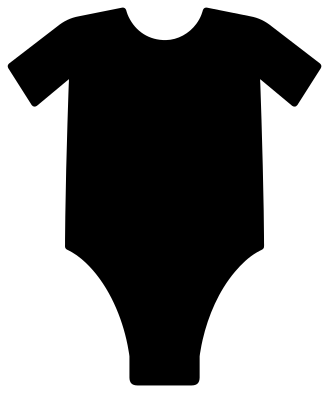 Baby onesie silhouette Solid · one piece
 -
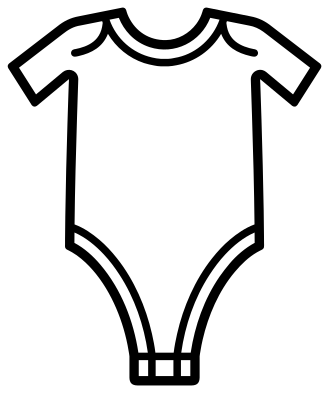 Onesie outline Outline · one piece
 -
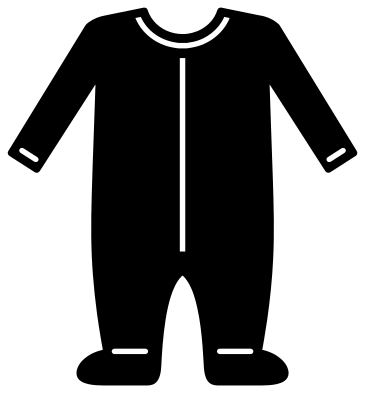 Newborn footed sleepsuit onesie Solid · one piece
 -
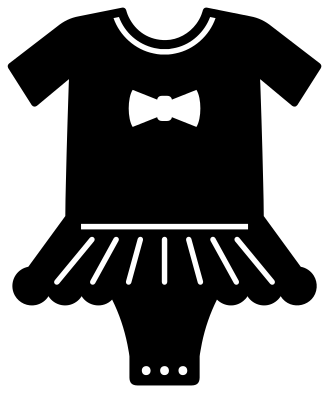 Girl onesie with a tutu and bow Solid · one piece
 -
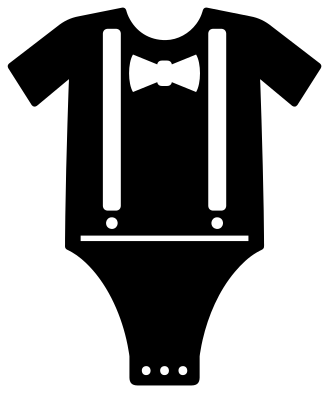 Boy onesie with a bow tie and braces Solid · one piece
 -
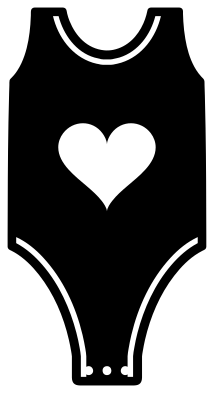 Sleeveless onesie with a heart Solid · one piece
 -
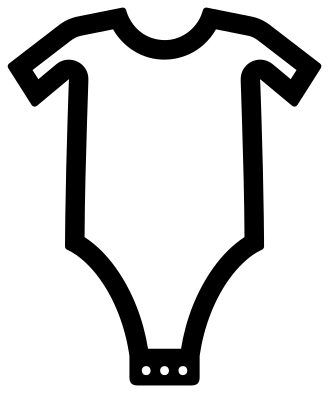 Onesie monogram frame Outline · one piece
 -
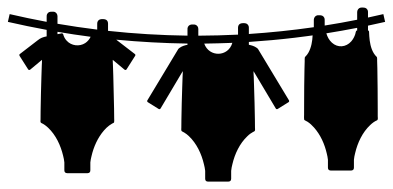 Onesies on a clothesline Solid · one piece
 -
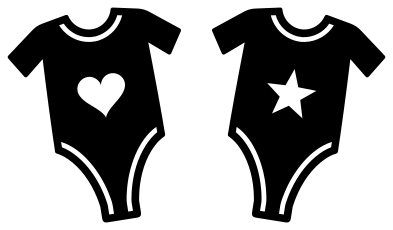 Twin onesies Solid · 2 pieces
 -
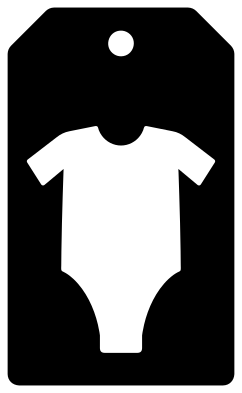 Onesie gift tag Solid · one piece
 -
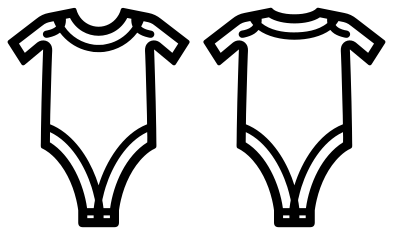 Onesie template, front and back Outline · 2 pieces
 -
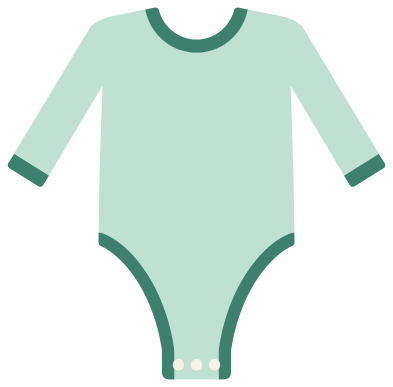 Layered long sleeve onesie Layered · 9 pieces
What the blank bodysuits are for
A bodysuit shape says "new baby" faster than any other picture, which is why it turns up on shower invitations, bunting, cupcake toppers, gift tags and announcement cards. These are pictures of the garment, with the front left blank: add a name or a due date in your cutting software, or cut the silhouette from patterned paper and leave it plain.
They also work as mock-ups. Lay your design on the outline or the front and back template to judge how big it should be. On a real newborn bodysuit the printable area of the chest is only about 100 mm wide, and 75 to 90 mm is a safe width for a design.
Details that hold together
On the detailed bodysuits, the bindings round the neck and legs and the lap shoulders are slots about 1.4 mm wide that stop short of the edge, and the three snaps are round holes. Nothing falls out except the slots themselves. For paper banners cut each bodysuit 90 to 120 mm tall and punch two holes in the shoulders for the string; the washing line design has the line and pegs built in if you want a single piece.
How to open the files
- Cricut Design Space: choose Upload, pick the SVG, and add it to the canvas. Set the width you want; the shape is already welded.
- Silhouette Studio: Designer Edition and above open the SVG. The free Basic Edition does not, so open the DXF instead.
- LightBurn, xTool Creative Space and Glowforge: import the SVG, then set the layer to cut, score or engrave.
- Inkscape, Illustrator and Affinity: open the SVG. It is a plain filled path, so you can recolour it, add a stroke or combine it with your own work.
- Printing or sublimation: use the PNG, which has a transparent background.
Each design page lists the file’s narrowest part at seven sizes, so you can tell whether it will survive at the size you plan to cut.
Questions
How big should a design be on a baby bodysuit?
For newborn to six months, 75 to 90 mm wide. For 12 to 18 months, up to 115 mm. Place the top of the design about 40 mm below the neck binding, and keep it above the line of the leg openings so it does not disappear into a nappy crease.
What is the difference between the outline and the monogram frame?
The outline is a fine line drawing that shows the bindings, lap shoulders and hems. The monogram frame is a bolder band with nothing inside it, so a name, an initial or a date can fill the whole front.
Which design makes the best baby shower bunting?
The plain silhouette, cut several times from different papers, or the tutu and bow tie versions for a girl or a boy. Cut them 100 mm tall, and thread string through two small holes punched in the shoulders.
 Camera SVG
  Guitar SVG
  Music note SVG
  Stethoscope SVG
  Tooth SVG
  Light bulb SVG