Free nativity scene SVG files
Free nativity scene SVG files: the holy family in a stable, under the star and inside a ring, plus the manger alone, a shepherd with sheep, the wise men on camels and the town of Bethlehem. All plain silhouettes, each joined into one piece by the ground it stands on.
13 designs. Free for personal and commercial use, no sign-up. What you can do with them.
-
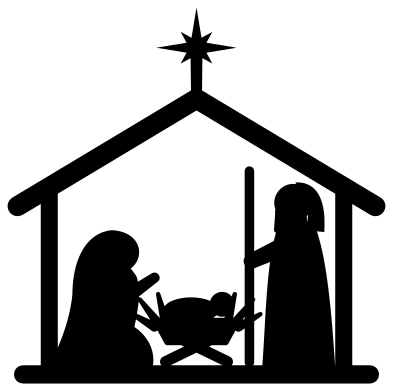 Nativity silhouette in a stable Solid · one piece
 -
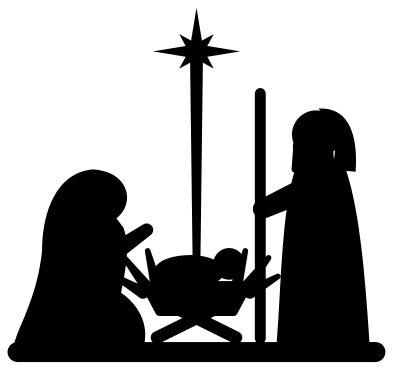 Nativity holy family under the star Solid · one piece
 -
 Nativity manger with the star Solid · one piece
 -
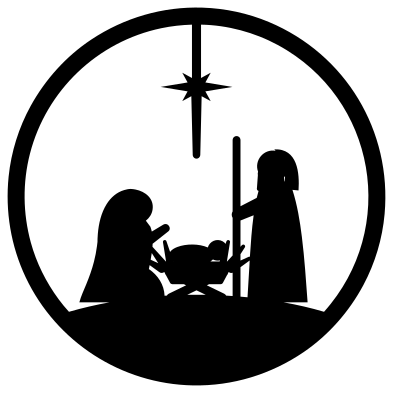 Round nativity ornament Solid · one piece
 -
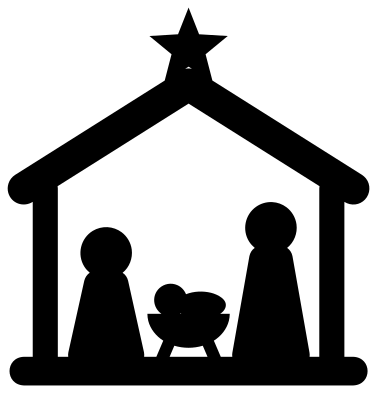 Simple nativity for children Solid · one piece
 -
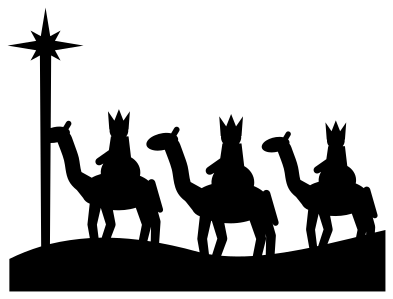 Nativity wise men on camels Solid · one piece
 -
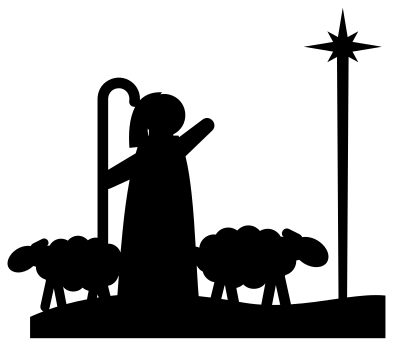 Nativity shepherd with sheep Solid · one piece
 -
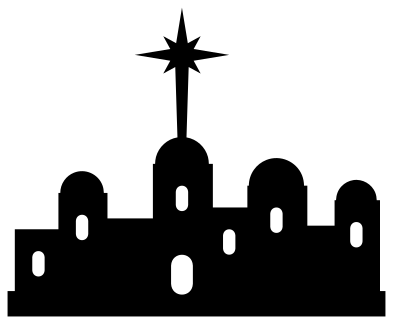 Nativity town of Bethlehem Solid · one piece
 -
 Nativity star over the stable Solid · one piece
 -
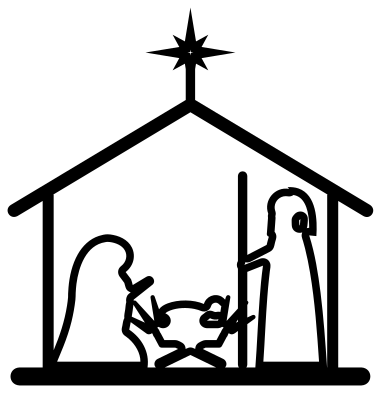 Nativity scene outline Outline · one piece
 -
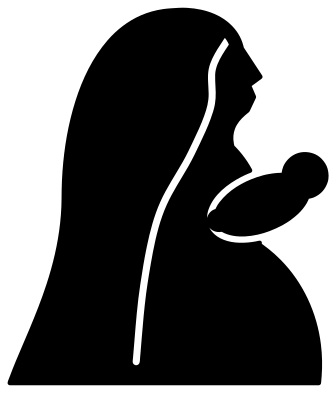 Nativity Mary with the child Solid · one piece
 -
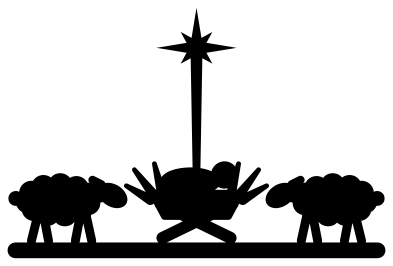 Nativity manger scene with sheep Solid · one piece
 -
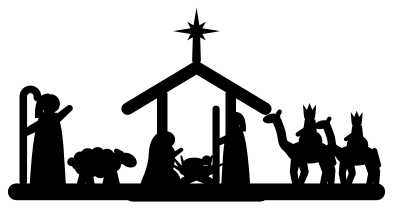 Wide nativity scene with shepherd and wise men Solid · one piece
Plain silhouettes that hold together
A nativity scene is several figures with space between them, which is awkward to cut: loose figures have to be placed one by one. In these files every figure stands on a floor, a strip of ground or a hill, and the star is joined to the scene by its long ray, so each scene lifts off the mat in one piece and keeps its spacing.
The thinnest parts are the staff, the legs of the manger and the ray of the star. In the single scenes at 100 mm they are about 2 mm wide, which is safe in vinyl and card. For 3 mm plywood or acrylic, cut those scenes at 150 mm or more so that the thin parts stay stronger than the sheet is thick. The wide scene holds several small figures and is drawn to be cut at 250 mm or more.
Lanterns, windows and shadow boxes
Silhouettes like these are made to be lit from behind. Cut the stable scene or the round ornament from black card, back it with tracing paper or vellum and stand it in front of a tea light or a string of lights. On a window, cut the scene from white or frosted vinyl. For a shadow box, cut the town of Bethlehem for the back layer and the holy family for the front.
How to open the files
- Cricut Design Space: choose Upload, pick the SVG, and add it to the canvas. Set the width you want; the shape is already welded.
- Silhouette Studio: Designer Edition and above open the SVG. The free Basic Edition does not, so open the DXF instead.
- LightBurn, xTool Creative Space and Glowforge: import the SVG, then set the layer to cut, score or engrave.
- Inkscape, Illustrator and Affinity: open the SVG. It is a plain filled path, so you can recolour it, add a stroke or combine it with your own work.
- Printing or sublimation: use the PNG, which has a transparent background.
Each design page lists the file’s narrowest part at seven sizes, so you can tell whether it will survive at the size you plan to cut.
Questions
How do I build a larger nativity scene from these files?
Use the pieces as a kit. Put the stable scene in the middle, the shepherd with sheep on its left and the wise men on its right, and scale all three by the same amount so the figures match. The town of Bethlehem works as a strip behind or below them.
Which nativity file is easiest to cut small?
The simple nativity for children. Its figures have round heads and thick bodies, the roof and posts are heavy bars, and nothing in it is narrower than 3 mm at 100 mm, so it still cuts and weeds cleanly at 50 mm. The manger with the star is the next best choice for a gift tag.
How do I hang the round nativity as an ornament?
Cut it at 80 to 100 mm from thin wood, acrylic or two layers of card. Add a 3 mm hole in the ring at the top in your cutting software, above the star, or simply tie a thread round the ring there.
 Snowflake SVG
  Christmas tree SVG
  Ornament SVG
  Snowman SVG
  Santa hat SVG
  Candy cane SVG