Free moon SVG files
Free moon SVG files: crescents thick and thin, moons with stars, the phases in a row and in an arch, a cratered full moon and moons with clouds. Each is drawn by code from true circles and downloads as SVG, PNG or DXF.
17 designs. Free for personal and commercial use, no sign-up. What you can do with them.
-
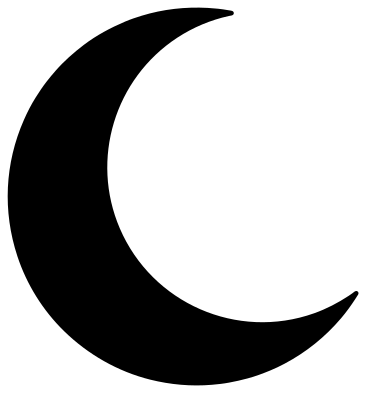 Crescent moon Solid · one piece
 -
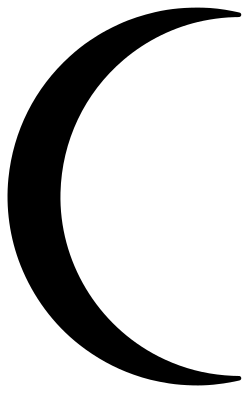 Thin crescent moon Solid · one piece
 -
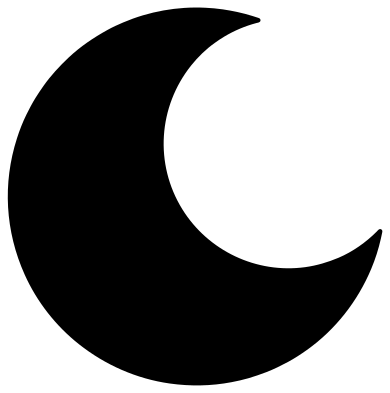 Fat crescent moon Solid · one piece
 -
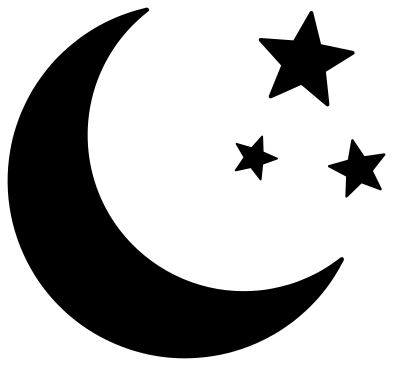 Crescent moon and three stars Solid · 4 pieces
 -
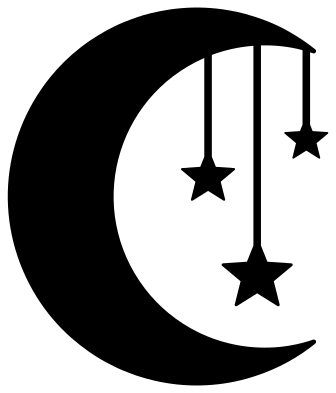 Crescent moon with hanging stars Solid · one piece
 -
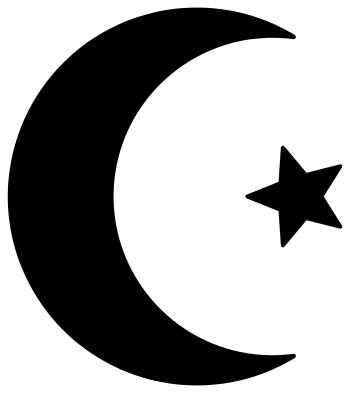 Crescent moon and star Solid · 2 pieces
 -
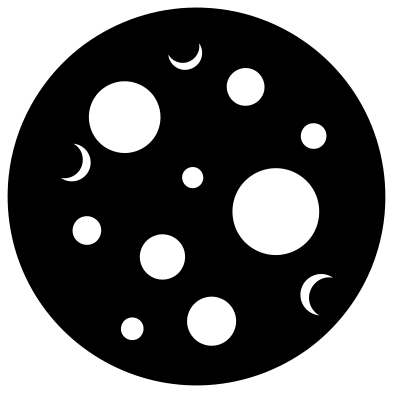 Full moon with craters Solid · one piece
 -
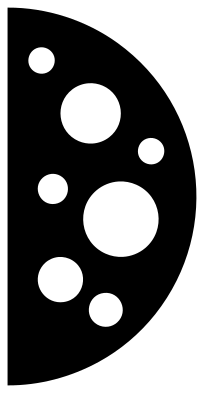 Half moon Solid · one piece
 -
 Moon phases in a row Solid · 7 pieces
 -
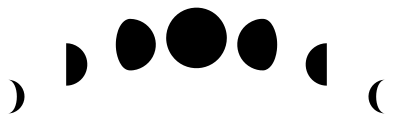 Moon phases in an arch Solid · 7 pieces
 -
 Crescent moon on a cloud Solid · one piece
 -
 Full moon with clouds Solid · one piece
 -
 Sleeping moon with a face Solid · one piece
 -
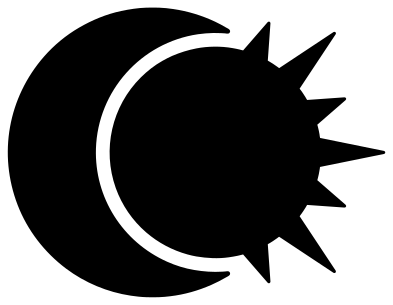 Sun and moon Solid · 2 pieces
 -
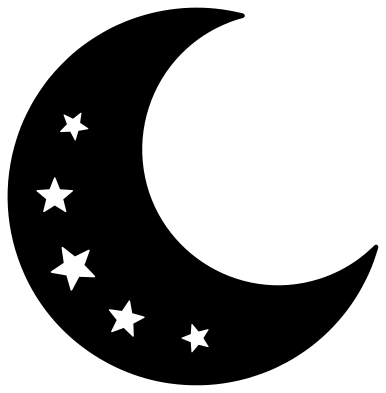 Crescent moon with star cut-outs Solid · one piece
 -
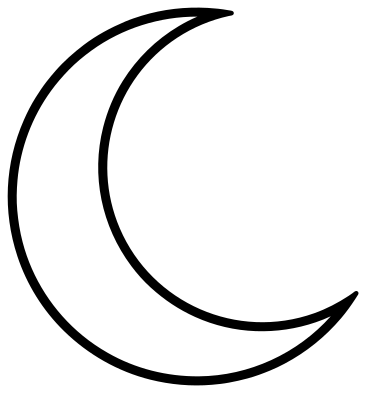 Crescent moon outline Outline · one piece
 -
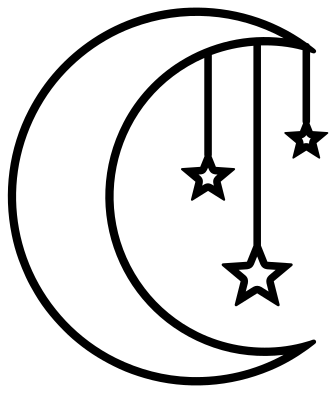 Moon and stars outline Outline · one piece
Crescents, phases and what to cut them from
Every moon here is 100 mm on its longer side. A crescent is about the simplest shape there is, one circle inside another, so it cuts cleanly in anything from vinyl to thick wood. The only delicate parts are the two horns, which taper to a point. On the thin crescent they are long and fine, so keep that design above 50 mm. The fat crescent has short, sturdy horns and is the one for felt, foam and wooden nursery signs.
The two moon phase sets, the moon with three stars, the moon and star and the sun and moon are loose pieces. Cut them from vinyl and lift them with transfer tape so the spacing stays as drawn, or cut them from card and glue each piece down. The crescent with hanging stars is welded into one piece through its threads, which are 2 mm wide at full size, so cut it from card or thin wood at 100 mm or more.
On the full moon and the half moon the craters are holes. Glue a pale yellow or grey disc behind them, or hang the moon in a window and let the light through.
How to open the files
- Cricut Design Space: choose Upload, pick the SVG, and add it to the canvas. Set the width you want; the shape is already welded.
- Silhouette Studio: Designer Edition and above open the SVG. The free Basic Edition does not, so open the DXF instead.
- LightBurn, xTool Creative Space and Glowforge: import the SVG, then set the layer to cut, score or engrave.
- Inkscape, Illustrator and Affinity: open the SVG. It is a plain filled path, so you can recolour it, add a stroke or combine it with your own work.
- Printing or sublimation: use the PNG, which has a transparent background.
Each design page lists the file’s narrowest part at seven sizes, so you can tell whether it will survive at the size you plan to cut.
Questions
Which way should a crescent moon face?
These crescents are drawn with their horns pointing right, which is how a waning moon looks from the northern hemisphere. A waxing evening moon there has its horns pointing left: flip the file in your cutting software. In the southern hemisphere the two are the other way round.
Are the moon phases in the right order?
Yes. Left to right they run waxing crescent, first quarter, waxing gibbous, full moon, waning gibbous, last quarter and waning crescent, as seen from the northern hemisphere. For the southern hemisphere, mirror the whole set.
How do I make a moon and stars in two colours?
Use a design with loose pieces. On the crescent moon and three stars, cut the moon from one colour and the stars from another. The sun and moon is drawn as two separate pieces for the same reason.
 Flower SVG
  Sunflower SVG
  Butterfly SVG
  Rose SVG
  Daisy SVG
  Leaf SVG