Free landscape SVG files
Free landscape SVG files, drawn as flat silhouettes: mountains with pines, rolling hills with a sun, a lone tree, a coastline, a river valley, a farm with a barn, a desert with buttes and a tree-lined road, held in circles, rectangles, an arch and long strips, with two layered scenes and a set of four small ones.
14 designs. Free for personal and commercial use, no sign-up. What you can do with them.
Or choose one below for its PNG, DXF and cutting sizes.
-
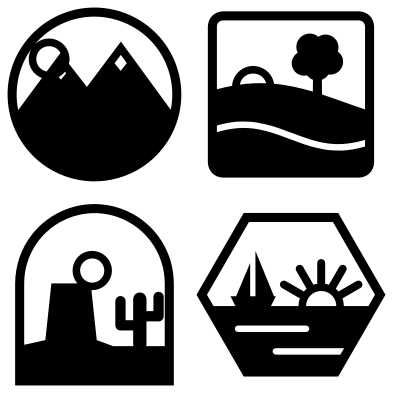 Landscape graphics, set of four Solid · 4 pieces
 -
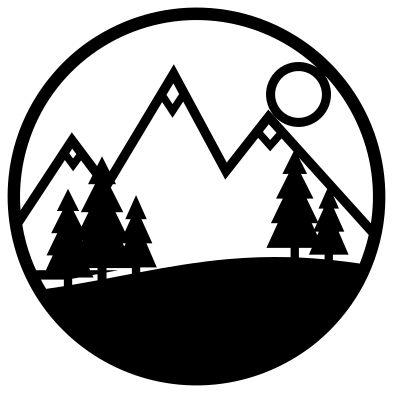 Mountain landscape with pines in a circle Solid · one piece
 -
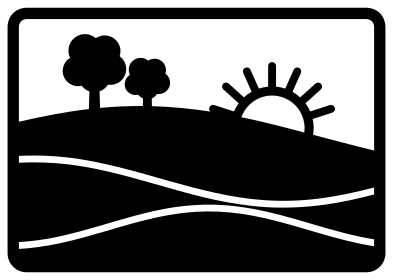 Rolling hills landscape with a rising sun Solid · one piece
 -
 Tree landscape in a circle Solid · one piece
 -
 Coastline landscape in a circle Solid · one piece
 -
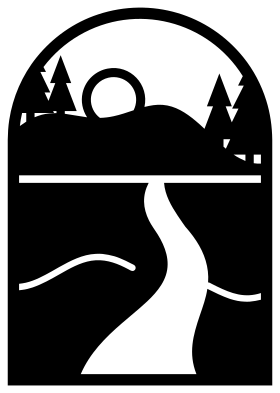 River valley landscape in an arch Solid · one piece
 -
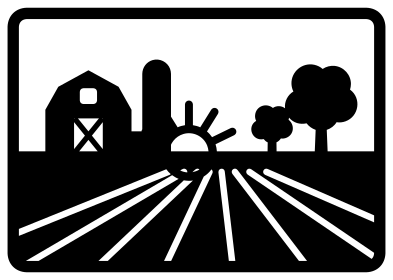 Farm landscape with a barn Solid · one piece
 -
 Cactus landscape with buttes Solid · one piece
 -
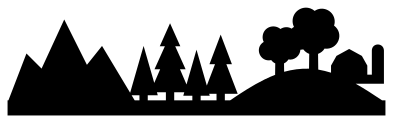 Landscape silhouette border Solid · one piece
 -
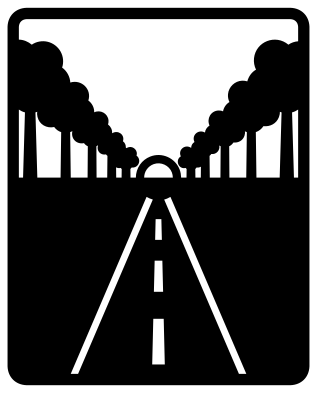 Tree-lined road landscape Solid · one piece
 -
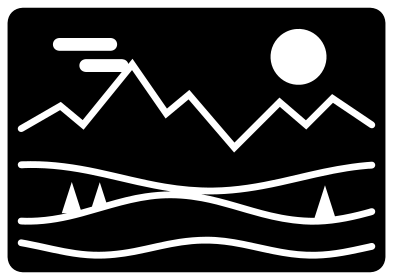 Landscape background panel Solid · one piece
 -
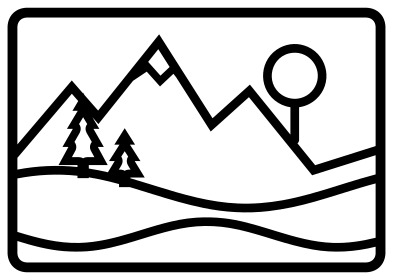 Landscape line drawing in a frame Outline · one piece
 -
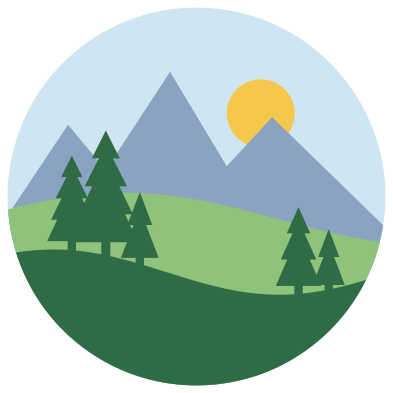 Layered landscape in five colours Layered · 5 pieces
 -
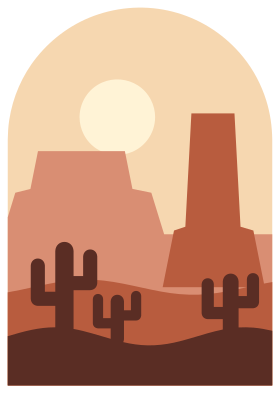 Layered desert landscape in an arch Layered · 5 pieces
What to make with them
A landscape in a frame is a ready-made picture, so these files go straight onto things: a round one on a coaster, a tumbler or a wooden slice, a rectangular one on a card front or a notebook cover, the arch on a bookmark or a wall hanging. Cut the circles 90 to 100 mm across for coasters and 200 mm or more for wall art. The two strips, the desert and the silhouette border, run along the foot of a sign or round a mug. The layered scenes are for shadow boxes and cards: cut each layer from a different colour and stack them with foam pads between.
Cutting notes
Ridges, furrows and waves are cut as slits about 1.8 mm wide at 100 mm. They run across solid ground and end at the frame, which is what holds each fold of hill in place, so do not trim the frame off. On vinyl, weed the slits with a pin before lifting the sky. The sun is a ring, not a disc, and its middle is waste: check it has lifted. On a laser, the background panel and the tree-lined road have the most cut line for their size and are worth running at lower power on card to avoid scorching between slits.
How to open the files
- Cricut Design Space: choose Upload, pick the SVG, and add it to the canvas. Set the width you want; the shape is already welded.
- Silhouette Studio: Designer Edition and above open the SVG. The free Basic Edition does not, so open the DXF instead.
- LightBurn, xTool Creative Space and Glowforge: import the SVG, then set the layer to cut, score or engrave.
- Inkscape, Illustrator and Affinity: open the SVG. It is a plain filled path, so you can recolour it, add a stroke or combine it with your own work.
- Printing or sublimation: use the PNG, which has a transparent background.
Each design page lists the file’s narrowest part at seven sizes, so you can tell whether it will survive at the size you plan to cut.
Questions
Why is the sun a ring and not a solid disc?
A solid sun in an open sky would be a loose piece with nothing to hold it. Drawn as a ring that passes behind a hill or touches a line, it stays joined to the rest of the scene. If you want a filled sun, cut a disc from yellow and glue it behind the ring.
Which landscape works best as a coaster?
The four round ones: the mountains, the lone tree, the coastline and the layered scene. For a set of four different coasters from one cut, use the landscape graphics sheet and enlarge it so that each small scene is about 90 mm across.
Can I remove the frame from a landscape?
Only on the strips, which have none. In the framed scenes the circle, rectangle or arch is what joins the separate folds of land, so without it they fall apart. To change the frame, weld a new shape round the scene in your cutting software before deleting the old one.
 Flower SVG
  Sunflower SVG
  Butterfly SVG
  Rose SVG
  Daisy SVG
  Leaf SVG