Free ladybug SVG files
Free ladybug SVG files: a seven-spot ladybug from above, a ladybug in flight, a cute smiling ladybug, ladybugs on a leaf, a clover and a blade of grass, a looping trail and a layered red ladybug. The spots are holes, so the colour behind shows through.
12 designs. Free for personal and commercial use, no sign-up. What you can do with them.
-
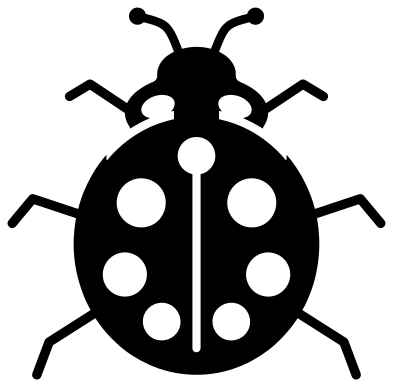 Ladybug from above Solid · one piece
 -
 Simple ladybug for children Solid · one piece
 -
 Ladybug in flight Solid · one piece
 -
 Ladybug with a looping trail Solid · 19 pieces
 -
 Cute ladybug with a smile Solid · one piece
 -
 Ladybug climbing a blade of grass Solid · one piece
 -
 Ladybug on a leaf Solid · one piece
 -
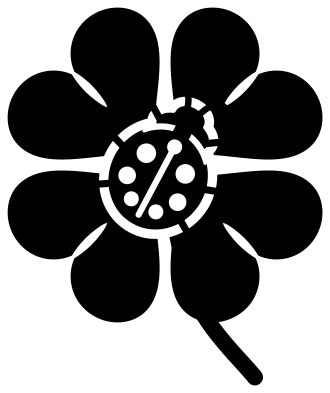 Ladybug on a four-leaf clover Solid · one piece
 -
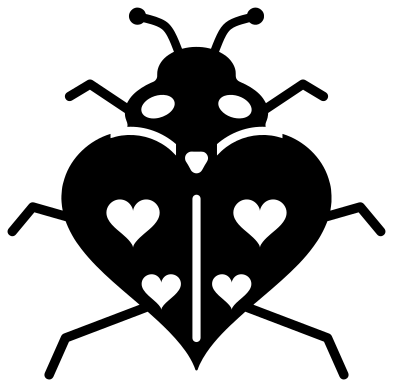 Heart-shaped ladybug with heart spots Solid · one piece
 -
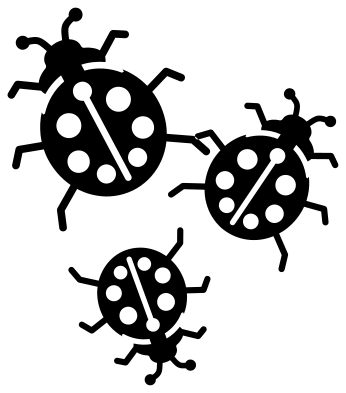 Three ladybugs Solid · 3 pieces
 -
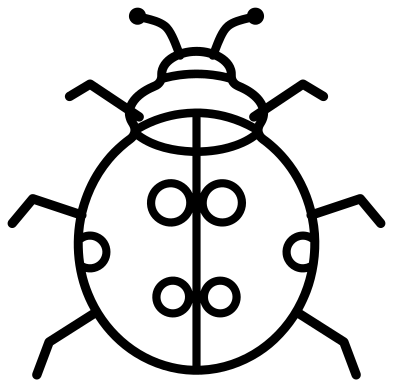 Ladybug outline Outline · one piece
 -
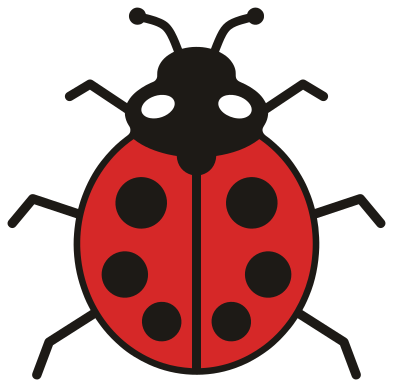 Layered ladybug in three colours Layered · 5 pieces
Red, black and which one to cut
A ladybug is red with black spots, and a one-colour cut can give you that in two ways. Cut the design from black and put red behind it: the spots show red on a black beetle, which is striking but the wrong way round. Or cut it from red and put black behind: now the spots, the centre line and the pale marks all show black, which is closer to the real thing. For the true colours use the layered ladybug, where the red wing cases sit on a black body and the spots are holes in the red.
Each design is 100 mm on its longer side. The legs and antennae of the ladybug from above are a little over 2 mm wide at that size, so it cuts in vinyl down to about 50 mm, which suits a plant pot or a notebook. For felt and foam use the simple ladybug, which has no legs at all.
Seven spots
The common seven-spot ladybug has three spots on each wing case and one more that straddles the line between them, just behind the thorax. The ladybug from above and the layered ladybug follow that pattern. Ladybugs are a sign of good luck in many countries, which is why one of the designs puts a ladybug on a four-leaf clover.
How to open the files
- Cricut Design Space: choose Upload, pick the SVG, and add it to the canvas. Set the width you want; the shape is already welded.
- Silhouette Studio: Designer Edition and above open the SVG. The free Basic Edition does not, so open the DXF instead.
- LightBurn, xTool Creative Space and Glowforge: import the SVG, then set the layer to cut, score or engrave.
- Inkscape, Illustrator and Affinity: open the SVG. It is a plain filled path, so you can recolour it, add a stroke or combine it with your own work.
- Printing or sublimation: use the PNG, which has a transparent background.
Each design page lists the file’s narrowest part at seven sizes, so you can tell whether it will survive at the size you plan to cut.
Questions
How many spots does the ladybug have?
Seven on the main design, like the common seven-spot ladybug: three on each wing case and one shared between them at the top. The simple ladybug has four large spots, the cute ladybug six, and the heart-shaped ladybug four hearts.
Are the ladybug spots loose pieces?
No. On the one-colour designs each spot is a hole that you weed out, and the colour behind shows through. On the layered ladybug the spots are holes in the red layer, so the black body shows through them. The only loose pieces in the set are the dashes of the looping trail and the three separate ladybugs.
What size should I cut a ladybug for a plant pot or a rock?
About 50 to 60 mm long suits a small pot or a painted rock. At that size use the ladybug from above in permanent vinyl, or the simple ladybug if the surface is rough. The legs are the thinnest part, so press them down firmly.
 Owl SVG
  Bird SVG
  Cat SVG
  Dog SVG
  Elephant SVG
  Fish SVG