Free utensil SVG files
Whisks, spoons, spatulas, rolling pins, bowls and pots, drawn from the real tools: single utensils, a crock and a rail full of them, split and name frames, a stencil, a badge and layered colour.
20 designs. Free for personal and commercial use, no sign-up. What you can do with them.
Or choose one below for its PNG, DXF and cutting sizes.
-
 Kitchen utensils in a crock Solid · one piece
-
 Cooking utensils on a rail Solid · one piece
-
 Split kitchen utensils for a name Solid · 2 pieces
-
 Kitchen utensils over a rolling pin name frame Solid · one piece
-
 Balloon whisk utensil Solid · one piece
-
 Whisk, spoon and spatula utensil outline Outline · one piece
-
 Christmas whisk utensil with holly Solid · one piece
-
 Crossed wooden spoon utensils Solid · one piece
-
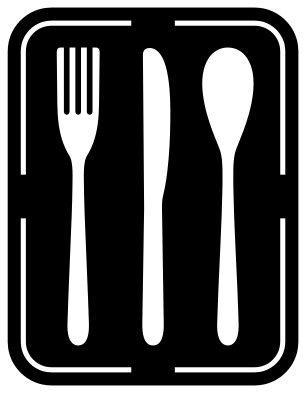 Fork, knife and spoon utensil stencil Solid · one piece
-
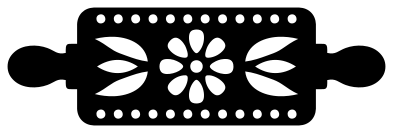 Folk art rolling pin utensil Solid · one piece
-
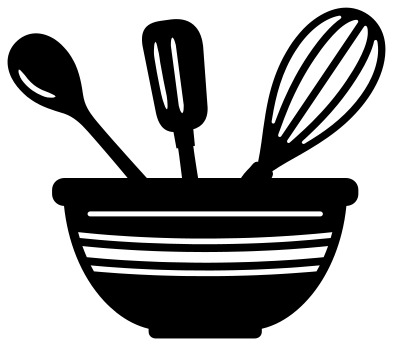 Mixing bowl with utensils Solid · one piece
-
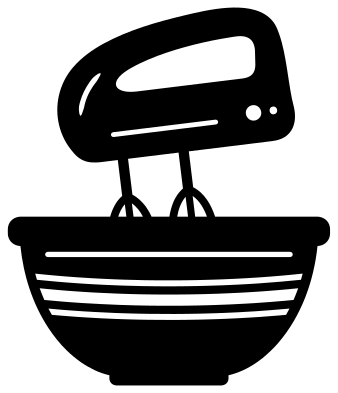 Hand mixer utensil over a bowl Solid · one piece
-
 Retro mixing bowls with utensils Solid · one piece
-
 Casserole dish utensil with a leafy vine Solid · one piece
-
 Baking dish frame with utensils Solid · one piece
-
 Chopping board with a knife utensil Solid · one piece
-
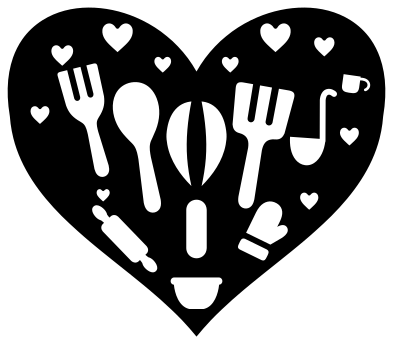 Heart of kitchen utensils Solid · one piece
-
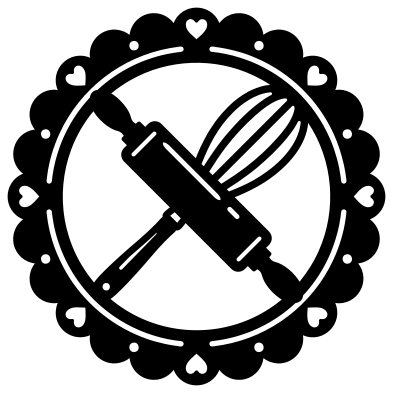 Baking badge with crossed utensils Solid · one piece
-
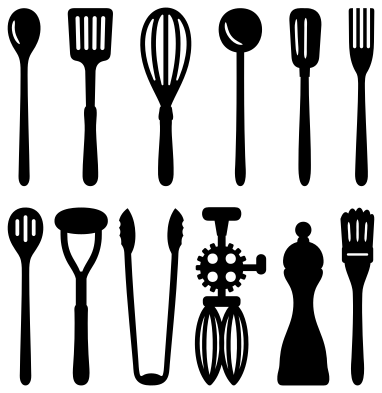 Set of twelve kitchen utensils Solid · 12 pieces
-
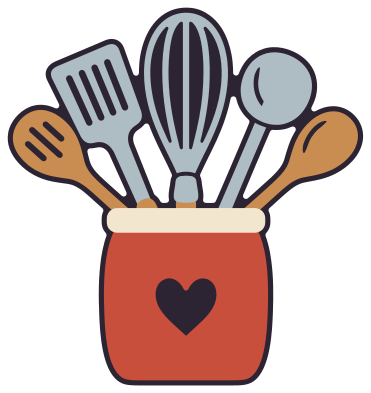 Layered kitchen utensils in a crock Layered · 12 pieces
Choosing a utensil design
For a kitchen sign or an apron, the split row and the rolling pin leave a clear space for a name. The split row is two pieces: cut it as one, then slide the halves apart until your lettering fits between the bars, or type the name first and size the gap to match. The rolling pin is one piece, and its window is about three times as wide as it is tall.
For a glass baking dish, use the baking dish frame. Mirror it before you cut the stencil vinyl if you will etch the underside and read it from above, and keep the cream to the flat of the base, clear of the curve where the sides begin.
Cutting thin handles and wires
The whisk wires are the finest parts of this set, a little over 2 mm wide when a single whisk is cut 100 mm tall. Below about 60 mm choose the spoon, the spatula or the badge instead, or cut the whisk in vinyl rather than card. Weed from the handle towards the wires, so that the long curves come away with something to hold.
To burn or engrave a design on a real wooden spoon, scale it to the flat of the handle or the back of the bowl and run the lines along the grain. The crock, the bowls and the casserole are solid shapes with few inside cuts, and suit iron-on for tea towels and oven gloves.
How to open the files
- Cricut Design Space: choose Upload, pick the SVG, and add it to the canvas. Set the width you want; the shape is already welded.
- Silhouette Studio: Designer Edition and above open the SVG. The free Basic Edition does not, so open the DXF instead.
- LightBurn, xTool Creative Space and Glowforge: import the SVG, then set the layer to cut, score or engrave.
- Inkscape, Illustrator and Affinity: open the SVG. It is a plain filled path, so you can recolour it, add a stroke or combine it with your own work.
- Printing or sublimation: use the PNG, which has a transparent background.
Each design page lists the file’s narrowest part at seven sizes, so you can tell whether it will survive at the size you plan to cut.
Questions
How do I add a name to the split kitchen utensils?
Open the file in your cutting software and ungroup the two halves. Set the name in capitals between the two bars, then move the lower half until the gap above and below the letters is even. Attach or weld everything before you cut, so the parts keep their places.
Which design is best for an apron?
The crock of utensils and the mixing bowl read well from across a room at 18 to 22 cm wide. For a small pocket, use the crossed spoons or the baking badge at 8 to 10 cm.
Can the twelve tools in the set be used one at a time?
Yes. They are separate pieces in two rows. Ungroup them and delete or hide the ones you do not need; each one is a single solid shape.
 Pineapple SVG
 Coffee cup SVG
 Wine glass SVG
 Beer mug SVG
 Cupcake SVG
 Donut SVG