Free hot chocolate SVG files
Free hot chocolate SVG files: mugs heaped with marshmallows, piped cream and candy canes, cocoa bombs, a cup to go, a gift jar, a tag and a pocket that holds a sachet. Single colours and layered colours, as SVG, PNG and DXF. No words and no maker’s mark, so the mug can say what you like.
24 designs. Free for personal and commercial use, no sign-up. What you can do with them.
Or choose one below for its PNG, DXF and cutting sizes.
-
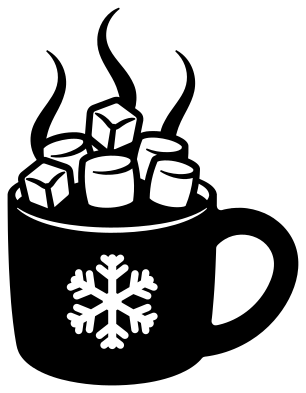 Hot chocolate mug with marshmallows Solid · one piece
-
 Layered Christmas hot chocolate Layered · 35 pieces
-
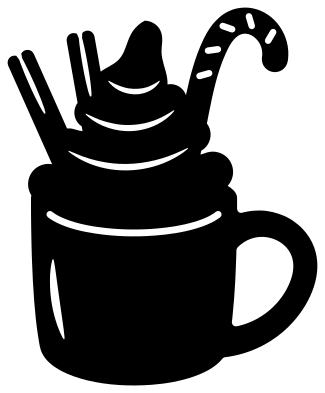 Hot chocolate silhouette with a candy cane Solid · one piece
-
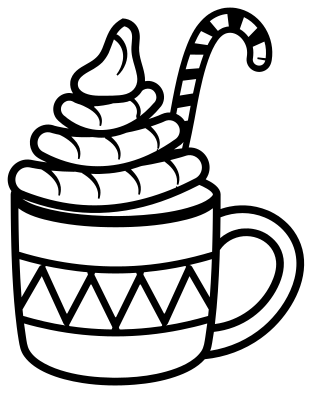 Hot chocolate mug outline Outline · one piece
-
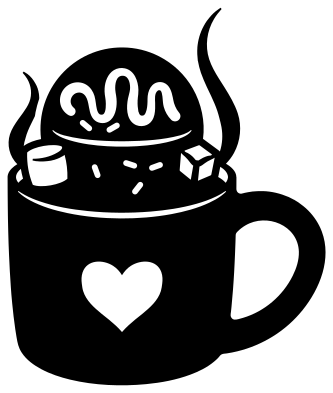 Hot cocoa bomb in a mug Solid · one piece
-
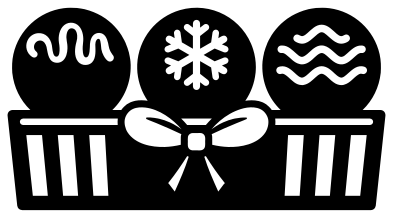 Three hot cocoa bombs in a gift tray Solid · one piece
-
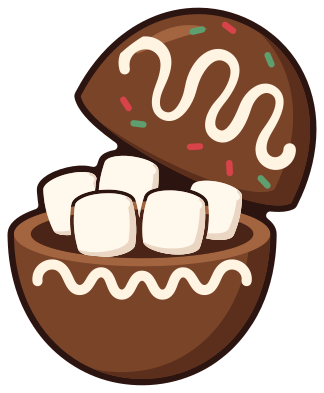 Layered cocoa bomb broken open Layered · 36 pieces
-
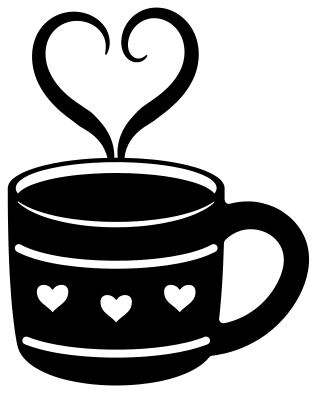 Hot chocolate with heart steam Solid · one piece
-
 Cup of hot chocolate on a saucer Solid · one piece
-
 Glass of hot chocolate with cream Solid · one piece
-
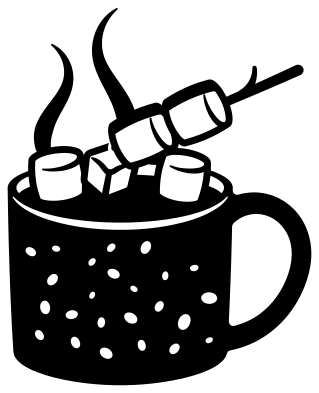 Camp mug of cocoa with toasted marshmallows Solid · one piece
-
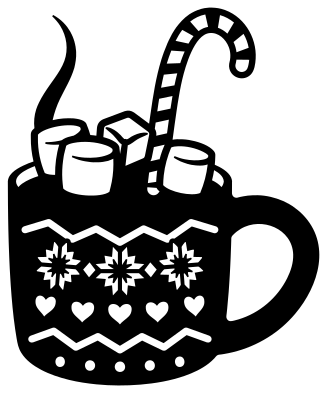 Hot cocoa mug in a Nordic pattern Solid · one piece
-
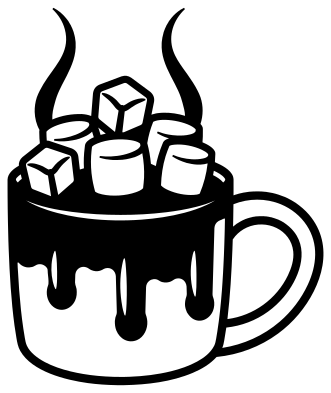 Hot chocolate dripping down a mug Solid · one piece
-
 Hot chocolate with a gingerbread house Solid · one piece
-
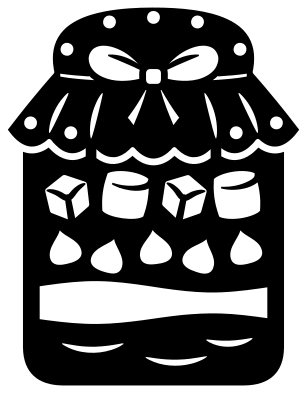 Hot cocoa mix in a gift jar Solid · one piece
-
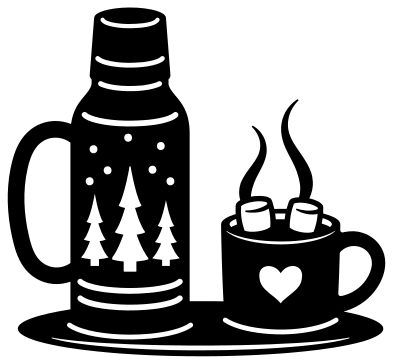 Flask of hot chocolate and a mug Solid · one piece
-
 Layered snowman hot chocolate mug Layered · 38 pieces
-
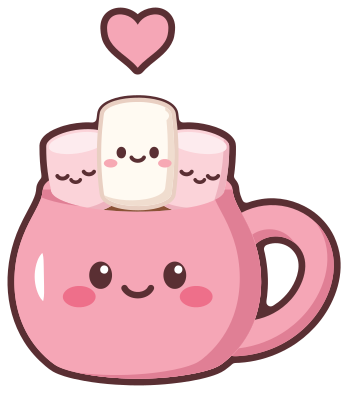 Layered kawaii hot chocolate mug Layered · 41 pieces
-
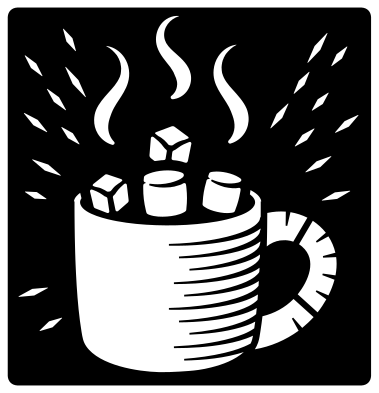 Hot chocolate block print Solid · one piece
-
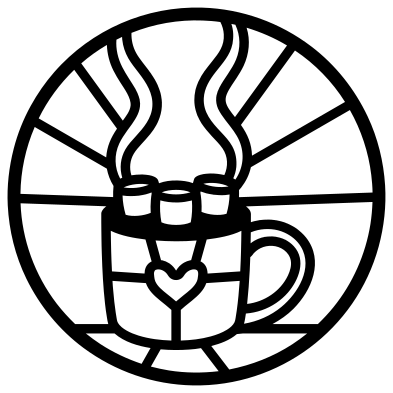 Stained glass hot chocolate mug Solid · one piece
-
 Hot chocolate badge with a blank ribbon Solid · one piece
-
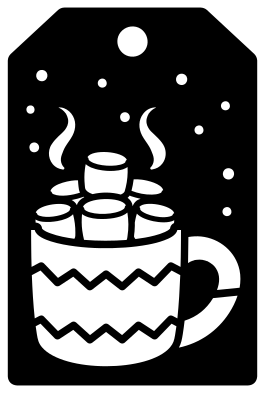 Hot chocolate gift tag Solid · one piece
-
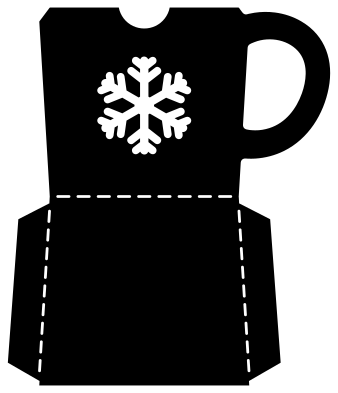 Hot chocolate mug pocket for a sachet Solid · one piece
-
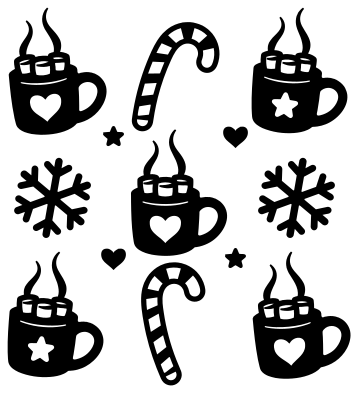 Hot chocolate mugs pattern Solid · 13 pieces
White marshmallows from one colour
In the single-colour designs the mug is solid and whatever floats in it is an opening with a line of about 2 mm round it. Cut from dark vinyl and put on something pale, the marshmallows and the cream come out white without a second sheet. On a dark shirt or a slate board the effect turns round, so use white vinyl there and the mug reads pale with dark marshmallows, or choose the silhouette, which has almost nothing cut from it.
The steam in every mug is joined to the rim or to the marshmallows in front of it, so it lifts off the mat with the rest. Its tips are fine. In card, cut these designs at 90 mm or more; in wood, start with the silhouette, the block print or the gift tag.
For a cocoa bar or a gift
For a drinks table, put the badge on the sign with your own words in its ribbon and repeat the tray of cocoa bombs along the shelf. For a present, fill a jar and stick the gift jar on its lid, or fold the mug pocket from card, slide a sachet into it and tie on the tag. Enlarge the pocket until the foot of the mug is about 10 mm wider than the sachet. For a shop window, the stained glass mug is at its best at 200 mm or more with coloured film behind it.
How to open the files
- Cricut Design Space: choose Upload, pick the SVG, and add it to the canvas. Set the width you want; the shape is already welded.
- Silhouette Studio: Designer Edition and above open the SVG. The free Basic Edition does not, so open the DXF instead.
- LightBurn, xTool Creative Space and Glowforge: import the SVG, then set the layer to cut, score or engrave.
- Inkscape, Illustrator and Affinity: open the SVG. It is a plain filled path, so you can recolour it, add a stroke or combine it with your own work.
- Printing or sublimation: use the PNG, which has a transparent background.
Each design page lists the file’s narrowest part at seven sizes, so you can tell whether it will survive at the size you plan to cut.
Questions
How do I put the mug pocket together?
Cut it from card of 200 to 250 gsm with the dashed lines as perforations. Fold the plain half up behind the mug along the dashes at the foot, with the good side outwards. Fold the two side flaps in, put glue on them only and press them to the back of the mug. The rim stays open for the sachet.
Can I put one of these on a real mug?
Yes, with permanent vinyl. Pick a design with a simple outline, such as the silhouette or the mug with heart steam, keep it under about 70 mm wide so that it lies flat on the curve, leave 15 mm clear below the lip, and wash the mug by hand.
What is the difference between the cocoa bomb designs?
One bomb sits whole in a mug, three sit in a gift tray, one is caught as it drops into milk, and the layered one is broken open with the marshmallows showing. The first three are cut from one colour.
 Pineapple SVG
 Coffee cup SVG
 Wine glass SVG
 Beer mug SVG
 Cupcake SVG
 Donut SVG