Free hiking SVG files
Free hiking SVG files: a hiker with a pack and poles, a hiker at a lookout, a woman stepping up a rock, a summit, a winding trail, a boot, a pair of boots hanging by their laces, a rucksack, a signpost with blank boards and a blank trail marker. No words on any of them, so you can add your own trail.
13 designs. Free for personal and commercial use, no sign-up. What you can do with them.
-
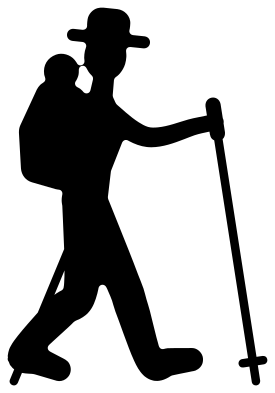 Hiker with a pack and hiking poles Solid · one piece
 -
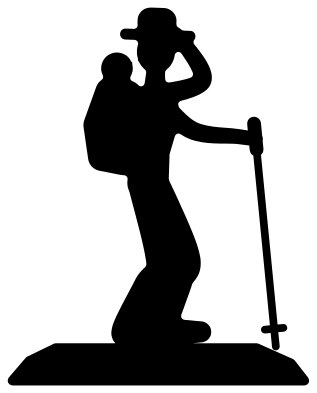 Hiking silhouette of a hiker at a lookout Solid · one piece
 -
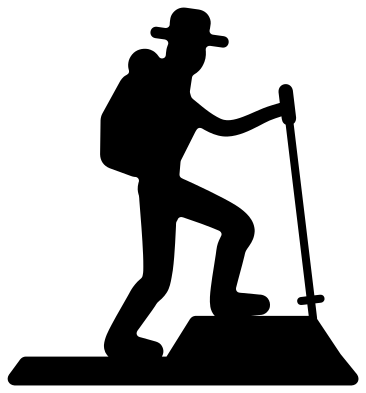 Woman hiker hiking up a rock Solid · one piece
 -
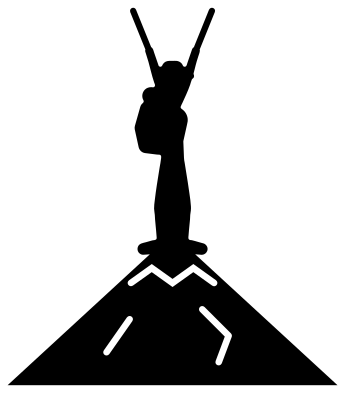 Hiking summit with a hiker on top Solid · one piece
 -
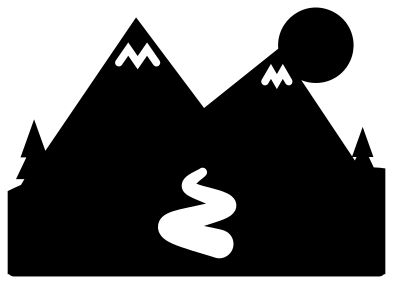 Hiking trail winding to the mountains Solid · one piece
 -
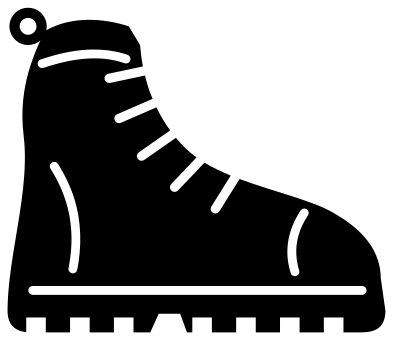 Hiking boot Solid · one piece
 -
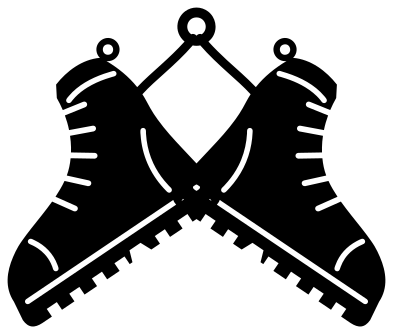 Pair of hiking boots hanging by their laces Solid · one piece
 -
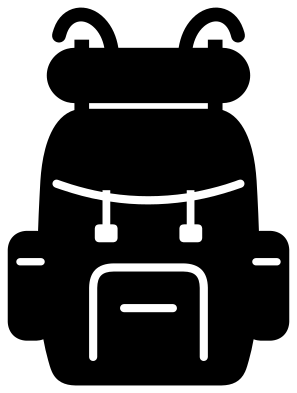 Hiking backpack Solid · one piece
 -
 Hiking trail sign with blank boards Solid · one piece
 -
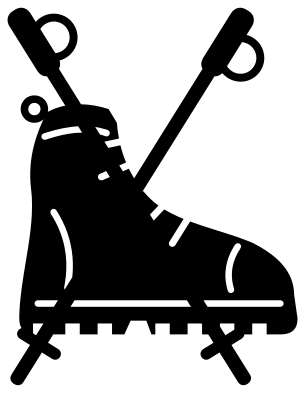 Hiking boot with crossed poles Solid · one piece
 -
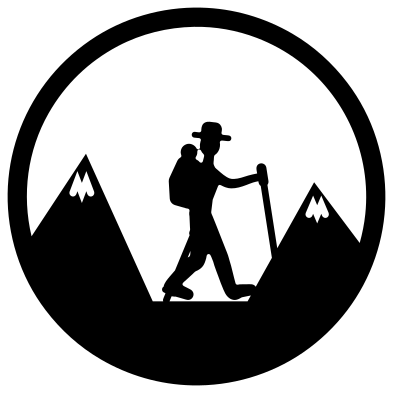 Hiking badge with a hiker and mountains Solid · one piece
 -
 Hiking trail marker monogram frame Solid · one piece
 -
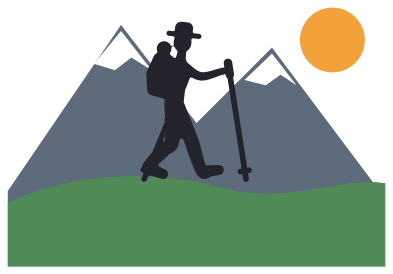 Layered hiking scene in five colours Layered · 6 pieces
Poles, laces and other thin parts
A trekking pole is the slimmest thing in the set. On the walking hiker it is drawn about 2 mm wide when the hiker is 85 mm tall, which is thicker than life, with a wider grip and a small basket near the tip so that it reads as a pole and not a scratch. Cut the hikers at 100 mm or more in vinyl and 150 mm in card, and lift from the pack, which is the sturdiest part. On the badge the poles are thickened again to make up for the smaller figure.
The boot is the opposite: a broad shape with laces, seams and a lugged sole cut into it. The lugs are notches about 5 mm wide at 100 mm, so the sole keeps its bite down to roughly 60 mm. The pair hanging by their laces is tied together by cords about 2.5 mm wide, so cut that one at 120 mm or more. In iron-on, press the laces first and the boots after.
Blank on purpose
The signpost has three pointed boards and the trail marker is an empty shield, and neither carries a word. That is deliberate: add the name of your own trail, a summit and its height, or the miles walked, in your own lettering. The boards on the signpost are about 13 mm tall when the post is 100 mm, which takes a short place name. The trail design has its path cut out, so a strip of sand or grey card behind it turns the path into a track.
How to open the files
- Cricut Design Space: choose Upload, pick the SVG, and add it to the canvas. Set the width you want; the shape is already welded.
- Silhouette Studio: Designer Edition and above open the SVG. The free Basic Edition does not, so open the DXF instead.
- LightBurn, xTool Creative Space and Glowforge: import the SVG, then set the layer to cut, score or engrave.
- Inkscape, Illustrator and Affinity: open the SVG. It is a plain filled path, so you can recolour it, add a stroke or combine it with your own work.
- Printing or sublimation: use the PNG, which has a transparent background.
Each design page lists the file’s narrowest part at seven sizes, so you can tell whether it will survive at the size you plan to cut.
Questions
How do I add a place name to the hiking trail sign?
Open the signpost in your cutting software and type the name over a board. Each board is about 13 mm tall and between 36 and 46 mm long when the design is 100 mm tall. Cut the lettering from a second colour and lay it on the board, or weld it and cut the name out of the board as a stencil.
Which hiking design suits a water bottle or a trail journal?
The round hiking badge at 60 to 70 mm, or the single boot at 50 mm. Both are compact and have no long thin parts sticking out. The walking hiker needs about 100 mm for the poles to weed well, which suits the cover of a journal more than a bottle.
Will the hiker at the lookout stand up in a shadow box?
Yes. The hiker stands on a slab of rock with a straight bottom edge about 80 mm long when the piece is 100 mm tall, and the slab is part of the same shape. Glue the edge to the floor of the box, and put the trail or the summit behind it as a backdrop.
 Football SVG
  Baseball SVG
  Softball SVG
  Basketball SVG
  Volleyball SVG
  Soccer ball SVG