Hello in Lilita One SVG

“Hello” set in Lilita One, a chunky rounded sans. The strokes are thick and the corners soft, so it is the easiest version to cut small.

Free for personal and commercial use, no sign-up. What you can do with it.
What is in the file
| Size | 100 × 34 mm (3.94 × 1.33 in), scales to any size |
|---|---|
| Pieces | 5 separate pieces |
| Outlines to cut | 7: 5 outer edges and 2 cut-outs |
| Cut length | 530 mm at this size |
| Narrowest part | Nothing narrower than 6 mm at this size |
| Nodes | 93 curve and line segments |
Measured from the file. PNG: 2,000 × 727 pixels, transparent. About the three file types.
Will it cut at your size?
Scaling a design scales its thinnest part too. Here is this one at seven sizes, from 1 to 12 inches on its longer side, with how many copies fit a 12 × 12 inch sheet or mat.
| Size, width × height | Narrowest part | Cut length | Fit on a 12 in sheet | Rule of thumb |
|---|---|---|---|---|
| 1 × 0.34 in (25 × 9 mm) | Over 1.5 mm | 135 mm | 220 | Vinyl, card and thin sheet |
| 2 × 0.68 in (51 × 17 mm) | Over 3 mm | 269 mm | 65 | Any material, including 3 mm wood and acrylic |
| 3 × 1.01 in (76 × 26 mm) | Over 4.6 mm | 404 mm | 30 | Any material, including 3 mm wood and acrylic |
| 4 × 1.35 in (102 × 34 mm) | Over 6.1 mm | 538 mm | 14 | Any material, including 3 mm wood and acrylic |
| 6 × 2.03 in (152 × 52 mm) | Over 9.1 mm | 808 mm | 5 | Any material, including 3 mm wood and acrylic |
| 8 × 2.7 in (203 × 69 mm) | Over 12 mm | 1,077 mm | 4 | Any material, including 3 mm wood and acrylic |
| 12 × 4.06 in (305 × 103 mm) | Over 18 mm | 1,615 mm | 2 | Any material, including 3 mm wood and acrylic |
The narrowest part is the thinnest neck that holds the design together; sharp tips are not counted. For wood and acrylic, keep it at least as wide as the sheet is thick. How to open the file in Cricut, Silhouette and laser software.
More Hello SVG files
-
 Hello in Alfa Slab One Solid · 5 pieces
 -
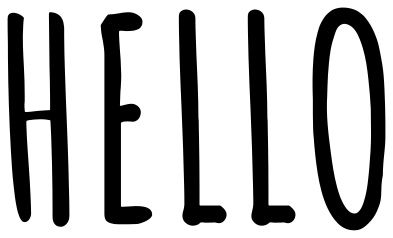 Hello in Amatic SC Solid · 5 pieces
 -
 Hello in block capitals Solid · 5 pieces
 -
 Hello with a swash underline Solid · 3 pieces
 -
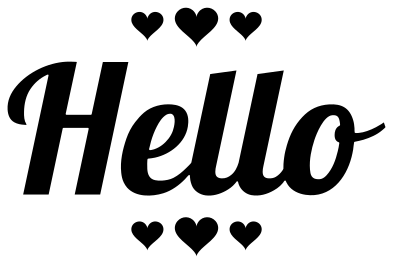 Hello with hearts Solid · 8 pieces
 -
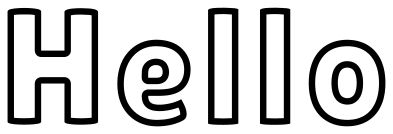 Hello outline lettering Outline · 7 pieces
 -
 Hello stencil plate Solid · one piece
 -
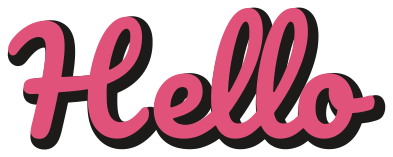 Hello with a drop shadow Layered · 3 pieces
← Hello in Kaushan Script All 12 Hello designs Hello in Alfa Slab One →