Free graph paper SVG files, drawn to size
Free graph paper SVG files drawn exactly to size: squares of 5 mm, 10 mm, a quarter inch and an eighth of an inch, isometric triangles, dot and cross grids, hexagons, polar and logarithmic paper. Each sheet is 100 mm across, so a 5 mm square measures 5 mm when the file is used at its own size.
15 designs. Free for personal and commercial use, no sign-up. What you can do with them.
Or choose one below for its PNG, DXF and cutting sizes.
-
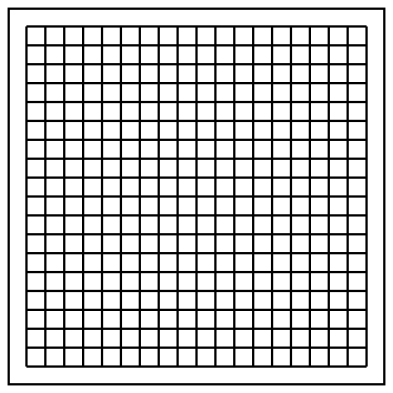 Graph paper with 5 mm squares Outline · 2 pieces
 -
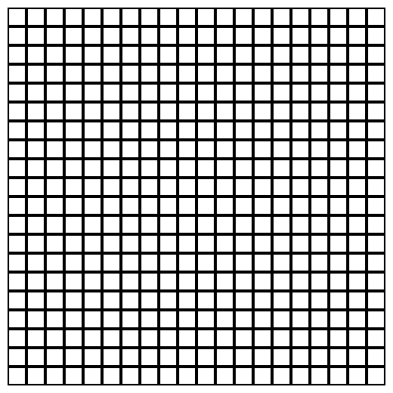 Graph paper tile with 5 mm squares Outline · one piece
 -
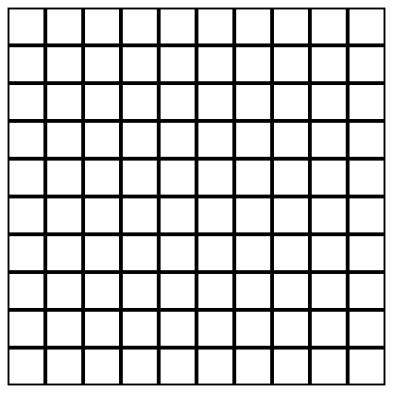 Graph paper tile with 10 mm squares Outline · one piece
 -
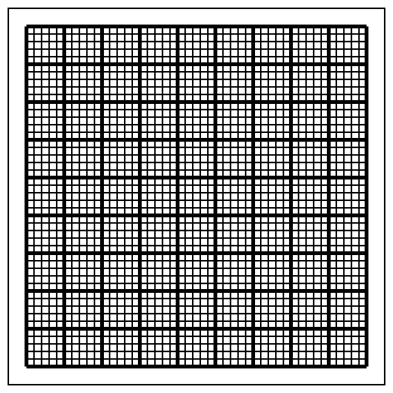 Metric graph paper, 2 mm and 10 mm squares Outline · 2 pieces
 -
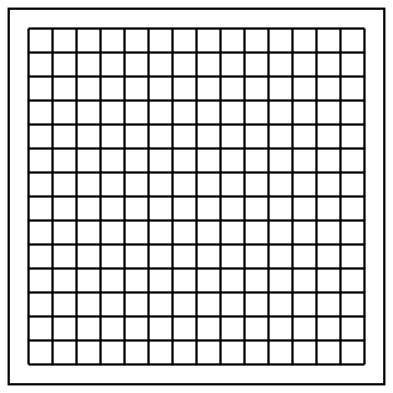 Graph paper with quarter inch squares Outline · 2 pieces
 -
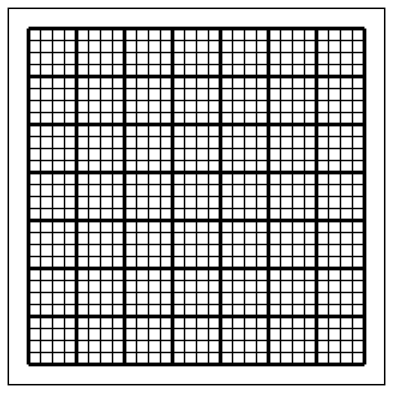 Graph paper with eighth inch squares Outline · 2 pieces
 -
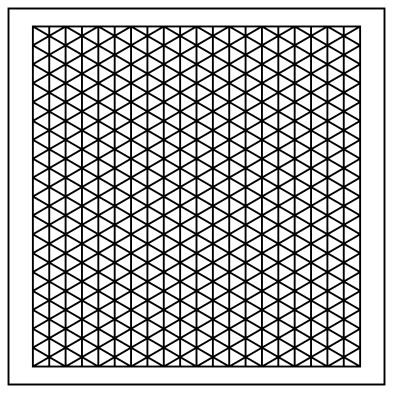 Isometric graph paper with 5 mm triangles Outline · 2 pieces
 -
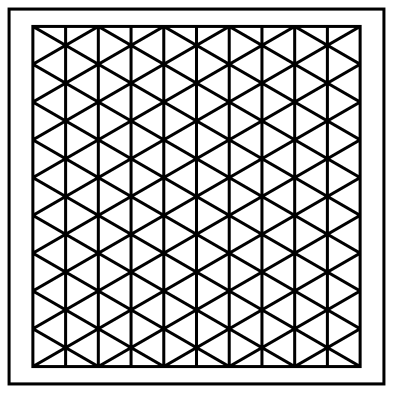 Isometric graph paper grid with 10 mm triangles Outline · 2 pieces
 -
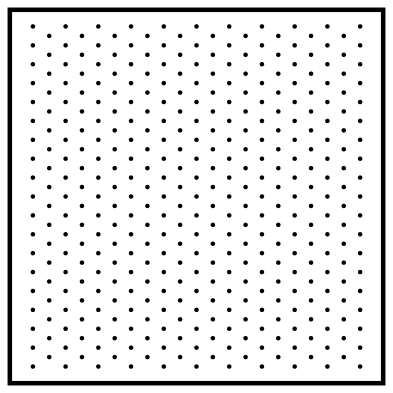 Isometric dot graph paper, 5 mm apart Outline · 390 pieces
 -
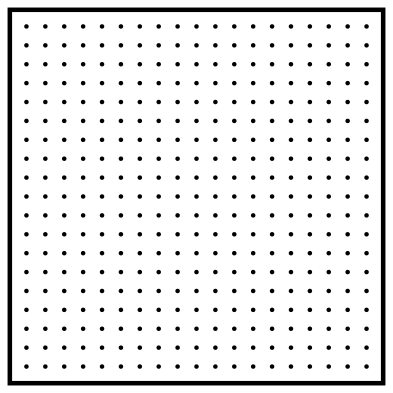 Dot grid graph paper, 5 mm apart Outline · 362 pieces
 -
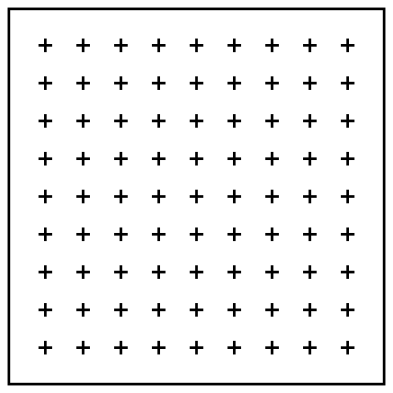 Cross grid graph paper, 10 mm apart Outline · 82 pieces
 -
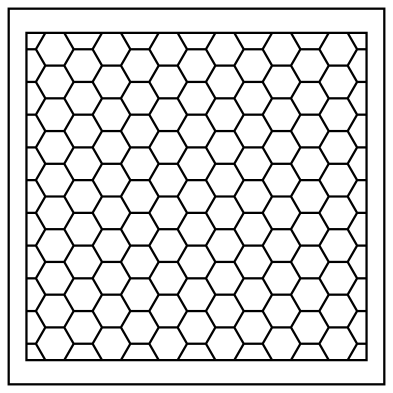 Hexagon graph paper with 5 mm sides Outline · 2 pieces
 -
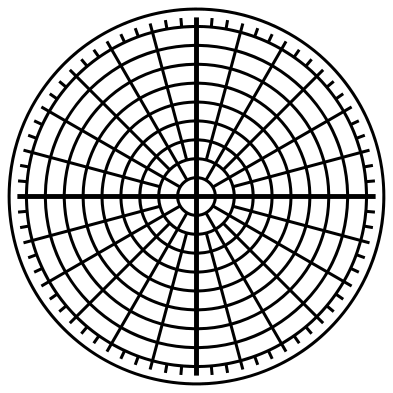 Polar graph paper with 5 mm circles Outline · 2 pieces
 -
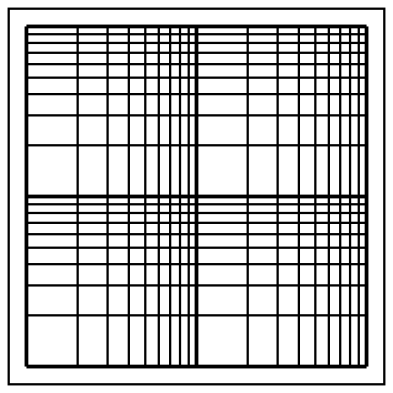 Log-log graph paper with two cycles Outline · 2 pieces
 -
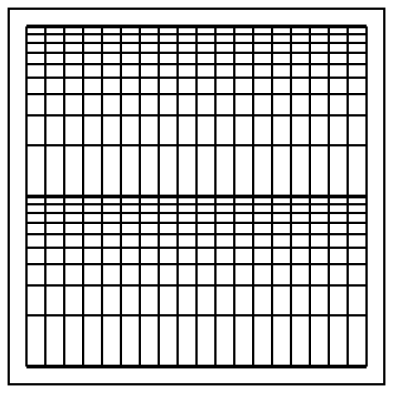 Semi-log graph paper, two cycles by 5 mm Outline · 2 pieces
Keeping the grid true to size
Every sheet here is exactly 100 mm on its longer side, which is the size the files are published at. Open one at its own size and the spacing is what the name says: 5 mm, 10 mm, a quarter of an inch. Scale the file and the grid scales with it, so a sheet stretched to fill a page no longer measures true. Check a print with a ruler before you rely on it: many printers shrink a page to fit their margins unless you choose actual size or 100 per cent.
To cover a larger area, repeat the sheet. The two metric tiles are made for that: their lines run to the edge and are cut in half there, so two tiles placed edge to edge make one full line and the grid carries on unbroken. The other sheets are a grid inside a border line that marks the 100 mm square, because 100 mm does not divide evenly into quarter inches or into rows of triangles. The grid and its border are separate shapes, so the border is easy to delete.
Printing, engraving and plotting
For print, place the SVG in a document and give it a pale colour: grey or light blue lines stay out of the way of a pencil. For a laser, engrave the lines on a cutting board, a workbench top or a sheet of acrylic to make a permanent grid. The lines are filled shapes 0.4 to 1.3 mm wide, not single strokes, so a pen plotter traces round each line; choose a pen close to the line width and it reads as one stroke.
How to open the files
- Cricut Design Space: choose Upload, pick the SVG, and add it to the canvas. Set the width you want; the shape is already welded.
- Silhouette Studio: Designer Edition and above open the SVG. The free Basic Edition does not, so open the DXF instead.
- LightBurn, xTool Creative Space and Glowforge: import the SVG, then set the layer to cut, score or engrave.
- Inkscape, Illustrator and Affinity: open the SVG. It is a plain filled path, so you can recolour it, add a stroke or combine it with your own work.
- Printing or sublimation: use the PNG, which has a transparent background.
Each design page lists the file’s narrowest part at seven sizes, so you can tell whether it will survive at the size you plan to cut.
Questions
How do I get a full page of graph paper from a 100 mm sheet?
Use one of the two tiles, with 5 mm or 10 mm squares, and repeat it. An A4 page is 210 by 297 mm, so it takes two tiles across and nearly three down; US Letter, 216 by 279 mm, takes two across and nearly three down as well. Crop the last row to the page. Do not stretch a single sheet to fill the page, because that changes the size of the squares.
What is isometric graph paper for?
Drawing objects in three dimensions without perspective. The three sets of lines stand for height, width and depth, so a cube is drawn by following the grid: every edge is the same length on paper. It is also used for triangle point quilts, pipe runs and game maps.
How do I read log-log paper?
Each cycle covers a tenfold range, such as 1 to 10 or 10 to 100, and the lines inside it mark 2, 3, 4 and so on up to 9. Label the heavy lines with powers of ten that suit your data. A power law plots as a straight line on log-log paper, and steady percentage growth plots as a straight line on semi-log paper.
 Halftone patterns
  Spiral vectors
  Leopard print
  Cow print
  Zebra print
  Mermaid scales