Free crayon SVG files
Free crayon SVG files: a crayon on a slant, a fat crayon for a name, a split crayon, five crayons in a row, a fan of three, a box, a shirt pocket of crayons, a crayon ring for a monogram and more. Every wrapper is blank, with no maker’s name.
15 designs. Free for personal and commercial use, no sign-up. What you can do with them.
-
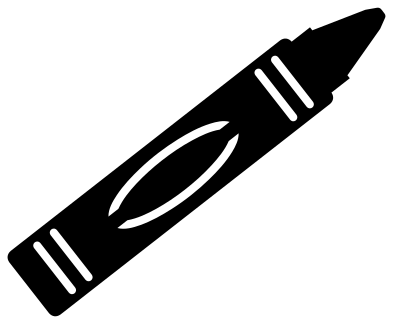 Crayon on a slant Solid · one piece
 -
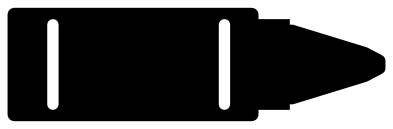 Fat crayon for a name Solid · one piece
 -
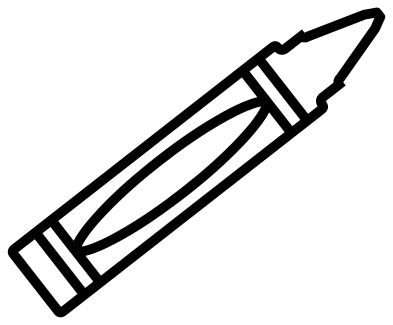 Crayon outline Outline · one piece
 -
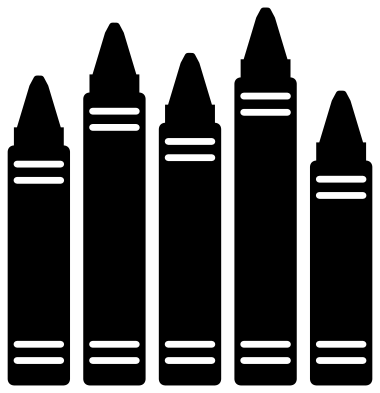 Five crayons in a row Solid · 5 pieces
 -
 Three crayons in a fan Solid · one piece
 -
 Crayon box with five crayons Solid · one piece
 -
 Crayon pocket Solid · one piece
 -
 Split crayon for a name Solid · 2 pieces
 -
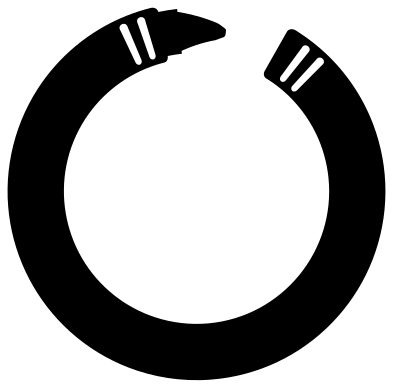 Crayon monogram frame Solid · one piece
 -
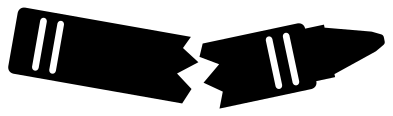 Broken crayon Solid · 2 pieces
 -
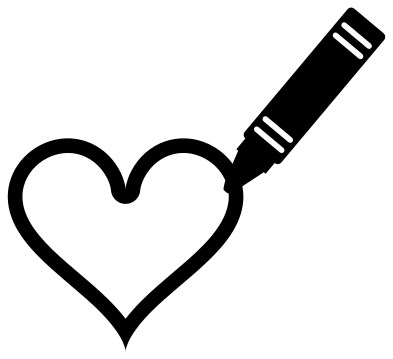 Crayon drawing a heart Solid · one piece
 -
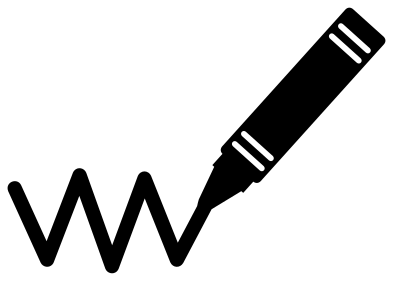 Crayon and a scribble Solid · one piece
 -
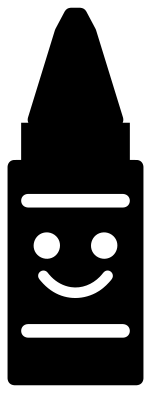 Cute crayon with a face Solid · one piece
 -
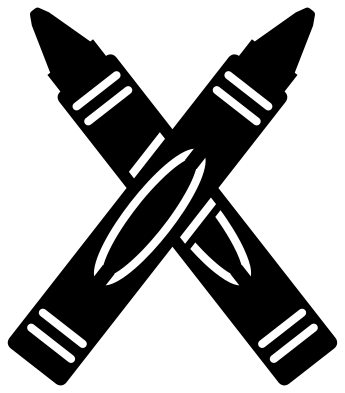 Two crossed crayons Solid · one piece
 -
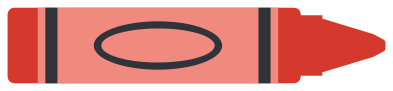 Layered crayon in three colours Layered · 5 pieces
Crayons for names
Most crayon files are cut to carry a child’s name, so three of these are built for it. The fat crayon has a plain wrapper about 42 mm long and 30 mm tall when the crayon is 100 mm long. The split crayon opens along its length to leave a band 16 mm tall between the halves. The crayon ring leaves a round opening for one initial. Set the name in a chunky rounded face, which suits the subject and weeds easily.
For a yellow crayon with a darker wrapper, use the layered crayon and change its three colours, or cut a single-colour crayon twice and keep the wrapper from one and the wax from the other.
Cutting notes
A crayon is a solid bar, so it cuts well in every material and at small sizes. The lines on the wrapper are slits about 2 mm wide at 100 mm that stop short of the edges. Under about 40 mm long, they start to close up in vinyl, so use the fat crayon, whose lines are heavier. The crayon pocket is meant for the chest of a shirt: cut it 80 to 90 mm tall for a child’s size and mirror it for heat transfer vinyl.
How to open the files
- Cricut Design Space: choose Upload, pick the SVG, and add it to the canvas. Set the width you want; the shape is already welded.
- Silhouette Studio: Designer Edition and above open the SVG. The free Basic Edition does not, so open the DXF instead.
- LightBurn, xTool Creative Space and Glowforge: import the SVG, then set the layer to cut, score or engrave.
- Inkscape, Illustrator and Affinity: open the SVG. It is a plain filled path, so you can recolour it, add a stroke or combine it with your own work.
- Printing or sublimation: use the PNG, which has a transparent background.
Each design page lists the file’s narrowest part at seven sizes, so you can tell whether it will survive at the size you plan to cut.
Questions
How do I add a name to the split crayon?
Type the name in your cutting software and set it in the gap between the two halves. Cut the name and both halves together and keep them on the transfer tape, so the halves stay the right distance apart when you apply them.
Can I cut the five crayons in a row from different colours?
Yes, that is why they are loose pieces. Ungroup the row and send each crayon to its own colour, or cut the whole row five times and pick one crayon from each sheet. The small gaps between them make it easy to line them up again.
Why is there no name on the wrapper?
A maker’s name on a crayon is a trade mark, so the wrappers here are blank. The oval label is the place for your own wording: a child’s name, a colour or a class number.
 Camera SVG
  Guitar SVG
  Music note SVG
  Stethoscope SVG
  Tooth SVG
  Light bulb SVG