Free cow SVG files
Free cow SVG files: a dairy cow with patches, a grazing cow, a bull, cow faces with horns and a broad muzzle, a Highland cow, a skull, an ear tag, and cow print as a square, as loose spots and in a heart. All drawn by code as clean closed shapes.
18 designs. Free for personal and commercial use, no sign-up. What you can do with them.
-
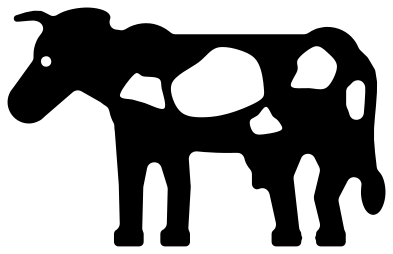 Dairy cow with patches Solid · one piece
 -
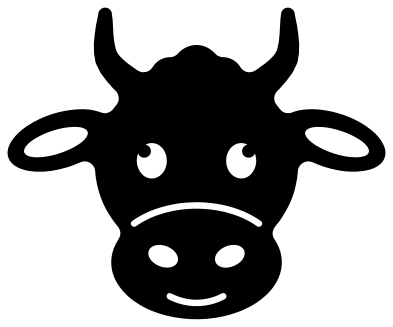 Cow face Solid · one piece
 -
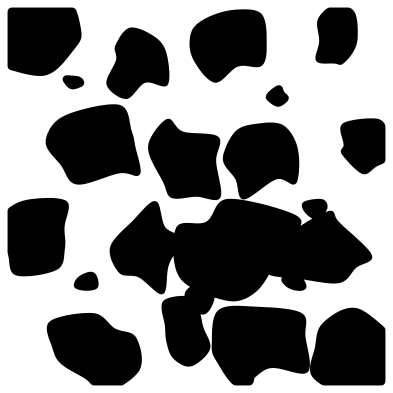 Cow print Solid · 16 pieces
 -
 Cow head silhouette Solid · one piece
 -
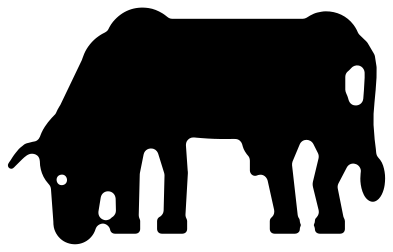 Grazing cow silhouette Solid · one piece
 -
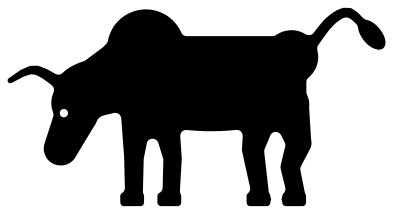 Bull, a male cow, with its head down Solid · one piece
 -
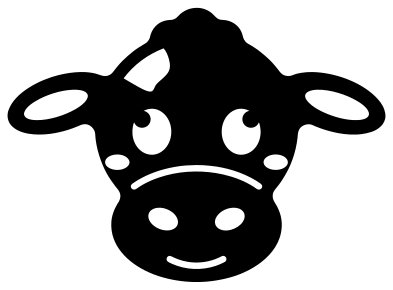 Cute cow face Solid · one piece
 -
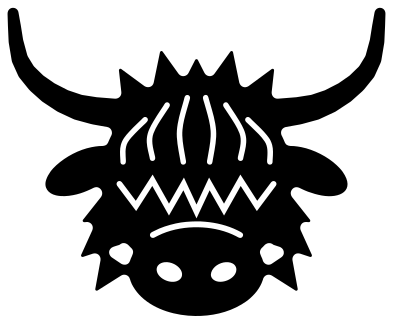 Highland cow face Solid · one piece
 -
 Cow face with a bandana Solid · one piece
 -
 Cow with a flower crown Solid · one piece
 -
 Cow skull with horns Solid · one piece
 -
 Cow ear tag Solid · one piece
 -
 Cow with an ear tag for a monogram Solid · one piece
 -
 Cow mandala head Solid · one piece
 -
 Cow spots Solid · 7 pieces
 -
 Cow print heart Solid · one piece
 -
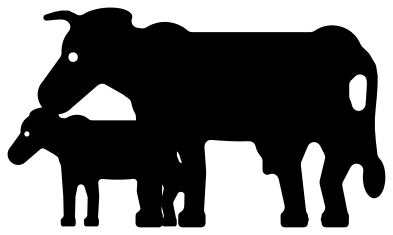 Cow and calf Solid · one piece
 -
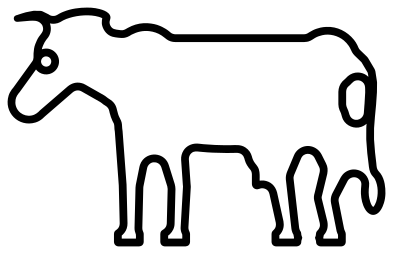 Cow outline Outline · one piece
Cow print, patches and one-colour cows
A black and white cow in a single colour works by leaving things out. On the dairy cow the patches are holes, so cut her from black vinyl and put her on a white mug, or cut her from white and back her with black. The cow print square is the other way round: every patch is a loose piece. Keep them on the backing sheet, lift the whole square with transfer tape and the spacing stays as drawn.
Every file is 100 mm on its longer side. The legs of the standing cattle are about 6 mm wide at that size and the tail about 3 mm, so they cut well in vinyl and card down to half size; in 3 mm plywood keep them at 100 mm or wider, or the tail will be the first thing to snap. The faces are sturdier: horns and ears are thick, and the only fine cuts are the muzzle line and the smile, each about 2 mm wide.
Filling a shape with cow print
To fill a letter, a number or a tumbler wrap with cow print, place the print square over your shape in your cutting software, scale it until the patches look right and use Slice or Intersect. Flip or rotate a second copy of the square to cover larger areas without the repeat showing.
How to open the files
- Cricut Design Space: choose Upload, pick the SVG, and add it to the canvas. Set the width you want; the shape is already welded.
- Silhouette Studio: Designer Edition and above open the SVG. The free Basic Edition does not, so open the DXF instead.
- LightBurn, xTool Creative Space and Glowforge: import the SVG, then set the layer to cut, score or engrave.
- Inkscape, Illustrator and Affinity: open the SVG. It is a plain filled path, so you can recolour it, add a stroke or combine it with your own work.
- Printing or sublimation: use the PNG, which has a transparent background.
Each design page lists the file’s narrowest part at seven sizes, so you can tell whether it will survive at the size you plan to cut.
Questions
Which file do I use for a cow print tumbler or shirt?
Use the cow print square for an all-over print, scaled to the height of the tumbler or the width of the shirt front. For a scattered look, use the cow spots file and place the seven patches one by one, turning each a little.
Can I put a name or a number on the ear tag?
Yes. The flag of the tag is a plain rounded rectangle about 53 mm wide and 62 mm tall when the tag is 100 mm tall. Add your text over it and cut it out of the tag, or cut it from a second colour. The cow with a tag has a smaller flag for one or two letters.
Is the Highland cow hard to weed?
No. It has one zigzag slit for the fringe, six hair strands and the nose, all about 1.5 mm wide, and the solid parts between them are 2 mm or more. Weed the zigzag first, pulling along its length. The horns are long, so in card or wood cut it at 100 mm or wider.
 Owl SVG
  Bird SVG
  Cat SVG
  Dog SVG
  Elephant SVG
  Fish SVG