Free candy corn SVG files
Free candy corn SVG files: a single kernel in one colour and in three layers, a set of emoji faces, candy corn with arms and legs, with a bow, with sunglasses and as a unicorn, plus a fan of three, a wreath, a garland, a jar and a heart. Each is drawn by code as clean closed shapes.
14 designs. Free for personal and commercial use, no sign-up. What you can do with them.
-
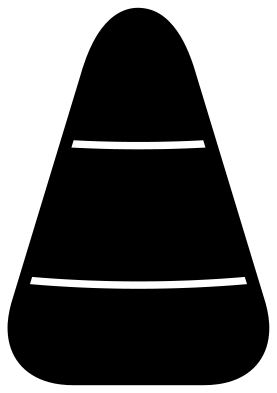 Candy corn Solid · one piece
 -
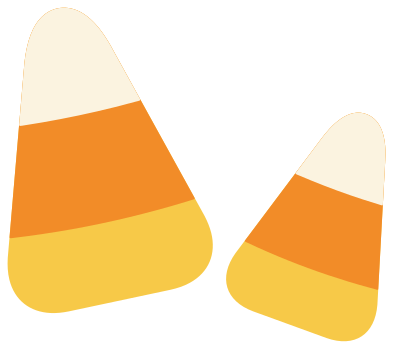 Layered candy corn in three colours Layered · 6 pieces
 -
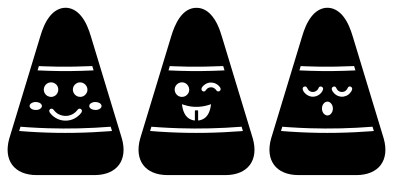 Candy corn emoji faces, set of three Solid · 3 pieces
 -
 Candy corn character with arms and legs Solid · one piece
 -
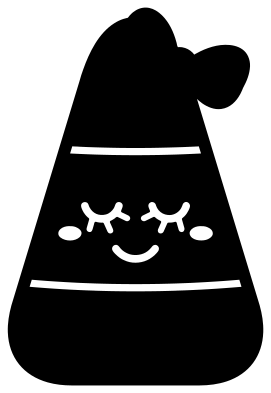 Candy corn cutie with a bow Solid · one piece
 -
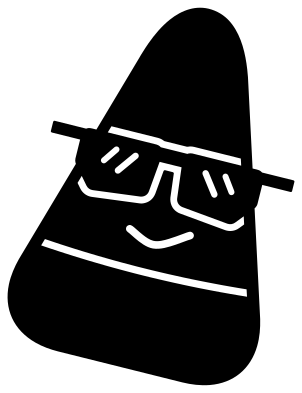 Cool candy corn with sunglasses Solid · one piece
 -
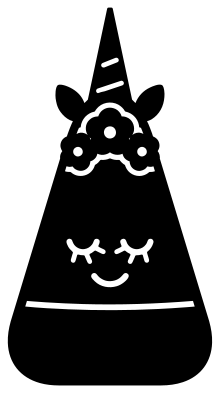 Candy corn unicorn Solid · one piece
 -
 Three candy corns fanned out Solid · one piece
 -
 Candy corn wreath Solid · one piece
 -
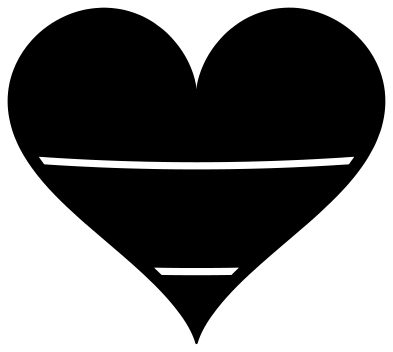 Candy corn heart Solid · one piece
 -
 Candy corn garland Solid · one piece
 -
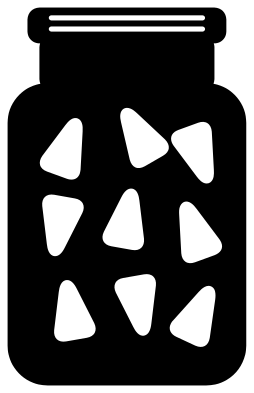 Jar of candy corn Solid · one piece
 -
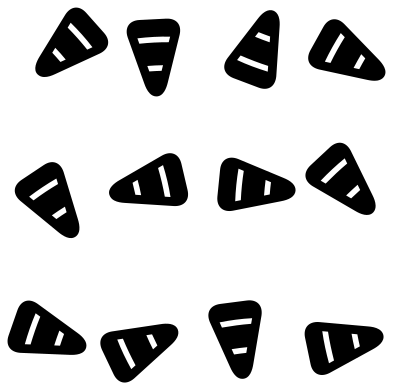 Scattered candy corn Solid · 12 pieces
 -
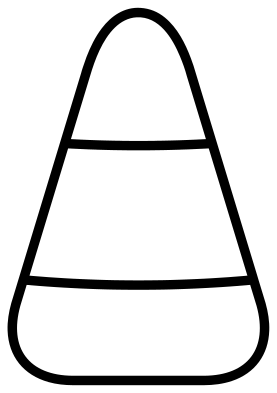 Candy corn outline Outline · one piece
Three colours, one piece or three
Candy corn is a rounded triangle in three bands: white at the tip, orange in the middle and yellow at the wide end. There are two ways to cut that. The one-piece kernel marks the bands with two curved cuts about 1.8 mm wide that stop about 3 mm short of each edge, so the whole kernel lifts together and you can back each band with its own colour. The layered kernel gives you three separate shapes to stack, yellow first, then orange, then the white tip, which is quicker in vinyl and cleaner in card.
Every file is 100 mm on its longer side. The plain kernel has no thin parts and cuts well at 15 mm, small enough for nail decals and confetti. The characters have arms, lashes and legs about 1.5 to 3.5 mm wide, so keep those at 70 mm or more.
Party tables and treat bags
The candy corn garland is a banner in miniature: cut it at 250 mm wide from card and hang it along a shelf. The wreath suits the front of a card or a door sign for October. The scattered candy corn is twelve loose kernels for confetti, cupcake picks and the corners of invitations, and the jar has nine kernels cut out of it so the colour behind shows through as sweets.
How to open the files
- Cricut Design Space: choose Upload, pick the SVG, and add it to the canvas. Set the width you want; the shape is already welded.
- Silhouette Studio: Designer Edition and above open the SVG. The free Basic Edition does not, so open the DXF instead.
- LightBurn, xTool Creative Space and Glowforge: import the SVG, then set the layer to cut, score or engrave.
- Inkscape, Illustrator and Affinity: open the SVG. It is a plain filled path, so you can recolour it, add a stroke or combine it with your own work.
- Printing or sublimation: use the PNG, which has a transparent background.
Each design page lists the file’s narrowest part at seven sizes, so you can tell whether it will survive at the size you plan to cut.
Questions
Which way round do the colours go?
White at the pointed tip, orange in the middle, yellow at the wide base. That is the classic kernel. Some autumn mixes swap the yellow for brown, and the layered file works for those too: change the colour of the bottom layer.
How do I stack the layered candy corn?
Lay the yellow kernel down first. The orange layer covers everything above the lower band line, so line up its tip and sides with the yellow. The white tip goes on last. All three share the same outline, so the edges match exactly.
Can I cut the kernels small enough for cupcake toppers?
Yes. The plain candy corn and the kernels in the scatter file have nothing thinner than the bridges at the band lines, so 25 to 30 mm is fine in card. Glue each one to a cocktail stick. For the faces, stay at 50 mm or more.
 Pumpkin SVG
  Ghost SVG
  Bat SVG
  Spider web SVG
  Witch hat SVG
  Skull SVG