Free calendar SVG files
Free calendar SVG files with no year printed on them: blank month grids of seven columns with five and six rows, a dry-erase planner, a year in twelve boxes, the month and weekday names, date numerals and the calendar page as an icon.
16 designs. Free for personal and commercial use, no sign-up. What you can do with them.
Or choose one below for its PNG, DXF and cutting sizes.
-
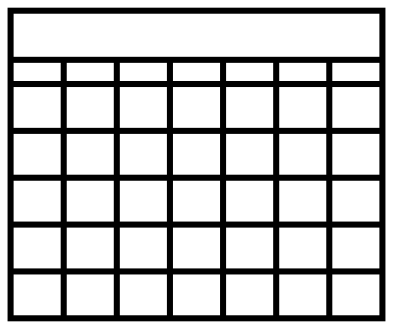 Blank calendar grid with five weeks Solid · one piece
 -
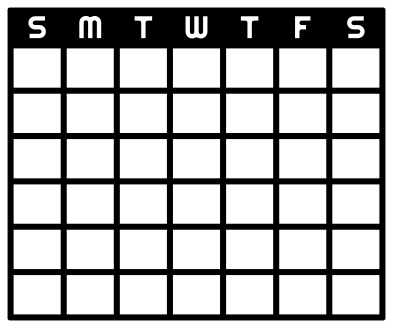 Monthly calendar template with six weeks Solid · one piece
 -
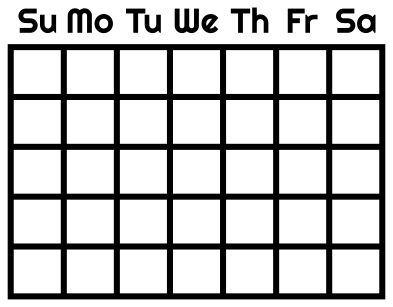 Monthly calendar grid with weekday names Solid · 15 pieces
 -
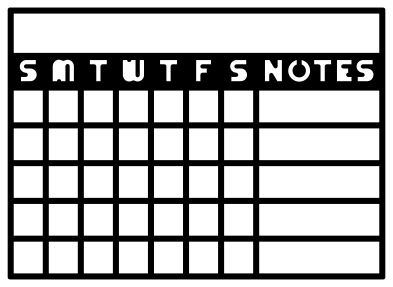 Dry erase calendar with a notes column Solid · one piece
 -
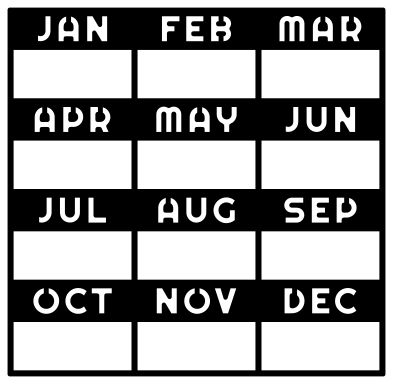 Wall calendar for a year in twelve boxes Solid · one piece
 -
 Calendar icon with binder rings Solid · one piece
 -
 Tear-off calendar page with a heart Solid · one piece
 -
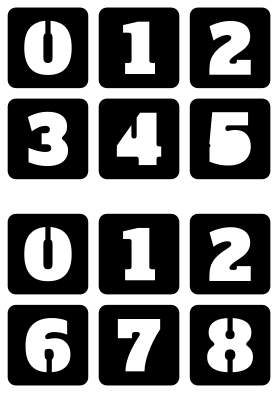 Perpetual calendar numerals for two cubes Solid · 12 pieces
 -
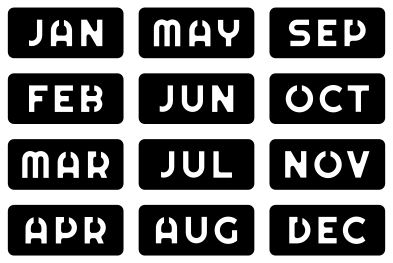 Calendar month plates from JAN to DEC Solid · 12 pieces
 -
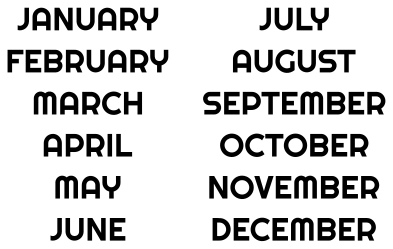 Calendar month names, January to December Solid · 74 pieces
 -
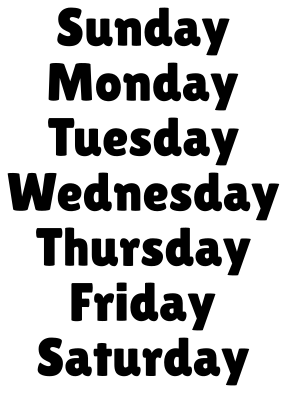 Calendar days of the week, Sunday to Saturday Solid · 51 pieces
 -
 February calendar header with hearts Solid · one piece
 -
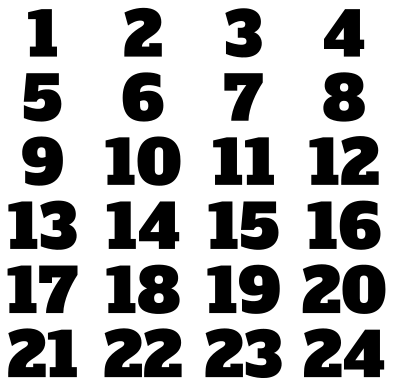 Advent calendar numerals from 1 to 24 Solid · 39 pieces
 -
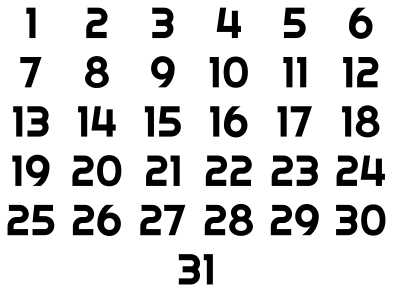 Calendar date numerals from 1 to 31 Solid · 53 pieces
 -
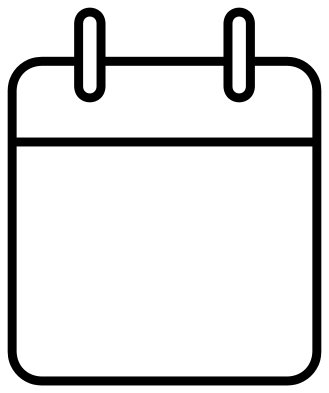 Calendar outline with a blank page Outline · one piece
 -
 Layered calendar icon in three colours Layered · 3 pieces
Five rows or six
A month grid has seven columns, one for each day of the week, and the question is how many rows. Five rows hold most months. A month of 31 days needs a sixth row when its first day falls in either of the last two columns, and a month of 30 days needs one when it starts in the last column. The six-week grid here fits every month; the five-week grids give larger boxes, and in a long month the last day or two share a box, split with a diagonal line.
The initials on the six-week grid and the dry-erase planner run Sunday first, the usual order in the United States. For a week that starts on Monday, use the grid with loose weekday names, or the blank five-week grid, and set the days out in your own order.
Sizes and materials
The grids are drawn to be cut large. A 12 inch mat cuts a little over 290 mm, so the notes give sizes for a grid 280 mm wide, where a day box is about 35 mm across: room for two short lines in a dry-wipe pen. Each grid is one piece, so cut it from permanent vinyl, weed out the boxes and move the whole lattice with one sheet of transfer tape. On a glass frame or an acrylic sheet it becomes a dry-erase calendar that is wiped clean and renumbered each month.
The lines are 1.6 mm wide at 100 mm and about 4.5 mm at 280 mm. Below about 180 mm wide they get thin enough to stretch as you lift them, so keep small versions for card and paper.
How to open the files
- Cricut Design Space: choose Upload, pick the SVG, and add it to the canvas. Set the width you want; the shape is already welded.
- Silhouette Studio: Designer Edition and above open the SVG. The free Basic Edition does not, so open the DXF instead.
- LightBurn, xTool Creative Space and Glowforge: import the SVG, then set the layer to cut, score or engrave.
- Inkscape, Illustrator and Affinity: open the SVG. It is a plain filled path, so you can recolour it, add a stroke or combine it with your own work.
- Printing or sublimation: use the PNG, which has a transparent background.
Each design page lists the file’s narrowest part at seven sizes, so you can tell whether it will survive at the size you plan to cut.
Questions
How do the two cubes of a perpetual calendar show every date?
One cube carries 0, 1, 2, 3, 4 and 5 and the other 0, 1, 2, 6, 7 and 8. Both need 1 and 2 for the 11th and 22nd, and both need 0 so that every numeral can follow it. That leaves room for only six more numerals where seven are wanted, so the 6 is turned upside down to make the 9.
Can I add the dates for this year?
The files have no dates on purpose, so they never go out of date. For a fixed calendar, cut the date numerals 1 to 31 and place them in the boxes, starting in the column of the weekday the month begins on. For a board you reuse, leave the boxes empty and write the dates in.
What size is a day box on a letter-size or A4 sheet?
Cut the five-week grid 200 mm wide and each day box is about 25 mm wide and 22 mm tall, with lines a little over 3 mm wide. That is enough for a date in the corner and one short word.
 Camera SVG
  Guitar SVG
  Music note SVG
  Stethoscope SVG
  Tooth SVG
  Light bulb SVG