Free bride and groom SVG files
Free bride and groom SVG files: the couple arm in arm, as a plain silhouette with a train, as stick figures and as peg dolls, head and shoulders, in a heart, under an arch of leaves, on a wedding cake, in a round papercut and beside a blank ring for the date. None has a face, so they suit any couple.
12 designs. Free for personal and commercial use, no sign-up. What you can do with them.
-
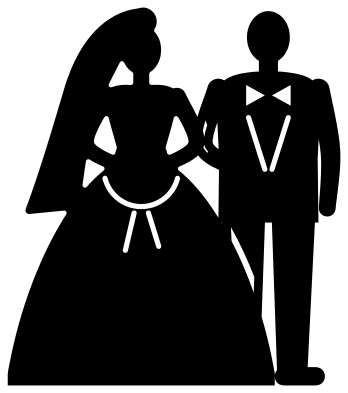 Bride and groom arm in arm Solid · one piece
 -
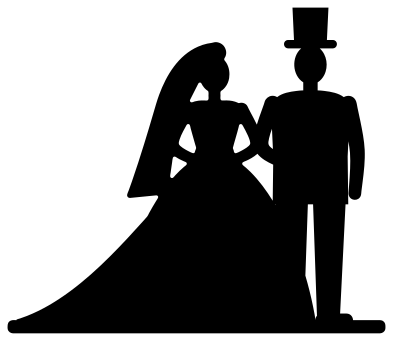 Bride and groom silhouette with a train Solid · one piece
 -
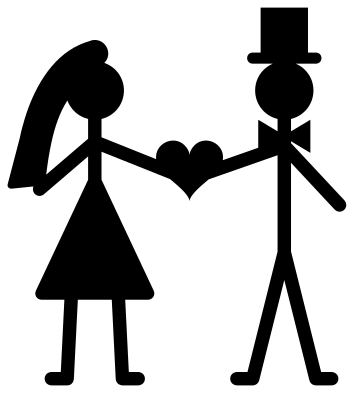 Stick figure bride and groom Solid · one piece
 -
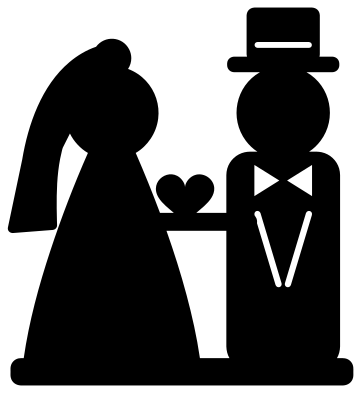 Simple bride and groom for children Solid · one piece
 -
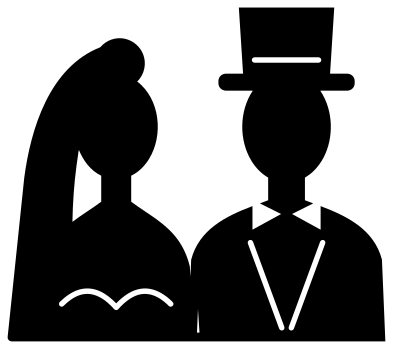 Bride and groom head and shoulders Solid · one piece
 -
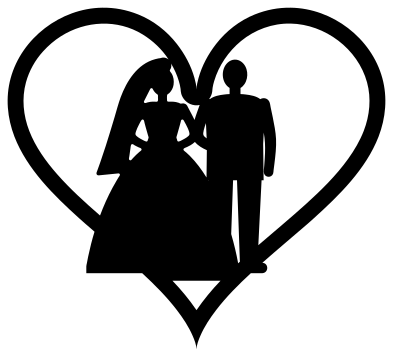 Bride and groom in a heart Solid · one piece
 -
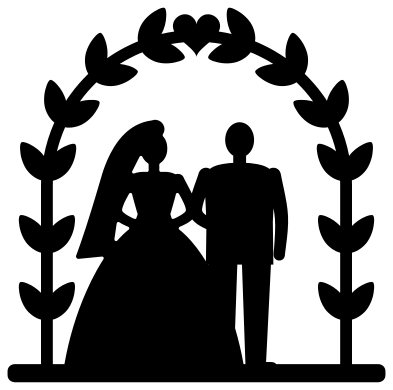 Bride and groom under an arch of leaves Solid · one piece
 -
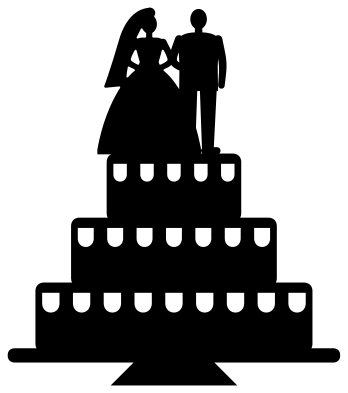 Bride and groom on a wedding cake Solid · one piece
 -
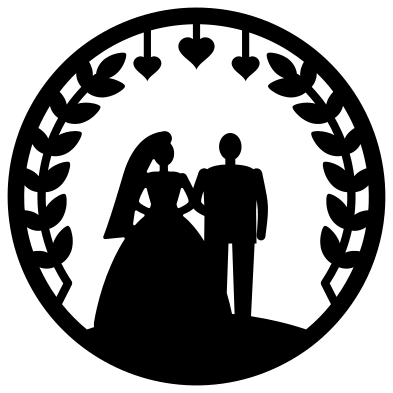 Bride and groom papercut in a ring Solid · one piece
 -
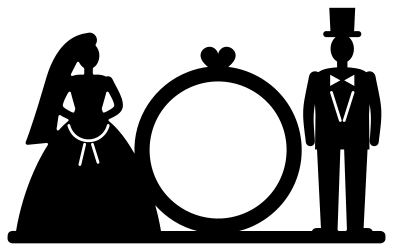 Bride and groom with a ring for the date Solid · one piece
 -
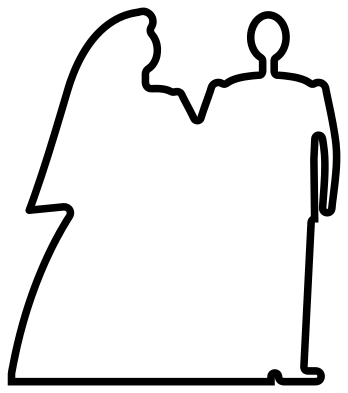 Bride and groom outline Outline · one piece
 -
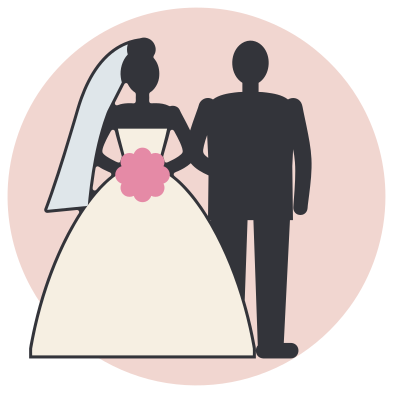 Layered bride and groom on a round backing Layered · 5 pieces
Thin places to watch
A couple seen from the front is two heads on two necks, and the necks are the narrowest solid part: about 4 mm wide when the pair is 100 mm tall. Her arms are close behind at about 3.5 mm. That is fine in vinyl and card at 80 mm and up. For a cake topper in 2 or 3 mm acrylic or wood, cut the silhouette with a train at 120 mm wide or more, which makes the necks over 5 mm, and fix the picks behind the floor strip, not behind the figures.
The couple arm in arm has a few fine cut lines: his bow tie and lapels, the edge of her posy and the seam where her skirt crosses his leg. They are a little over 1 mm wide and are there to be weeded out. If you are cutting small, use the silhouette, which has none of them.
Making the pair your own
Nothing here has a face, hair colour or skin colour, so one file suits any couple. To make two brides or two grooms, start from the design with a ring for the date, where the two figures stand apart. In your cutting software, slice away the figure you do not want and put a mirrored copy of the other in its place. The ring between the two figures is about 36 mm across inside when the design is 100 mm wide: enough for a date in two short lines, and more if you cut it larger.
How to open the files
- Cricut Design Space: choose Upload, pick the SVG, and add it to the canvas. Set the width you want; the shape is already welded.
- Silhouette Studio: Designer Edition and above open the SVG. The free Basic Edition does not, so open the DXF instead.
- LightBurn, xTool Creative Space and Glowforge: import the SVG, then set the layer to cut, score or engrave.
- Inkscape, Illustrator and Affinity: open the SVG. It is a plain filled path, so you can recolour it, add a stroke or combine it with your own work.
- Printing or sublimation: use the PNG, which has a transparent background.
Each design page lists the file’s narrowest part at seven sizes, so you can tell whether it will survive at the size you plan to cut.
Questions
Can I use the bride and groom as a cake topper?
Yes. Use the silhouette with a train. It is one solid piece on a strip of floor. Cut it 120 to 150 mm wide from acrylic, thin wood or two layers of glitter card glued back to back, and glue two food-safe picks behind the floor strip.
Which design goes in a shadow box?
The silhouette with a train has a flat base and no fine detail, so it stands against a backing paper and casts a clean shadow. The papercut in a ring is made to be mounted on foam pads over a coloured card in a square frame.
Why do the figures have no faces?
A blank face lets the same cut suit every couple, and it cuts far more cleanly: eyes and mouths at this size would be specks under a millimetre. If you want features, draw them on with a paint pen after cutting.
 Crown SVG
  Banner SVG
  Bow SVG
  Gift tag SVG
  Pillow box SVG
  Gift card holder SVG