Free avocado SVG files
Free avocado SVG files: halves with the stone, a whole fruit, a pair of halves, avocado toast, a bowl of guacamole and versions with a face, a heart and room for an initial. The fruit is the same on both sides. Download as SVG, PNG or DXF.
13 designs. Free for personal and commercial use, no sign-up. What you can do with them.
-
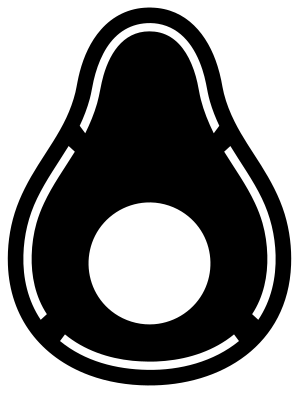 Avocado half with its stone Solid · one piece
 -
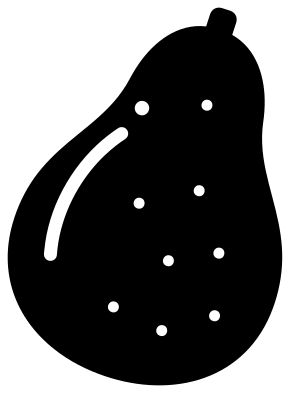 Whole avocado Solid · one piece
 -
 Two avocado halves Solid · one piece
 -
 Avocado silhouette Solid · one piece
 -
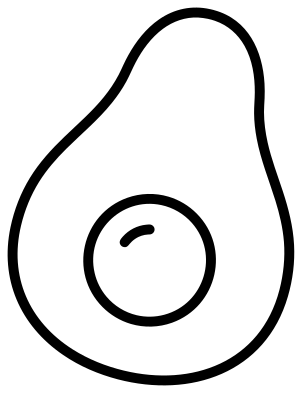 Avocado outline Outline · 3 pieces
 -
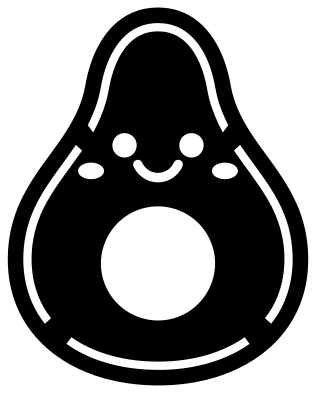 Cute avocado with a face Solid · one piece
 -
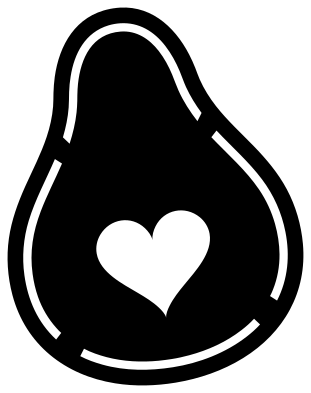 Avocado with a heart stone Solid · one piece
 -
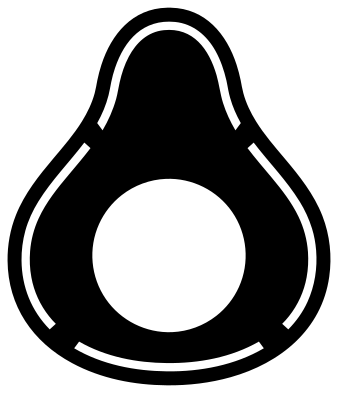 Avocado monogram frame Solid · one piece
 -
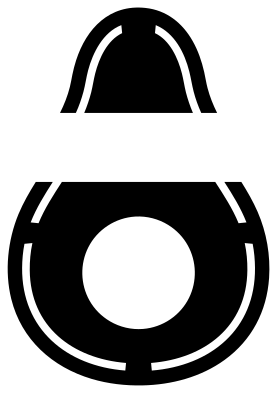 Split avocado for a name Solid · 2 pieces
 -
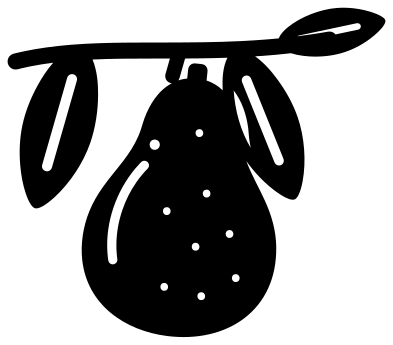 Avocado on a branch Solid · one piece
 -
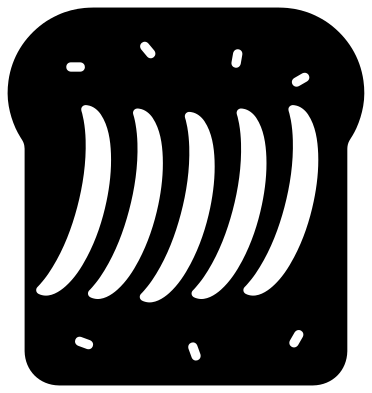 Avocado toast Solid · one piece
 -
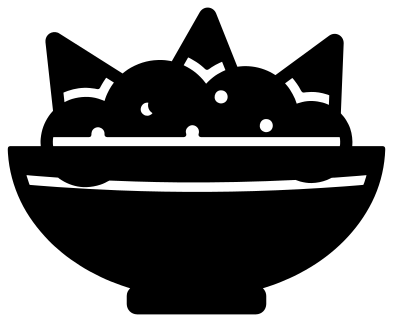 Avocado guacamole bowl with chips Solid · one piece
 -
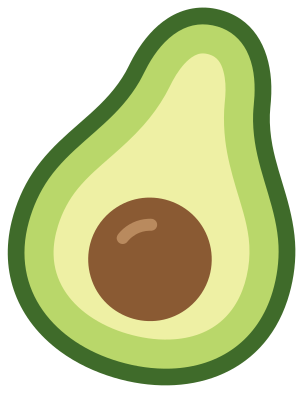 Layered avocado in five colours Layered · 5 pieces
Skin, flesh and stone in one colour
A cut avocado has three parts, and a single-colour file has to suggest all of them. In these designs the skin is the strip between the outline and a cut line about 5 mm inside it. That line is about 2 mm wide and is broken by four bridges, each about 7 mm across, which stop the flesh from falling out of the rim. The stone is a plain round hole about 32 mm across when the fruit is 100 mm tall, so whatever you put behind it becomes the stone.
The shape itself is sturdy. The narrowest part of the fruit is the neck, about 38 mm across, so an avocado cuts well in vinyl, card, felt and wood at almost any size. Below about 40 mm tall the skin line gets hard to weed: use the avocado silhouette, which has only the stone to lift out.
Greens that work
For a two-colour avocado, cut the half in a yellow green and lay it on dark brown, which shows through the stone. Cut the silhouette a few millimetres larger in dark green and put it behind for the skin. The layered avocado does all of this as five pieces, from the dark skin to the shine on the stone.
How to open the files
- Cricut Design Space: choose Upload, pick the SVG, and add it to the canvas. Set the width you want; the shape is already welded.
- Silhouette Studio: Designer Edition and above open the SVG. The free Basic Edition does not, so open the DXF instead.
- LightBurn, xTool Creative Space and Glowforge: import the SVG, then set the layer to cut, score or engrave.
- Inkscape, Illustrator and Affinity: open the SVG. It is a plain filled path, so you can recolour it, add a stroke or combine it with your own work.
- Printing or sublimation: use the PNG, which has a transparent background.
Each design page lists the file’s narrowest part at seven sizes, so you can tell whether it will survive at the size you plan to cut.
Questions
How do I make the stone brown?
The stone is a hole, so stick the avocado on brown card or vinyl and it shows through. For a raised stone, use the layered avocado, where the stone is its own brown circle with a small shine to set on top.
Which design works for a pair, such as two mugs?
The two avocado halves show both sides of one fruit, the half with the stone and the half with the hollow. Cut the design once and split it between the two halves, or cut the cute avocado for one and the avocado with a heart stone for the other.
Can I use the whole avocado on its own?
Yes, but it reads best beside a half, because an uncut avocado is a plain dark pear shape. The stalk nub at the neck and the glint help. For a single small sticker, the half is the clearer choice.
 Pineapple SVG
  Coffee cup SVG
  Wine glass SVG
  Beer mug SVG
  Cupcake SVG
  Donut SVG