Free yin yang SVG files
Free yin yang SVG files: the classic sign in one colour, in two layers, in outline and as a one-piece stencil, plus sun and moon, koi, cats, lotus, feather and heart versions. The curve is built from true half circles, so the two halves are exactly equal.
12 designs. Free for personal and commercial use, no sign-up. What you can do with them.
-
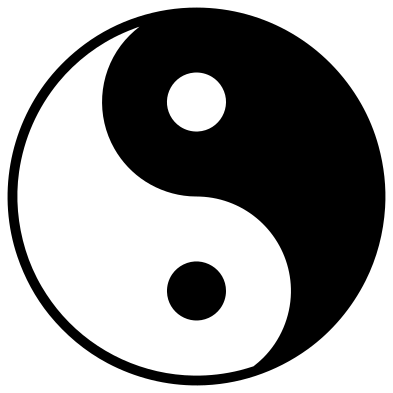 Classic yin yang Solid · 2 pieces
 -
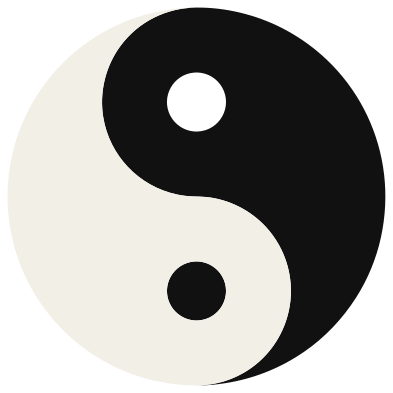 Layered yin yang in two colours Layered · 3 pieces
 -
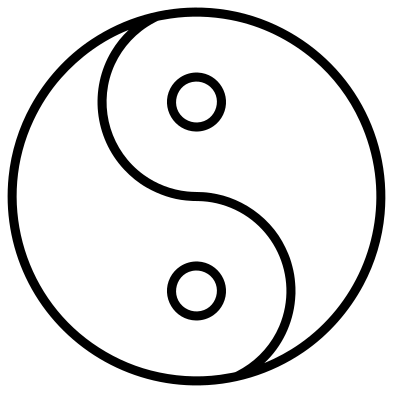 Yin yang outline Outline · 3 pieces
 -
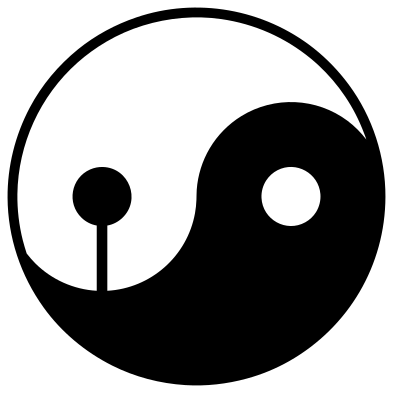 One-piece yin yang stencil Solid · one piece
 -
 Heart-shaped yin yang Solid · 2 pieces
 -
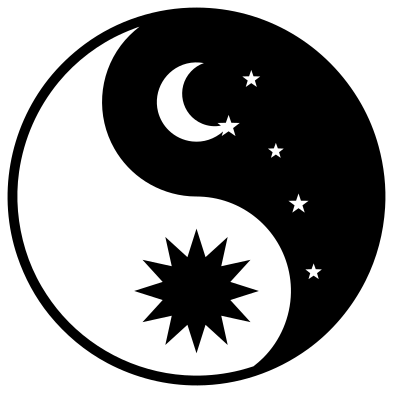 Sun and moon yin yang Solid · 2 pieces
 -
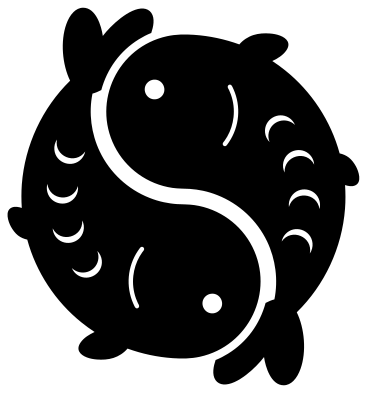 Koi fish yin yang Solid · 2 pieces
 -
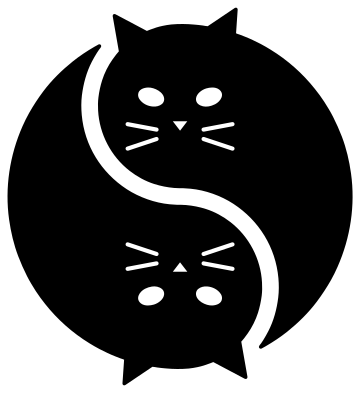 Yin yang cats Solid · 2 pieces
 -
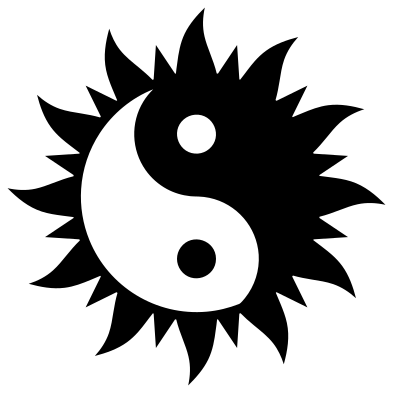 Yin yang sun with flames Solid · 2 pieces
 -
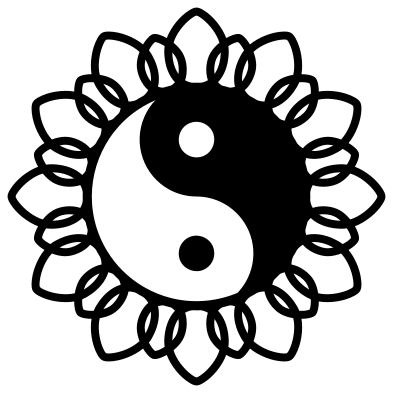 Yin yang in a lotus Solid · 2 pieces
 -
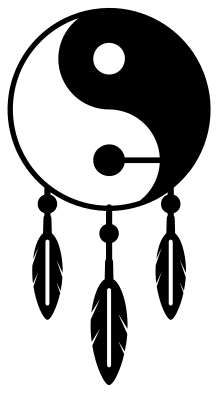 Boho yin yang with feathers Solid · one piece
 -
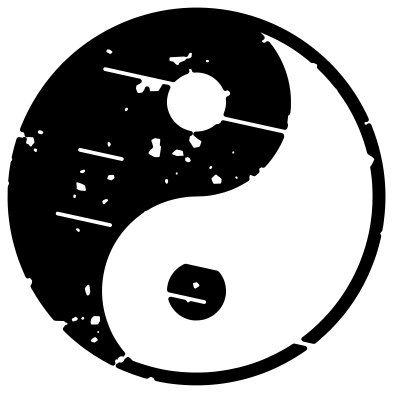 Distressed yin yang Solid · 3 pieces
How the sign is drawn
Draw a circle. On its upright diameter draw two smaller circles, each half as wide, one above the centre and one below. The S-shaped line runs round the left of one small circle and the right of the other. That is the whole construction, and it makes the two halves the same shape and the same area. Each half then gets a dot of the other colour at the centre of its round head; here the dots are just under a third as wide as the small circles.
The sign comes from Chinese philosophy, where yin (dark) and yang (light) are opposites that depend on each other, and each holds the seed of the other. It is also called the taijitu.
Cutting it in one colour
In a single colour of vinyl only the dark half is cut, so the light half needs an edge. The files add a thin ring round the circle for that. The dark dot in the light half has nothing to hold it, so it is a separate piece: lift everything on transfer tape and it stays in place. For wood, acrylic or card, use the one-piece stencil, which ties that dot to the tail beside it.
For a two-colour result, use the layered file. The light layer has a hole for the dark dot and the dark layer has a hole for the light dot, so the two can sit side by side on one backing with no overlap.
How to open the files
- Cricut Design Space: choose Upload, pick the SVG, and add it to the canvas. Set the width you want; the shape is already welded.
- Silhouette Studio: Designer Edition and above open the SVG. The free Basic Edition does not, so open the DXF instead.
- LightBurn, xTool Creative Space and Glowforge: import the SVG, then set the layer to cut, score or engrave.
- Inkscape, Illustrator and Affinity: open the SVG. It is a plain filled path, so you can recolour it, add a stroke or combine it with your own work.
- Printing or sublimation: use the PNG, which has a transparent background.
Each design page lists the file’s narrowest part at seven sizes, so you can tell whether it will survive at the size you plan to cut.
Questions
Which way round should a yin yang go?
There is no single rule: old drawings show it turned every way. The most common modern form has the two round heads at the top and bottom and the dark half rising on one side. Rotate or mirror the file to suit; the meaning does not change.
Why is one dot a loose piece?
The dark dot sits in the middle of the light half, and in a one-colour cut the light half is empty space, so nothing touches the dot. Use transfer tape to carry it across, or choose the one-piece stencil or the sun and moon design, which tie it in.
How do I cut the koi or the cats in two colours?
The two animals are separate pieces of the same shape. Cut the file once in black and once in white, then keep one animal from each sheet and place them head to tail.
 Cross SVG
  Paw print SVG
  Shamrock SVG
  Anchor SVG
  Compass SVG
  Gear SVG