Free Victorian design SVG files
Free Victorian SVG files: a cameo, porch trim, an iron bracket, a calling card border, pointing hands, a carriage, a gas lamp, a bird cage, a chaise longue, a house with a turret and more, each drawn from the proportions of the real thing with a few cuts that show how it was made.
22 designs. Free for personal and commercial use, no sign-up. What you can do with them.
Or choose one below for its PNG, DXF and cutting sizes.
-
 Victorian cameo in an oval frame Solid · one piece
-
 Pair of Victorian pointing hands Solid · 2 pieces
-
 Victorian carriage Solid · one piece
-
 Victorian house front Solid · one piece
-
 Victorian bird cage Solid · one piece
-
 Victorian gingerbread porch trim Solid · one piece
-
 Victorian cast iron bracket Solid · one piece
-
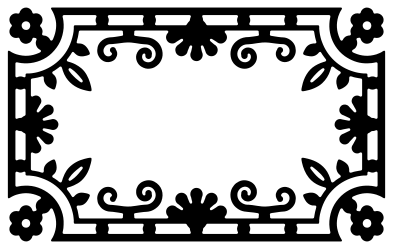 Victorian calling card border Solid · one piece
-
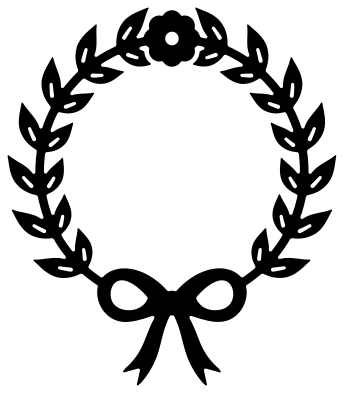 Victorian leaf circle with a ribbon Solid · one piece
-
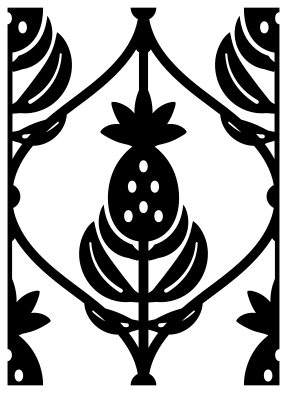 Victorian damask wallpaper tile Solid · one piece
-
 Victorian gas lamp post Solid · one piece
-
 Blank Victorian street sign Solid · one piece
-
 Victorian mantel clock Solid · one piece
-
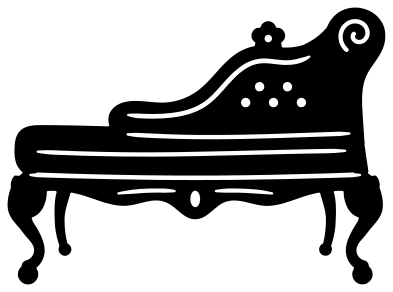 Victorian chaise longue Solid · one piece
-
 Victorian fire screen with roses Solid · one piece
-
 Victorian dressmaker’s form Solid · one piece
-
 Victorian top hat and cane Solid · one piece
-
 Victorian parasol Solid · one piece
-
 Victorian garden urn with ferns Solid · one piece
-
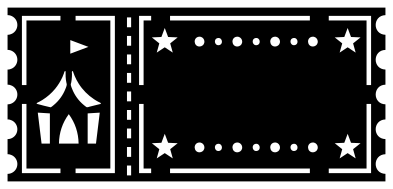 Blank Victorian circus ticket Solid · one piece
-
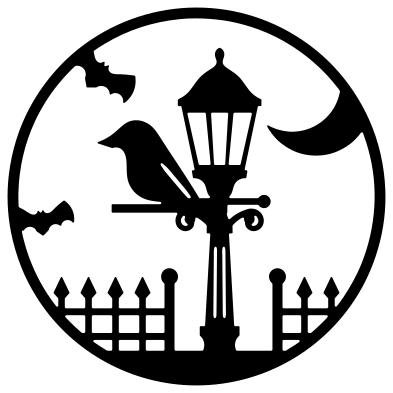 Victorian Halloween lamp and raven Solid · one piece
-
 Layered Victorian cameo Layered · 4 pieces
What suits what
The paper pieces, the calling card, the ticket, the pointing hands and the leaf circle, are at home on invitations, menus, labels and journals at 60 to 120 mm. The furniture and the street pieces make good decals at 150 to 250 mm on glass jars, notebooks and shop windows. The porch trim, the bracket, the street sign and the clock are drawn to be cut in wood or metal as well as card: use 3 mm ply at 200 mm or more.
For a scene, stand the lamp post, the carriage and the house front on one line. They are drawn to different scales, so set the lamp post at about a third of the height of the house and the carriage at about a fifth.
Cutting them
Every design is one piece but for the pointing hands, which are two, and the layered cameo, which is four sheets. The finest parts are the bars of the cage, the spokes of the carriage and the stalks of the ferns, between 1 and 1.5 mm at 100 mm, so cut those three at 100 mm or more in card and 80 mm in vinyl. The others go down to about 60 mm.
The trim is 100 mm long and joins end to end. The wallpaper tile joins on all four sides: repeat it straight across and straight down, because the half drop is already in it. Weld the copies before you cut.
Colours
Black on cream looks printed. For iron use a very dark green or a bronze, both common on Victorian street furniture, and for the cameo ivory on coral, on slate blue or on black. The layered cameo comes in four sheets: wine, blue, ivory and gold.
How to open the files
- Cricut Design Space: choose Upload, pick the SVG, and add it to the canvas. Set the width you want; the shape is already welded.
- Silhouette Studio: Designer Edition and above open the SVG. The free Basic Edition does not, so open the DXF instead.
- LightBurn, xTool Creative Space and Glowforge: import the SVG, then set the layer to cut, score or engrave.
- Inkscape, Illustrator and Affinity: open the SVG. It is a plain filled path, so you can recolour it, add a stroke or combine it with your own work.
- Printing or sublimation: use the PNG, which has a transparent background.
Each design page lists the file’s narrowest part at seven sizes, so you can tell whether it will survive at the size you plan to cut.
Questions
Can I put lettering on the street sign and the ticket?
Yes, that is what they are for. Both have a plain middle with a border round it. Type your words in your cutting software, weld them into one shape and either cut them out of the plate or lay them on it in a second colour. A heavy slab or a narrow grotesque letter suits the period.
How do I make the porch trim longer?
Duplicate the file and set each copy exactly one width along, 100 mm at this size, so that the half circles at the ends meet. Select them all and weld. A run of five is 500 mm.
Is the cameo a portrait of anyone?
No. It is a made-up head with the hair dressed as it was in the 1880s, and the face is told by its outline alone, as cut-paper profiles were.
 Mandala SVG
 Frame SVG
 Circle SVG
 Wreath SVG
 Border SVG
 Flourish SVG