Free thank you card SVG files
Free thank you card SVG templates: card bases with the fold already in them and tulips, daisies, hearts, a wreath or the words Thank You cut out of the front. There are cards for a teacher and for wedding thanks, a heart-shaped card, a pop-up and a version to print.
12 designs. Free for personal and commercial use, no sign-up. What you can do with them.
-
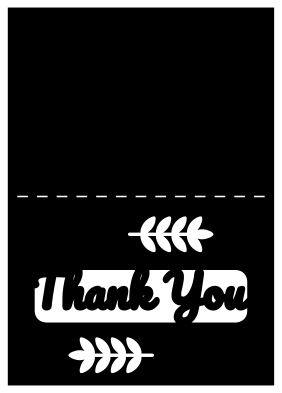 Thank you card with script lettering Solid · one piece
 -
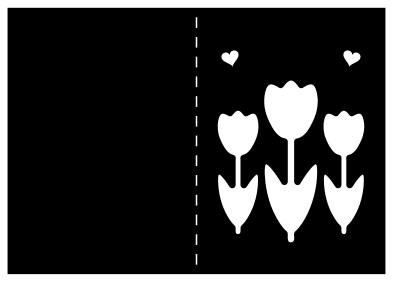 Thank you card with three tulips Solid · one piece
 -
 Heart-shaped thank you card Solid · one piece
 -
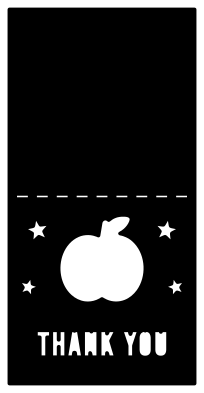 Thank you card for a teacher with an apple Solid · one piece
 -
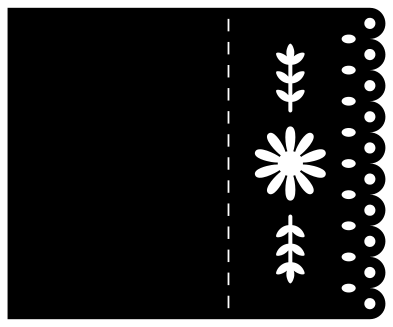 Thank you card with a lace edge Solid · one piece
 -
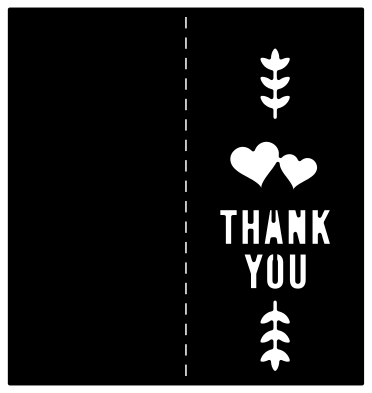 Wedding thank you card with two hearts Solid · one piece
 -
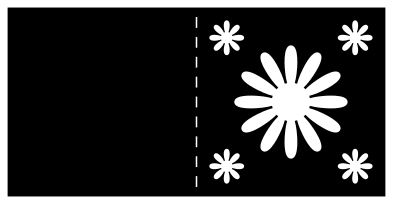 Square thank you card with daisies Solid · one piece
 -
 Small thank you card with a heart Solid · one piece
 -
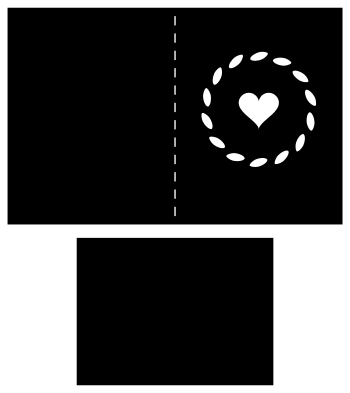 Thank you card with a leaf wreath and a liner Solid · 2 pieces
 -
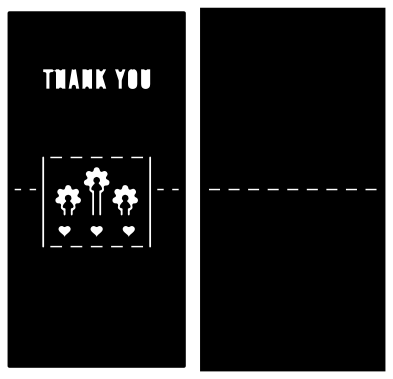 Pop up thank you card with flowers Solid · 2 pieces
 -
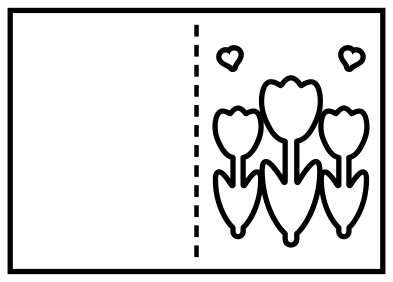 Thank you card template to print and cut by hand Outline · 16 pieces
 -
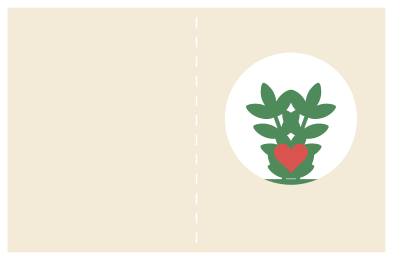 Layered thank you card with a sprig window Layered · 3 pieces
Words that hold together
Lettering is the hard part of a cut card, because the middle of an A or an O falls out when the letter is cut from a panel. These files deal with it in two ways. The capitals are bridged: a narrow strip of card is left across each closed letter, so the middle stays attached. The script card works the other way round: the window is cut away and the words are left standing in it, joined to the frame at the foot of every letter.
Both kinds cut as part of the card, in one piece, with nothing to place or glue. Lettering has the smallest parts in the set, so cut those cards at the full size given in the note and peel the card off the mat slowly, flat and from the fold side.
Sizes, card and batches
The files are 100 mm on their longer side and are scaled up to the size each note gives. The A6 cards are cut 210 mm long, so two fit on a sheet of A4, and the small card fits three to a sheet, which makes a set of thank you cards for a wedding or a party quick to cut. Use card of 200 to 270 gsm, and glue a liner 5 mm smaller than the front panel inside the front if you want the cut-outs to show in a colour.
How to open the files
- Cricut Design Space: choose Upload, pick the SVG, and add it to the canvas. Set the width you want; the shape is already welded.
- Silhouette Studio: Designer Edition and above open the SVG. The free Basic Edition does not, so open the DXF instead.
- LightBurn, xTool Creative Space and Glowforge: import the SVG, then set the layer to cut, score or engrave.
- Inkscape, Illustrator and Affinity: open the SVG. It is a plain filled path, so you can recolour it, add a stroke or combine it with your own work.
- Printing or sublimation: use the PNG, which has a transparent background.
Each design page lists the file’s narrowest part at seven sizes, so you can tell whether it will survive at the size you plan to cut.
Questions
Where do I write the message?
On the inside right-hand page, or on the liner if you add one. The cut-outs go through the front panel only, so the inside back is clear.
Can I make a set of matching cards?
Yes. The small card and the A6 cards are drawn in the same style, so a set can mix them. Cut all the bases from one colour of card and vary the liner.
Will the bridged letters tear?
Not at the sizes in the notes. The bridges are 1.2 mm wide in the file and over 2 mm once the card is scaled up. Cut smaller than half the given size and they become fragile.
 Crown SVG
  Banner SVG
  Bow SVG
  Gift tag SVG
  Pillow box SVG
  Gift card holder SVG